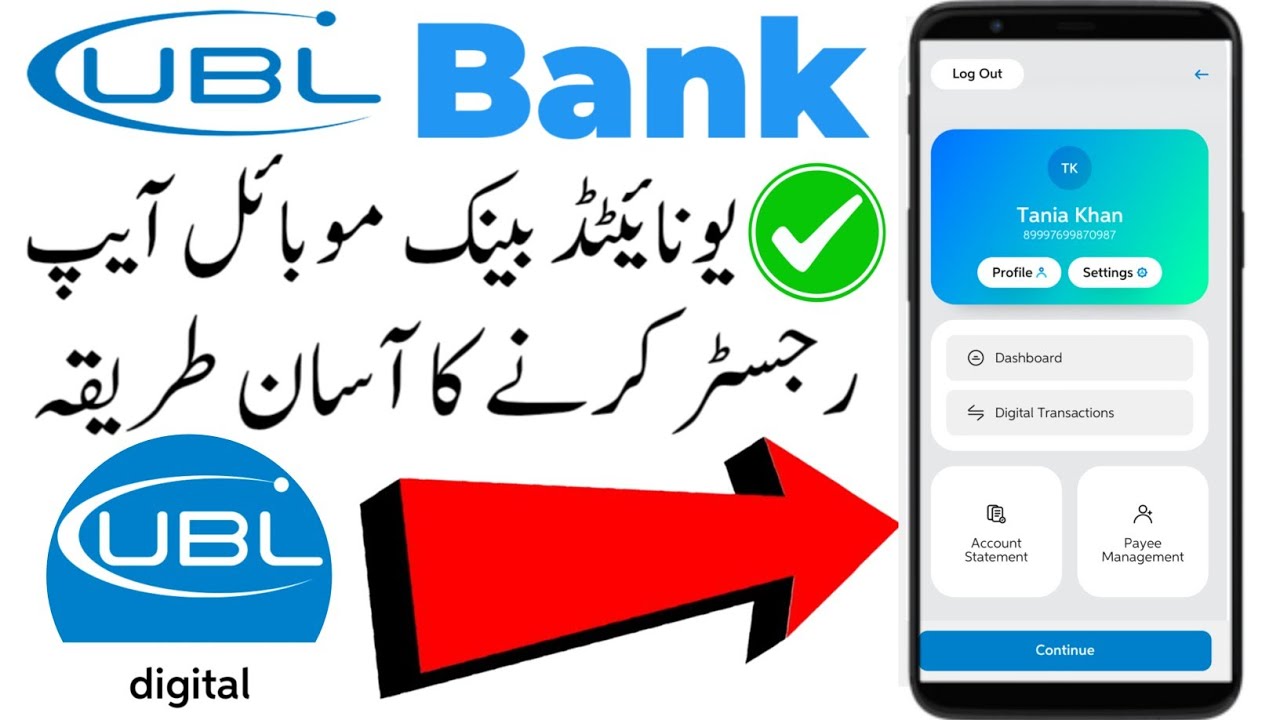
How to register UBL mobile app 2026 | UBL mobile app sign up | ubl digital app registration |
Автор: HOME TECH PK
Загружено: 2025-08-12
Просмотров: 28894
Описание:
Registering for UBL Digital Mobile App
1. Download the App
Go to Google Play Store (Android) or Apple App Store (iOS).
Search "UBL Digital" and install the official app by United Bank Limited.
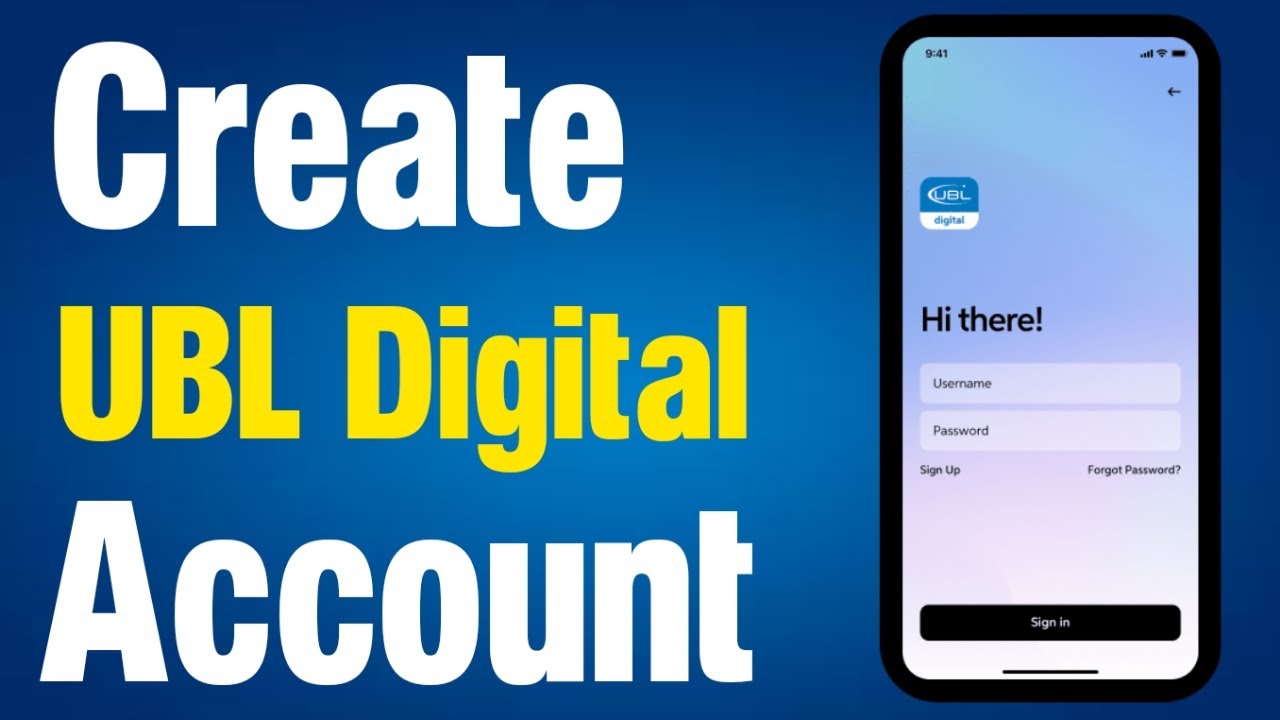
2. Open the App & Select “Register”
On the login screen, tap Register (below the login fields).
3. Enter Your Details
You’ll need:
CNIC number (without dashes)
Date of birth
Account number OR Debit Card details (Card Number, Expiry Date, ATM PIN)
4. Verification
UBL will send a One-Time Password (OTP) via SMS to your registered mobile number.
Enter the OTP in the app.
5. Create Username & Password
Choose a unique username.
Set a strong password (per UBL security rules).
6. Set Security Questions
Select and answer security questions for future account recovery.
7. Complete Registration
After confirmation, your UBL Digital account is ready.
Login with your username and password.
---
💡 Tips
Your mobile number must be linked to your UBL account before registration.
Keep your ATM card handy if registering with card details.
For assistance, call 021-111-825-888 (UBL Helpline).
#ubl
#account
#registration
#Hometechpk
Повторяем попытку...

Доступные форматы для скачивания:
Скачать видео
-
Информация по загрузке: