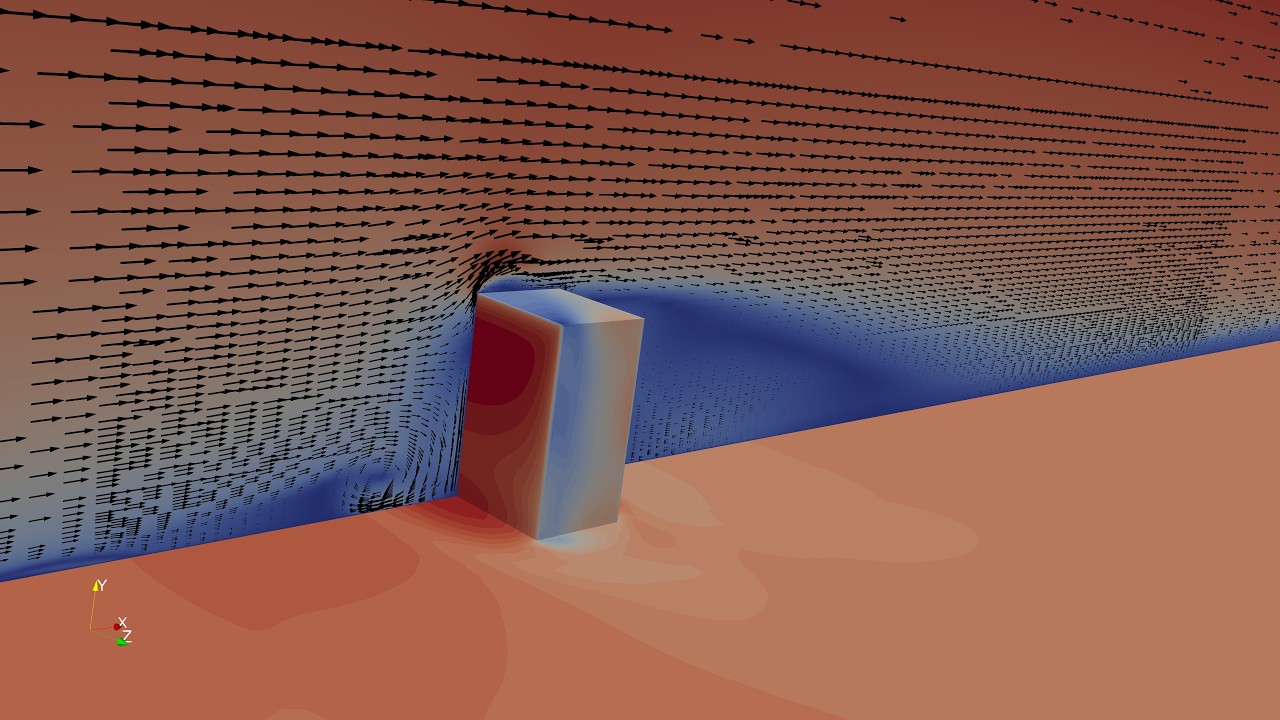
Atmospheric Boundary Layer Flow CFD in OpenFOAM | Building Aerodynamics Validation | My First Case
Автор: Mechanics Made Simple
Загружено: 2026-02-21
Просмотров: 116
Описание:
#OpenFOAM
#CFDBeginners
#CFDTutorial
This video presents a step-by-step OpenFOAM tutorial for beginners, demonstrating how to set up a horizontally homogeneous Atmospheric Boundary Layer (ABL) simulation in OpenFOAM. The tutorial walks through a complete OpenFOAM CFD workflow, making it suitable as a first OpenFOAM CFD case.
The case setup follows the baseline ABL configuration used in the validated wind engineering study:
CFD simulation of wind-induced pressure coefficients on buildings with and without balconies: Validation and sensitivity analysis
This OpenFOAM tutorial for beginners uses the atmospheric boundary layer example as a practical reference to explain OpenFOAM workflow, meshing strategies, and modeling decisions, rather than focusing on reproducing detailed pressure coefficients.
The goal of this video is to guide beginners through their first OpenFOAM CFD case, helping them understand how an OpenFOAM case is structured, executed, and post-processed, while sharing practical lessons learned during the learning process.
🎯 Tutorial aims
The tutorial aims to:
Introduce the basic OpenFOAM workflow, including case structure, blockMesh, snappyHexMesh, solver execution, and ParaView post-processing
Explain the fundamentals of atmospheric boundary layer CFD modeling in OpenFOAM for wind engineering applications
Demonstrate hand calculations used to guide mesh generation, domain sizing, and mesh grading, including vertical grading for ABL simulations
Introduce CFD wall functions, with a focus on ground roughness modeling in OpenFOAM and physical consistency
The building geometry used in this OpenFOAM CFD tutorial is created using FreeCAD, and all CFD post-processing and flow visualization are performed using ParaView.
#AtmosphericBoundaryLayer
#ABL
#CFDWorkflow
#OpenSourceCFD
#snappyHexMesh
#blockMesh
#WallFunctions
#WindEngineering
#FreeCAD
#ParaView
Повторяем попытку...
Доступные форматы для скачивания:
Скачать видео
-
Информация по загрузке: