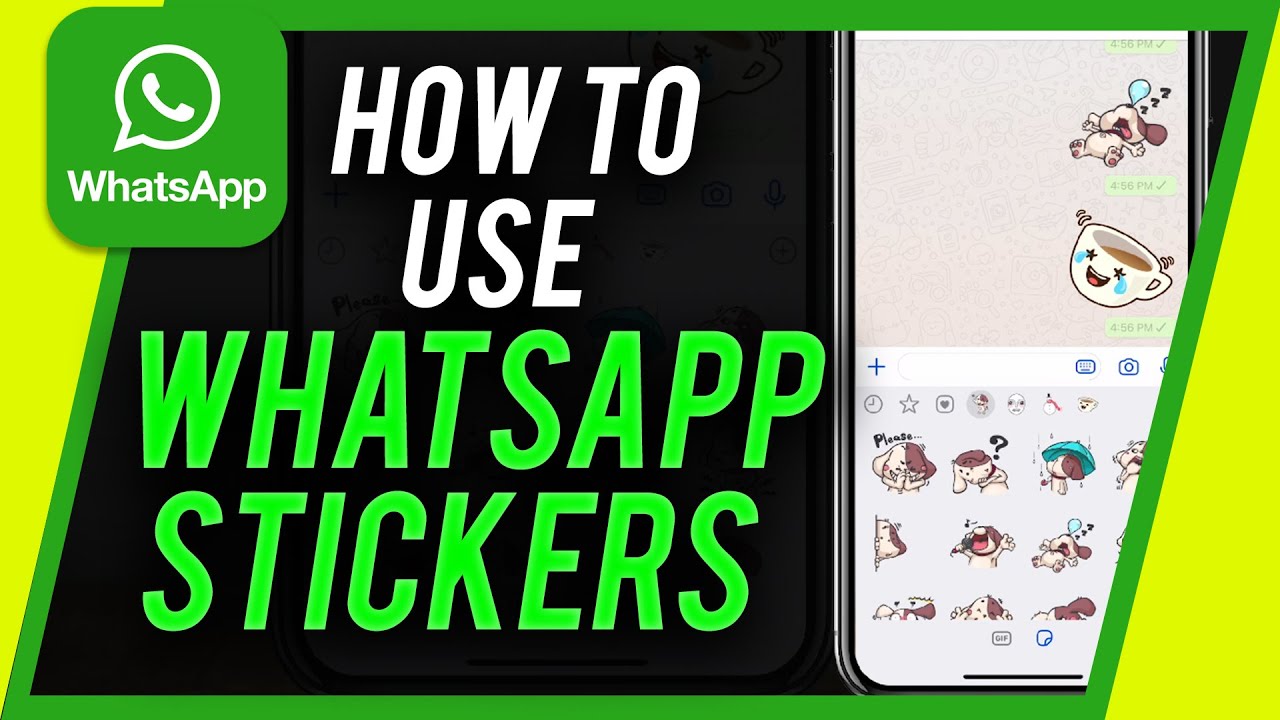
How to Use Whatsapp Stickers
Автор: Howfinity
Загружено: 2018-11-12
Просмотров: 5352
Описание:
WhatsApp has released stickers inside the chat. You can now send stickers to anyone.
Unlike Instagram and Facebook, you have to download the stickers inside the chat window. They come in packs and you can choose what pack of stickers you download on WhatsApp.
Simply press the sticker icon and then press the plus sign. That will pull up available sticker packs. Press download next to each one to add them to your library.
Thank you for watching How to Send Stickers on WhatsApp! Please share and subscribe for more, easy-to-follow social media and tech videos.
=======================================
Share this video: • How to Use Whatsapp Stickers
=======================================
See more simple and easy to follow how-to videos.
Subscribe / howfinity
See more, easy to follow How-to videos @
https://howfinity.com/
Повторяем попытку...
Доступные форматы для скачивания:
Скачать видео
-
Информация по загрузке: