Canon pixma WIFI full setup
Автор: Printer tech Global
Загружено: 2020-09-22
Просмотров: 84303
Описание:
check my blog here👇
https://printertechglobal.blogspot.co...
WPS Connection
Make sure the button on the wireless router is ready to be pressed.
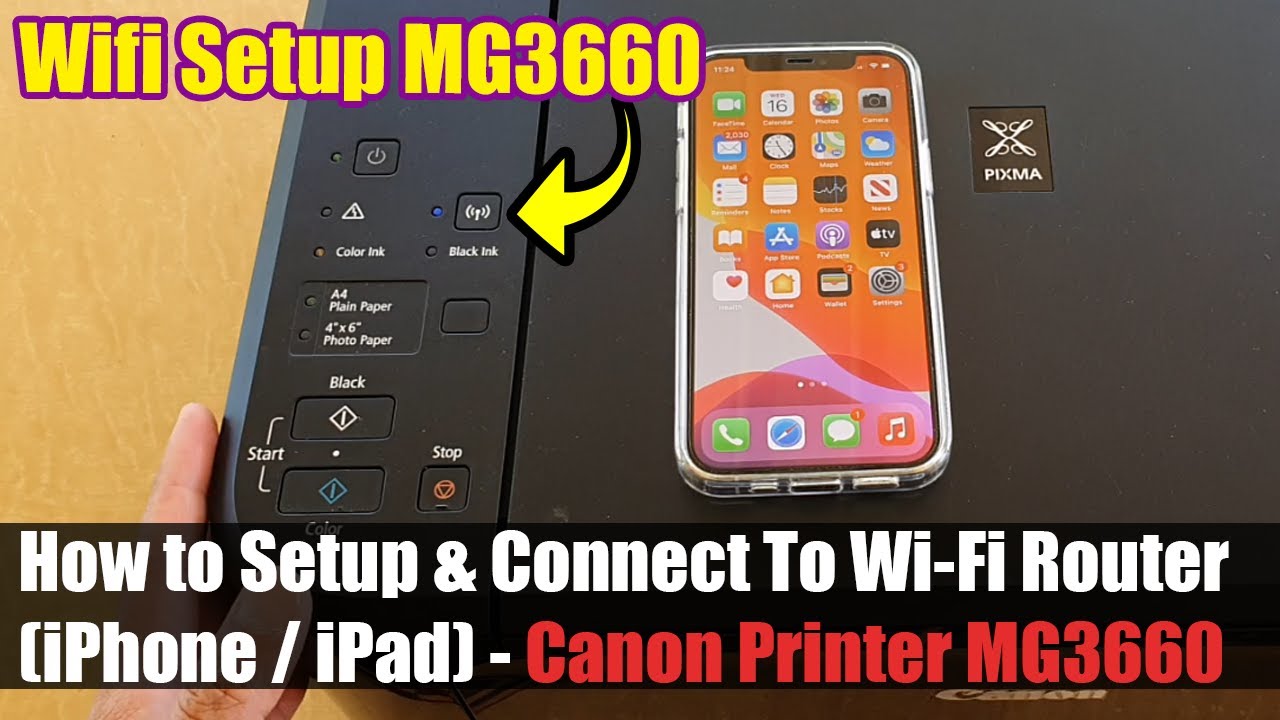
Press and hold the Wi-Fi button (A) on the printer until the ON lamp (B) flashes.

Press Black button (C) and then Wi-Fi button (A); make sure Wi-Fi lamp (D) flashes quickly and ON lamp is lit as shown in illustration below, and then press and hold button on wireless router within 2 minutes.

Make sure the Wi-Fi lamp and the ON lamp are lit.

Here another video
Canon pixma wifi setup 👇
• canon pixma G series WiFi setup Canon pixm...
Canon pixma light blinking problem solved 👇
• canon printer light blinking error
Повторяем попытку...

Доступные форматы для скачивания:
Скачать видео
-
Информация по загрузке: