How to Connect Slivor VisioEar to Your Phone
Автор: Slivor
Загружено: 2025-08-15
Просмотров: 10915
Описание:
Complete setup tutorial for Slivor VisioEar ear camera - connect in under 2 minutes!
Having trouble connecting your Slivor VisioEar to your phone? This step-by-step guide shows you exactly how to download the right app and connect your device.
📱 IMPORTANT: Download "AiSee Pro" app
✅ Look for the specific icon shown at 0:32
✅ Available for both iOS and Android
✅ Device WiFi name starts with "as"
⏰ TIMESTAMPS:
0:00 - Introduction & app download
0:36 - Correct app icon (DON'T download wrong one!)
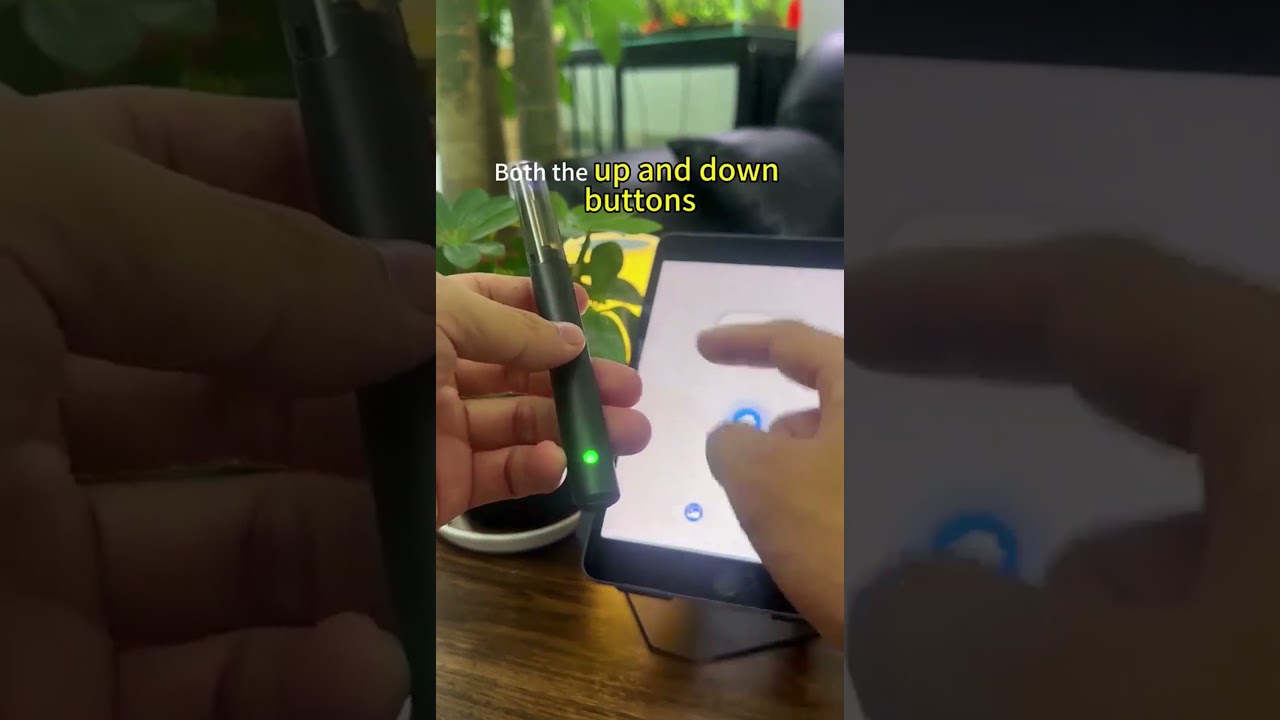
0:46 - Turning on your VisioEar (green light)
0:56 - Auto-connect method
1:20 - Manual connection (if auto-connect fails)
2:00 - Final tips & soft rubber sleeve
🔧 QUICK TROUBLESHOOTING:
Make sure WiFi is ON on your phone
Hold power button until GREEN light appears
Look for WiFi network starting with "as"
If auto-connect fails, use manual method (shown at 1:18)
📲 APP DOWNLOAD:
App Name: AiSee Pro
iPhone: Search "AiSee Pro" in App Store
Android: Search "AiSee Pro" in Google Play
Alternative: Scan QR code in product manual
💡 PRO TIP: The device has built-in WiFi - no home WiFi needed!
Questions? Comment below or email [email protected]
#SlivorVisioEar #EarCamera #SetupGuide #AiSeePro
Повторяем попытку...
Доступные форматы для скачивания:
Скачать видео
-
Информация по загрузке: