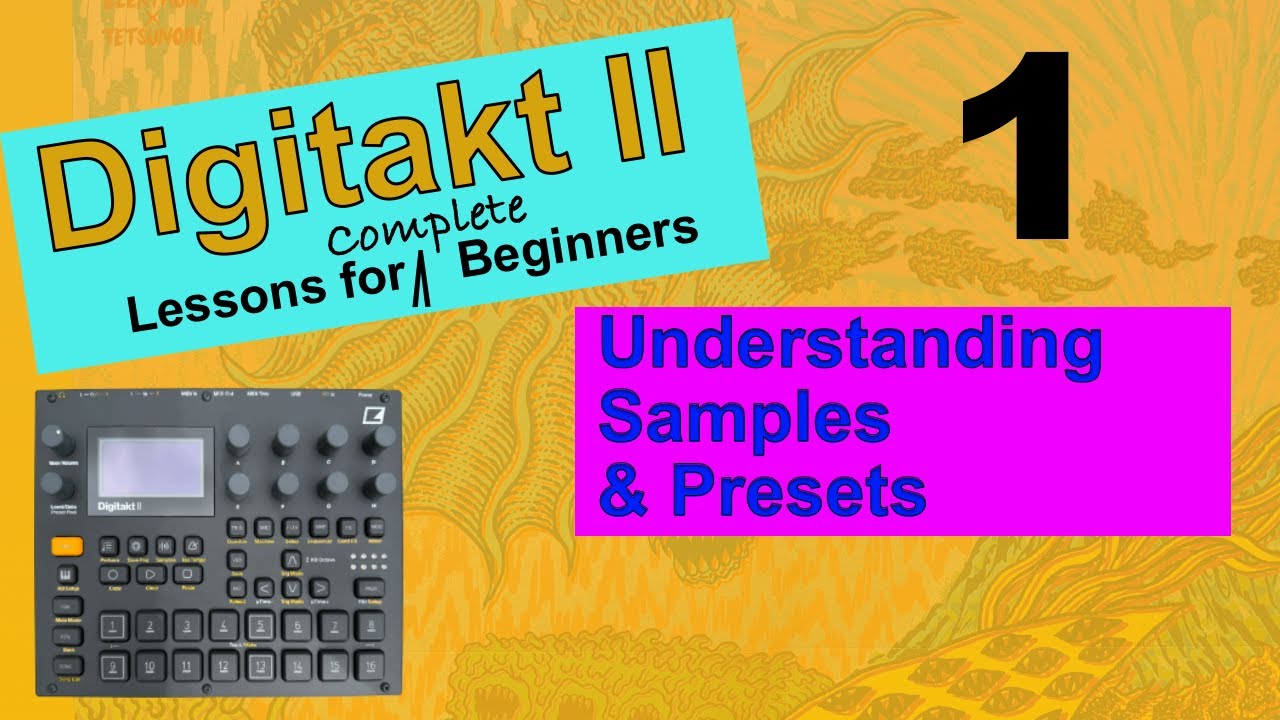
Elektron Digitakt II - Lessons For Complete Beginners - Video 1 - Understanding Samples & Presets
Автор: Daddy Long Les
Загружено: 2025-08-21
Просмотров: 1748
Описание:
00:00 - Start
00:31 - Where are my samples?
01:08 - Presets V Samples
01:31 - The +DRIVE
03:01 - How many presets on the Digitakt II?
03:17 - Let’s look through the presets
04:15 - MANAGE PRESETS
04:55 - A new project
05:23 - THE KIT
06:39 - Let’s look at the samples
08:48 - Auto Preview
09:19 - Let’s have a look at the samples which have been loaded into the RAM
10:47 - Folders within folders
11:47 - The enclosing folder
12:14 - Changing the sample which is assigned to the track
12:58 - The 8 banks for the raw samples
13:43 - Editing a raw sample and saving it as a preset
17:09 - Reloading the original sample
18:10 - Viewing & loading presets
18:59 - FILTER
19:53 - THE PRESET POOL
20:48 - SEARCH
21:34 - Load your own samples into the Digitakt II
22:22 - Viewing the sample waveform
23:04 - Non-destructive editing
23:36 - Unloading samples from the project RAM
24:21 - Wrap
If you are new to the Digitakt II, this will really help you get started. It's vital to know where everything is and how to load in your samples and presets and what the difference is between the two.
Please use the chapter markers to whizz around!
BTW:
At 12:37 I change the sample by pushing down on the D encoder. Pressing YES achieves the same result!
Повторяем попытку...
Доступные форматы для скачивания:
Скачать видео
-
Информация по загрузке:


![Ten Reason to love the Elektron Digitakt 2 [ and my favorite trick ]](https://image.4k-video.ru/id-video/raVCyDtBlHg)


