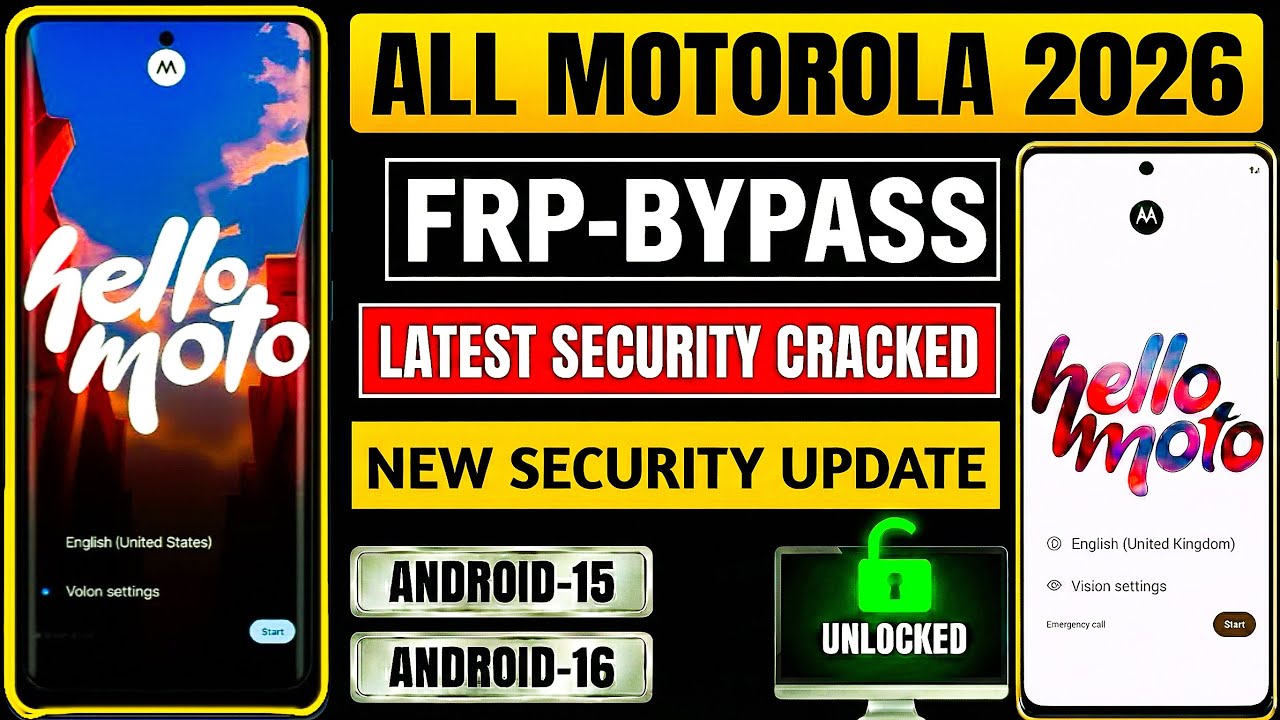
How to Bypass FRP Google Account Lock on Any Motorola 2026 | Android 14/15/16 | No PC
Автор: FRP PRO MAX
Загружено: 2026-01-31
Просмотров: 431
Описание:
In this video, you will learn about How to Bypass FRP Google Account Lock on Any Motorola phone in 2026.
This guide is designed for Android 14, Android 15, and Android 16 users who are stuck on Google Account Verification (FRP Lock) after a factory reset.
This is an educational explanation video that helps you understand how FRP works on Motorola devices and what type of solutions are available without using a PC, laptop, or paid tools.
⸻
📱 What is Motorola FRP Lock?
FRP (Factory Reset Protection) is a Google security feature that activates when a Motorola phone is reset without removing the previously synced Google account. After reset, the device asks for the old Google ID to verify ownership.
⸻
📌 Motorola Models Explained (All Series Covered)
This explanation applies to almost all Motorola smartphones, including:
Moto G Series
• Moto G14, G15, G24, G34, G45, G54, G64
• Moto G73, G84, G85, G Stylus, G Power
Moto Edge Series
• Motorola Edge 30 / 40 / 50
• Edge 40 Neo, Edge 50 Fusion, Edge 50 Pro, Edge Plus
Moto E Series
• Moto E13, E14, E22, E32, E40
Other Motorola Devices
• Motorola One Series
• Motorola 5G Models
• New & Old Motorola Android Phones
If your Motorola phone is running Android 14, 15, or 16, the FRP behavior is similar across all these models.
⸻
✅ Key Points Covered in This Video
• No PC / No Laptop required
• No paid FRP tools
• Works on latest Android security
• Explanation-based method
• Useful for technicians & normal users
⚠️ This video is made only for educational purposes to help users understand FRP lock and recovery options on their own devices.
⸻
👍 Support the Channel
If this video helps you:
• Like the video
• Subscribe for more Motorola & Android content
Повторяем попытку...
Доступные форматы для скачивания:
Скачать видео
-
Информация по загрузке:




![2026 NEW: Motorola FRP Bypass Android 12/13 Without Pc [No Talkback/ No Maps] 100% Worked](https://image.4k-video.ru/id-video/UUDZeY3NOAg)