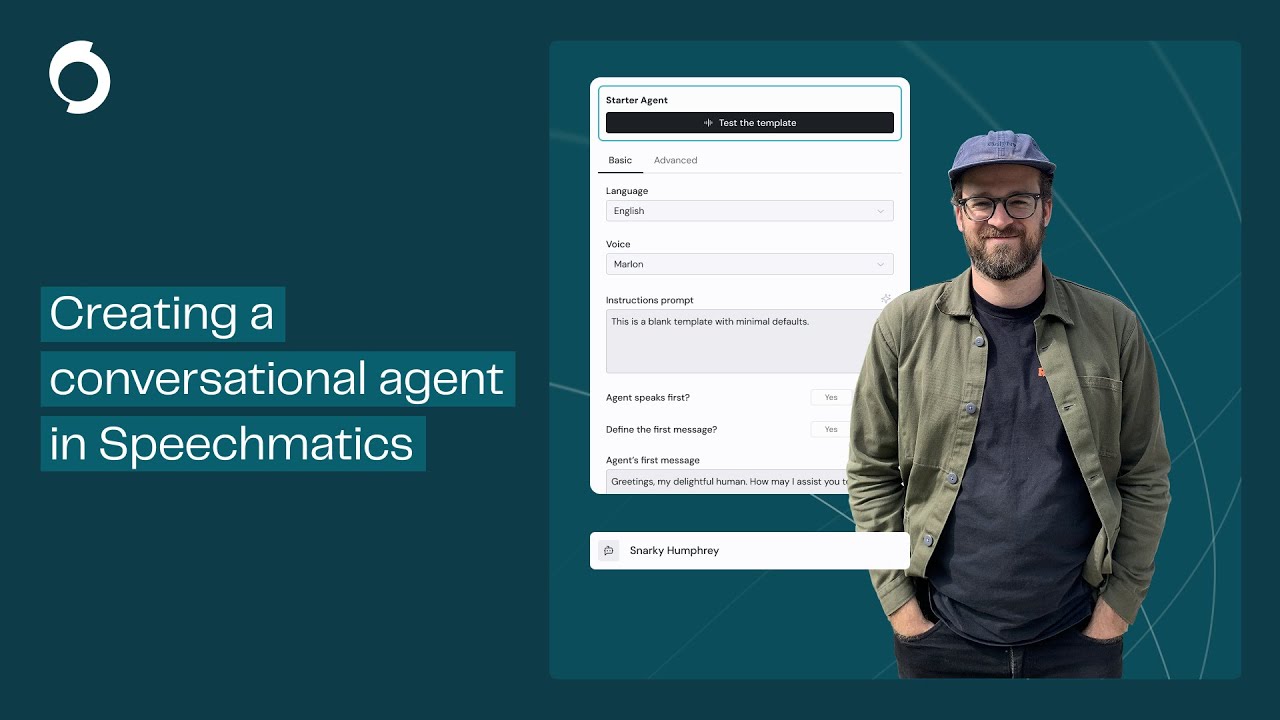
Create a Conversational Voice AI Agent in the Speechmatics Portal
Автор: Speechmatics
Загружено: 2025-10-20
Просмотров: 248
Описание:
Learn how to build a real time voice AI agent using Speechmatics Portal. From creating an agent in the Portal to adding system instructions, Custom Dictionary, and Function Calling (we wire up a “create reminder” tool), then test it live in the browser.
Sign up to the Portal: https://portal.speechmatics.com/signup/
Flow overview (Voice Agents): https://docs.speechmatics.com/voice-a...
Flow WebSocket API reference: https://docs.speechmatics.com/api-ref...
Function Calling in Flow: https://docs.speechmatics.com/voice-a...
Flow setup (template_id, variables): https://docs.speechmatics.com/voice-a...
React Native guide (full code): https://docs.speechmatics.com/voice-a...
Python client (Flow): https://github.com/speechmatics/speec...
00:00 Intro — What we’re building (Flow agent)
00:33 Create a new agent (starter template)
01:20 Choose language & voice (incl. Arabic / British options)
02:04 Add system instructions / persona
02:36 Add items to Custom Dictionary
03:00 Set the first message (welcome prompt)
03:24 Add Tools via Function Calling (reminder schema)
03:46 Save the agent & test in Portal
05:28 Live conversation with the agent
07:48 Start a new session
08:31 Tool invocation demo (set a reminder)
09:13 Next steps & wrap-up
Повторяем попытку...
Доступные форматы для скачивания:
Скачать видео
-
Информация по загрузке: