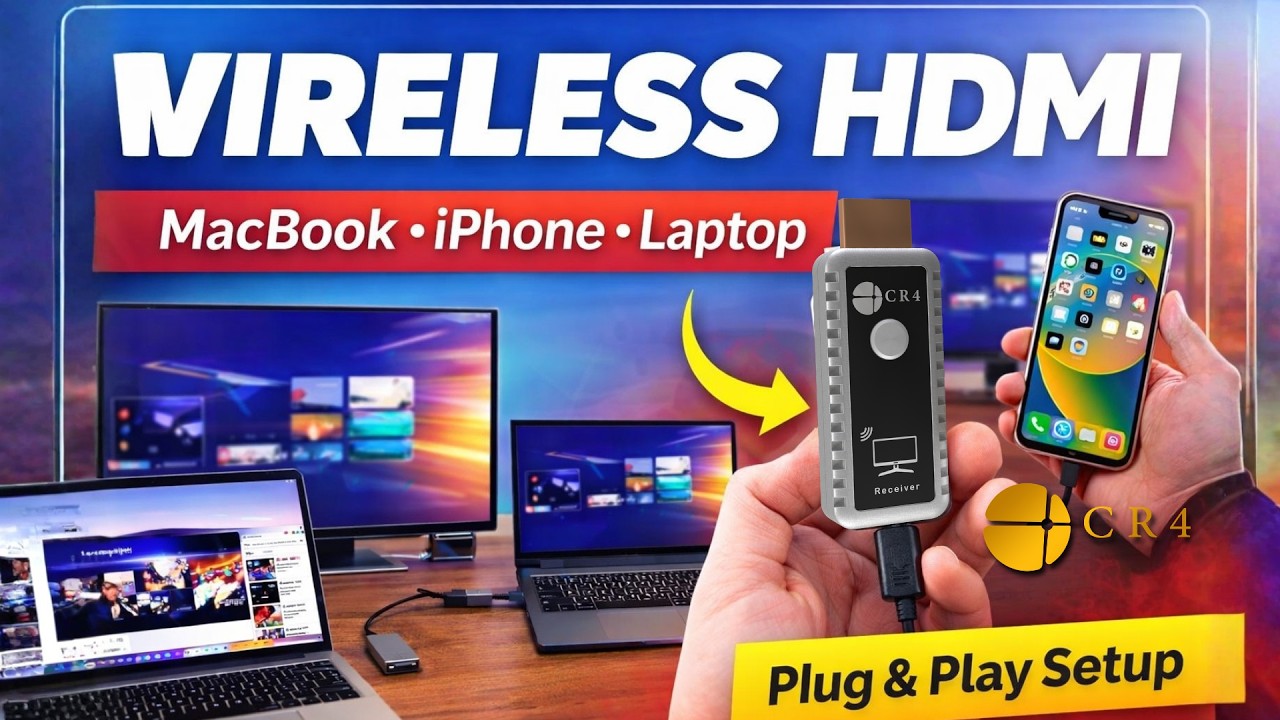
Wireless HDMI Setup Guide | CR4 Transmitter & Receiver with MacBook, iPhone & Laptop
Автор: CR4 Tech
Загружено: 2026-03-08
Просмотров: 0
Описание:
Learn how to set up the CR4 Wireless HDMI Transmitter and Receiver and wirelessly mirror your screen from different devices including MacBook, iPhone, USB-C laptops, and HDMI computers.
This video shows real setup examples so you can see how CR4 works in practical situations such as presentations, home entertainment, and wireless screen sharing to a TV, monitor, or projector.
What you will see in this video:
MacBook USB-C wireless HDMI setup
Laptop HDMI connection example
iPhone screen mirroring setup
Receiver power connection using USB
Quick plug and play setup
CR4 Wireless HDMI allows you to mirror or extend your display without installing apps, drivers, or complicated configuration. Simply connect the transmitter to your device and the receiver to your display.
Key features of CR4 Wireless HDMI:
Plug and play wireless HDMI system
Up to 330 ft (100 m) transmission range
Supports 4K input with 1080p output
Low latency wireless display
Compatible with USB-C and HDMI devices
Works with TVs, monitors, and projectors
If you need help with setup, scan the QR code included in the CR4 box or contact the CR4 Support Team.
Learn more about CR4 Wireless HDMI and see additional setup guides in our channel.
#WirelessHDMI
#ScreenMirroring
#HDMITransmitter
#CR4
#MacBookSetup
#WirelessDisplay
Повторяем попытку...
Доступные форматы для скачивания:
Скачать видео
-
Информация по загрузке: