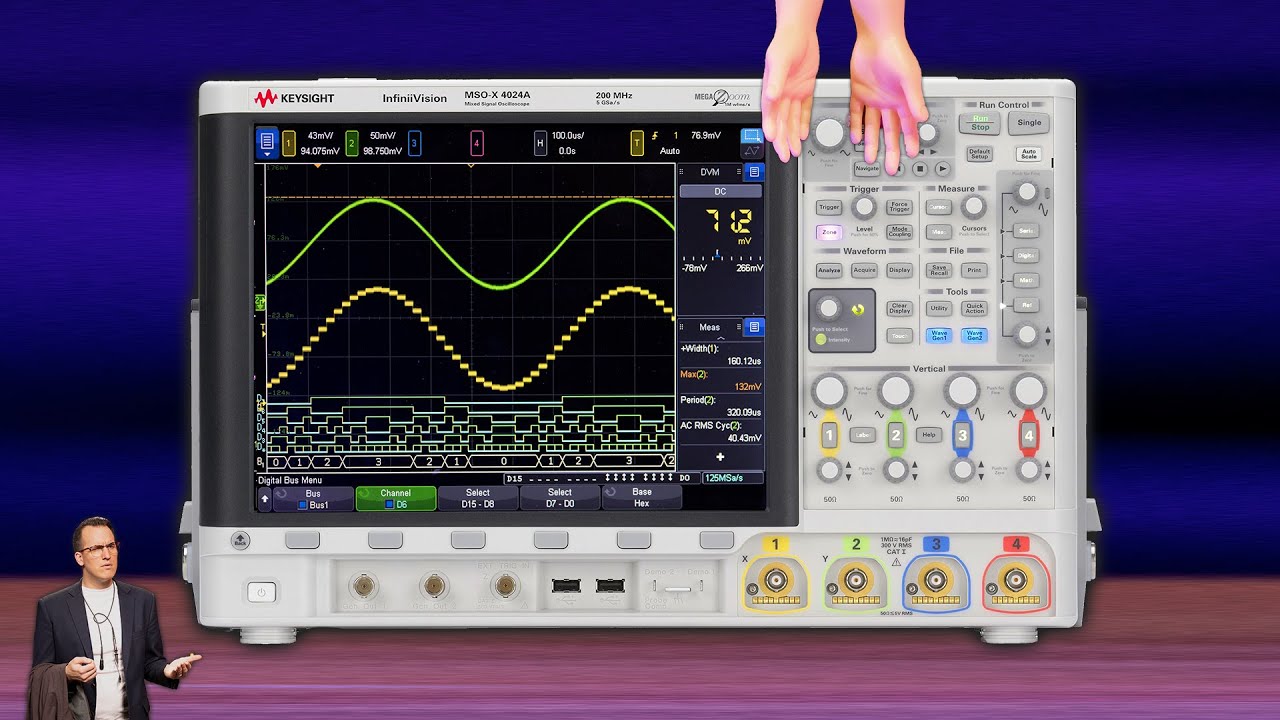
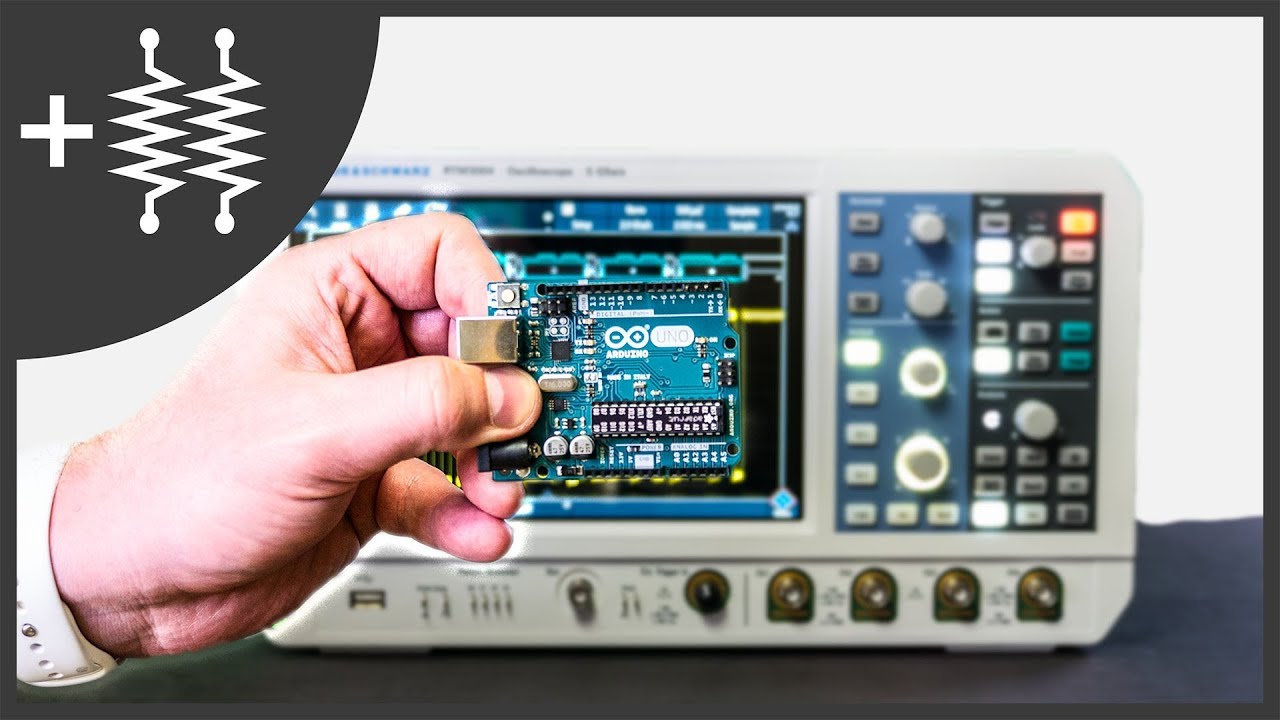
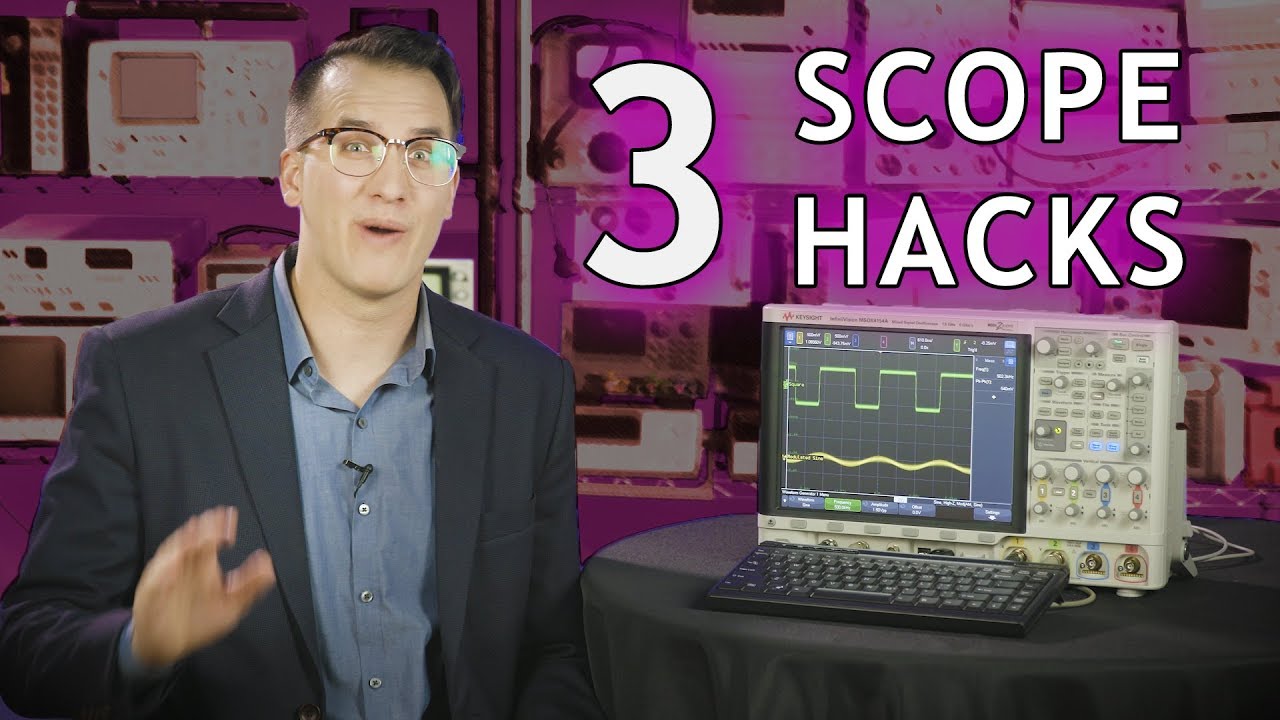
3 Simple Oscilloscope Hacks You Can't Live Without
Автор: Keysight Labs
Загружено: 2018-08-14
Просмотров: 12814
Описание:
Save time with these quick oscilloscope hacks!
Click to subscribe! ► http://bit.ly/Scopes_Sub ◄
Looking for the DIY keyboard code? Check the comments! We weren't able to put it here because YouTube doesn't allow angle brackets in video descriptions.
Questions/comments? Ask me on Twitter:
@DanielBogdanoff / danielbogdanoff
Learn more about using oscilloscopes:
http://oscilloscopelearningcenter.com
Check out the EEs Talk Tech podcast:
• EEs Talk Tech - An Electrical Engineering ...
More about Keysight oscilloscopes:
http://bit.ly/SCOPES
The digital storage oscilloscope we used: http://www.keysight.com/en/pcx-x20520...
Transcript:
We’re about to look at three quick oscilloscope hacks you can start using on your scope today. Stay tuned.
Hi, I’m Daniel Bogdanoff and I thought I’d take a quick minute to cover three oscilloscope hacks that I use on a regular basis. I feel obligated to point out that these are hacks in the sense that “life hacks” are hacks – they’re tips & tricks, not replacing appendages or something like that. Try this life hack, replace your left hand with a cyborg arm attachment!
Anyways, here are three of my favorite scope hacks:
Number 1, keyboard shortcuts!
With benchtop scopes, most people use the front panel to control scope. Some of you probably use a remote interface – graphical or programmatic, but you’re in the minority. For those of you who physically sit in front of the scope, or at least nearby, you’ve almost certainly had a moment where you couldn’t quite reach the Run or Stop button. That’s where keyboard comes in handy. For this scope, you can use F5 for Run, F6 for stop, and F10 for single! If you want to go to the next level, you can even get a little USB or Arduino board and create a foot switch or custom keyboard. If you want to play around with that, there’s code in the comments. Many higher end oscilloscopes have a full suite of keyboard commands built in. If there are keyboard shortcuts you’d like to see, let us know in the comments!
Number 2, custom profiles
You can save custom profiles using setup files. Setup files are easy to create, you just set up the scope the way you want it, and save off the profile. This is super useful if you’re sharing a scope and don’t like how your cube-mate leaves the scope…Erin. Or, if you have a couple of main tasks you use the scope for, you can save a profile for each task. For example, you could have a setup for protocol decoding, a setup for power testing, a setup for mask testing. This is especially useful if you want to name channels, are using probes or cables with custom attenuation settings, or have an annoying cubemate. If you have a community scope, you can also save your setup profile to a flash drive and keep it from getting deleted or overwritten.
Number 3, pushable encoder knobs
This is a big one that a lot of people don’t know about. If your scope has pushable encoders behind your front-panel knobs, there’s a good chance you can do this. Pushing a knob automatically zeros out or centers that control. For example, pushing the Ch 1 offset knob centers that channel around 0. Pushing the horizontal offset knob centers your trigger point on screen. My favorite is the trigger level knob – a push will automatically sense the peak-to-peak voltage of the signal and set the trigger point to 50%. It’s a quick, easy way to get a preliminary trigger setup.
For some of the knobs wouldn’t make sense to zero them out or center them, like the Volts-per-division knob and the time-per-division knob. Pushing these will toggle the knob sensitivity between course and fine adjustments.
So there you have it, three quick oscilloscope hacks that will hopefully save you some time in the lab! If you like this video and want more like it, hit the like button and let us know in the comments.
#oscilloscope #oscilloscopes #electronics #electricalengineering #ScopeHack #OscilloscopeHack #Hack #LifeHack #OscilloscopeTips
Повторяем попытку...
Доступные форматы для скачивания:
Скачать видео
-
Информация по загрузке: