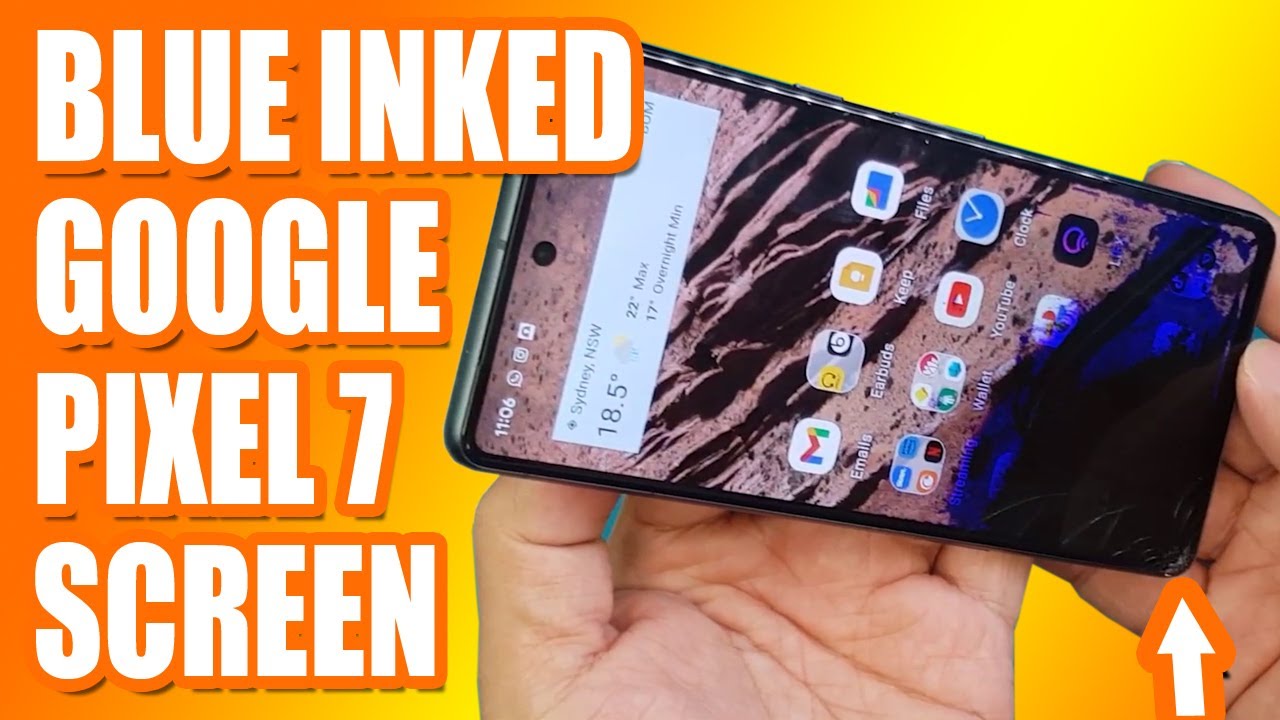
TOO EASY FOR DAVID! Google Pixel 7 Screen Replacement | Sydney CBD Repair Centre
Автор: Sydney CBD Repair Centre
Загружено: 2023-08-17
Просмотров: 2710
Описание:
We do #Pixel #ScreenReplacement in #SydneyCBDRepairCentre!
#GooglePixel7 #Pixel
Visit our site: https://www.sydneycbd.repair/made-by-...
Visit our shop: https://www.sydneycbd.repair/locate-us/
We offer professional, guaranteed, and same day screen replacement on Google Pixel 7. You can visit our shop or you can send us your smartphone for repair if you're outside Sydney, Australia.
Here's our complete address.
Suite 201, Level 2, 661 George St, Haymarket, NSW 2000
▶ Share, Support, Subscribe!!!
▶ Let's Connect:
▶ Facebook: / sydneycbdrepaircentre.com.au
▶ Instagram: / sydney_cbd_repair_centre
▶ Youtube: / sydneycbdrepaircentre
▶ Google My Business: https://goo.gl/maps/XfQydpdvhT2bGANv7
▶ Website: https://www.sydneycbd.repair/
Google Pixel is a popular smartphone brand known for its impressive camera capabilities and seamless user experience. However, like any other electronic device, the screen of the Google Pixel may occasionally require replacement due to damage or malfunction. In this article, we will discuss everything you need to know about the process of Google Pixel screen replacement.
The first thing to consider when it comes to replacing the screen of your Google Pixel is whether your device is still under warranty. If your smartphone is within the warranty period, it is advisable to contact Google or an authorized service center for assistance. They will guide you through the process and provide a suitable solution.
If your device is no longer covered by warranty or if you prefer not to use official channels, there are various third-party repair services available that specialize in Google Pixel screen replacement. These services can be found online or through local phone repair shops.
Before proceeding with any repairs, it's essential to back up all your data as there is always a risk of data loss during the repair process. You can back up your data by using cloud storage options or connecting your phone to a computer and transferring files manually.
Once you have backed up all necessary data, you can begin the screen replacement process. If you are confident in doing it yourself, you can purchase a compatible replacement screen from reputable online retailers and follow step-by-step tutorials available on websites or video platforms.
However, keep in mind that replacing a smartphone screen requires precision and technical knowledge. If you're not comfortable performing such repairs yourself, it's recommended to seek professional help from an experienced technician who specializes in Google Pixel devices.
When choosing a third-party repair service or technician, make sure they use high-quality replacement screens that are specifically designed for your model of Google Pixel. Using substandard screens may lead to poor display quality or compatibility issues.
Additionally, inquire about warranty options provided by the repair service. Reputable technicians often offer warranties on their repairs as a guarantee of quality and customer satisfaction. This can provide peace of mind in case any issues arise with the replacement screen after the repair is completed.
In conclusion, replacing the screen of your Google Pixel requires careful consideration and appropriate actions. Whether you choose to go through official channels or opt for a third-party service, ensure that you back up your data beforehand and choose a trusted technician who uses genuine replacement parts. By taking these precautions, you can restore your Google Pixel's display to its original functionality and continue enjoying all the features this remarkable smartphone offers.
Повторяем попытку...
Доступные форматы для скачивания:
Скачать видео
-
Информация по загрузке: