ycliper

Популярное

Музыка Кино и Анимация Автомобили Животные Спорт Путешествия Игры Юмор

Интересные видео

2025 Сериалы Трейлеры Новости Как сделать Видеоуроки Diy своими руками

Топ запросов

смотреть а4 schoolboy runaway турецкий сериал смотреть мультфильмы эдисон
Скачать

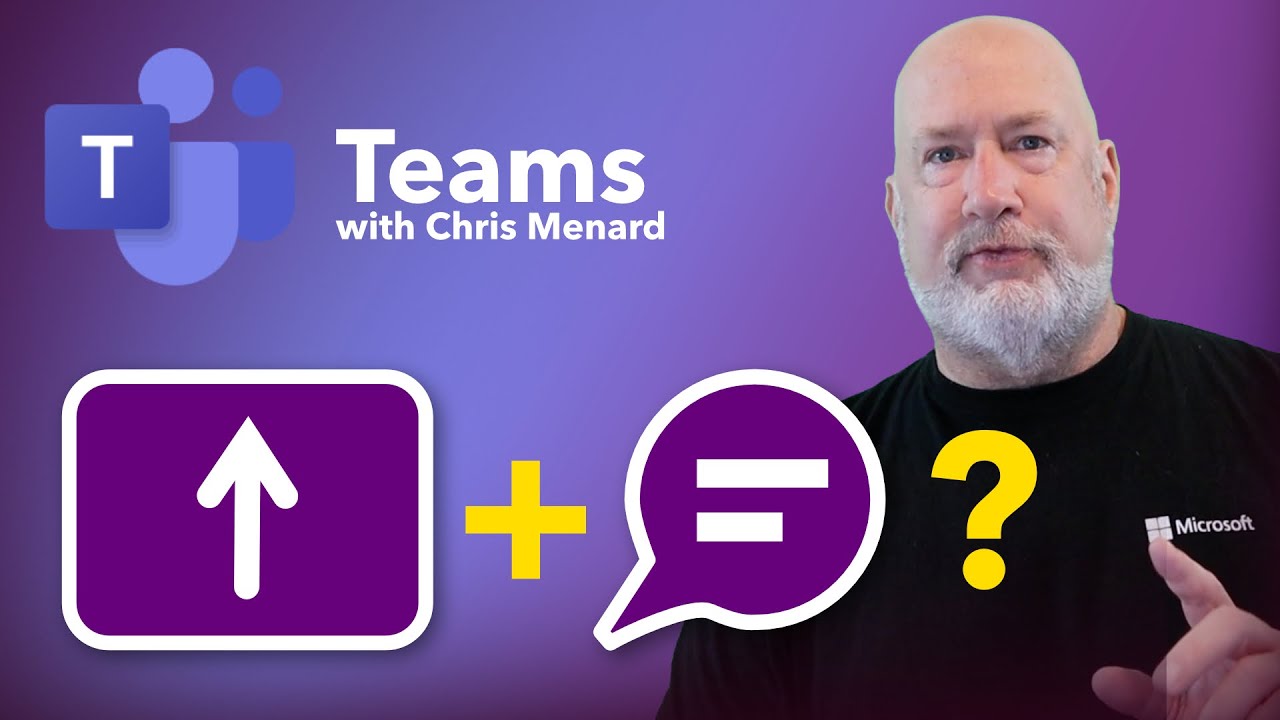
Meeting Chat while Sharing Screen in Microsoft Teams

Автор: Chris Menard

Загружено: 2025-06-24

Просмотров: 1735

Описание: If you’re a regular Microsoft Teams user, you know how challenging it can be to manage chat messages while sharing your screen during a meeting, especially if you only have one monitor. For years, this limitation has been a source of frustration: to view the chat, you had to either exit the screen share or open the meeting window separately, both of which disrupt the flow of your presentation. Fortunately, a long-awaited feature has finally arrived to solve this issue. In this article, I’ll guide you through the new Teams Meeting chat while screensharing feature that allows you to open a private chat window accessible only to you, enhancing your meeting experience and productivity.

As someone passionate about optimizing Microsoft Teams workflows, I’m thrilled to share this update with you. Let’s dive in and see how this feature works, why it’s a game-changer, and how you can make the most of it.

Introducing the Private Chat Window During Screensharing

Microsoft Teams has recently introduced a feature that enables you to open the chat window privately while sharing your screen. This means:

You can access and participate in the chat without leaving or interrupting your screen share.
The chat window you open is visible only to you, not to other meeting attendees.
You can freely move the chat window anywhere on your screen or even drag it to another monitor.

This functionality is integrated into the Presenter toolbar that appears at the top of your screen when you share content, making it seamless and intuitive to access.

Check out my online training courses for Microsoft Teams, Excel, OneNote, and more: https://courses.chrismenardtraining.com

00:00 Introduction
00:38 New Chat Window Feature
01:06 Benefits of the Private Chat Window
01:26 Conclusion

LinkedIn Post https://www.linkedin.com/posts/chris-...

And make sure you subscribe to my channel!

- EQUIPMENT USED --------------------------------
○ My camera – https://amzn.to/3vdgF5E
○ Microphone - https://amzn.to/3gphDXh
○ Camera tripod – https://amzn.to/3veN6Rg
○ Studio lights - https://amzn.to/3vaxyy5
○ Dual monitor mount stand - https://amzn.to/3vbZSjJ
○ Web camera – https://amzn.to/2Tg75Sn
○ Shock mount - https://amzn.to/3g96FGj
○ Boom Arm - https://amzn.to/3g8cNi6

- SOFTWARE USED --------------------------------
○ Screen recording – Camtasia – https://chrismenardtraining.com/camtasia
○ Screenshots – Snagit – https://chrismenardtraining.com/snagit
○ YouTube keyword search – TubeBuddy – https://www.tubebuddy.com/chrismenard

DISCLAIMER: Links included in this description might be affiliate links. If you purchase a product or service with the links I provide, I may receive a small commission. There is no additional charge to you! Thank you for supporting my channel, so I can continue to provide you with free content each week!

Не удается загрузить Youtube-плеер. Проверьте блокировку Youtube в вашей сети.
Повторяем попытку...
Meeting Chat while Sharing Screen in Microsoft Teams

Поделиться в:

Доступные форматы для скачивания:

Скачать видео

  • Информация по загрузке:

Скачать аудио

Похожие видео

Toutes les nouvelles fonctionnalités de Copilot dans Outlook

Toutes les nouvelles fonctionnalités de Copilot dans Outlook

How to pin a post in Microsoft Teams group chats and channel conversations.

How to pin a post in Microsoft Teams group chats and channel conversations.

PROPERLY Share Your Screen in a Microsoft Teams Meeting (For BEST Experience!)

PROPERLY Share Your Screen in a Microsoft Teams Meeting (For BEST Experience!)

12 новых функций в Microsoft Teams (2026)

12 новых функций в Microsoft Teams (2026)

Полная, хотя и не окончательная правда о мирных переговорах. Что происходит. Вып.229

Полная, хотя и не окончательная правда о мирных переговорах. Что происходит. Вып.229

5 новых функций Microsoft Teams, которые вам действительно пригодятся.

5 новых функций Microsoft Teams, которые вам действительно пригодятся.

Как управлять проектами как профессионал в Microsoft Teams

Как управлять проектами как профессионал в Microsoft Teams

Бывший рекрутер Google объясняет, почему «ложь» помогает получить работу.

Бывший рекрутер Google объясняет, почему «ложь» помогает получить работу.

How to see Chat & Hand Raises when presenting in Microsoft Teams

How to see Chat & Hand Raises when presenting in Microsoft Teams

1 ИЗ МИЛЛИОНА МОМЕНТОВ В СПОРТЕ!

1 ИЗ МИЛЛИОНА МОМЕНТОВ В СПОРТЕ!

Высокомерный полицейский остановил чернокожего агента ФБР и пожалел об этом

Высокомерный полицейский остановил чернокожего агента ФБР и пожалел об этом

How To Turn Off Notifications During a Microsoft Teams Meeting

How To Turn Off Notifications During a Microsoft Teams Meeting

Golden Christmas Glow | Framed TV Art Hack | Ambient Screensaver for TV

Golden Christmas Glow | Framed TV Art Hack | Ambient Screensaver for TV

Screen Sharing in Teams: Best Practice Essentials

Screen Sharing in Teams: Best Practice Essentials

8 хитростей Microsoft Teams, которые облегчат работу! (2026)

8 хитростей Microsoft Teams, которые облегчат работу! (2026)

Как проводить презентации на совещаниях Microsoft Teams с двумя мониторами

Как проводить презентации на совещаниях Microsoft Teams с двумя мониторами

Cast Away - SNL

Cast Away - SNL

Как использовать Teams Copilot во время совещаний без транскрипции

Как использовать Teams Copilot во время совещаний без транскрипции

Share Your Screen in a Microsoft Teams Meeting | Microsoft Teams Tutorial

Share Your Screen in a Microsoft Teams Meeting | Microsoft Teams Tutorial

Microsoft Teams: Core Features Explained

Microsoft Teams: Core Features Explained

© 2025 ycliper. Все права защищены.


  • Контакты
  • О нас
  • Политика конфиденциальности


Контакты для правообладателей: [email protected]