OneKey Pure Unboxing & Setup Only $79! Full Guide to Managing Crypto
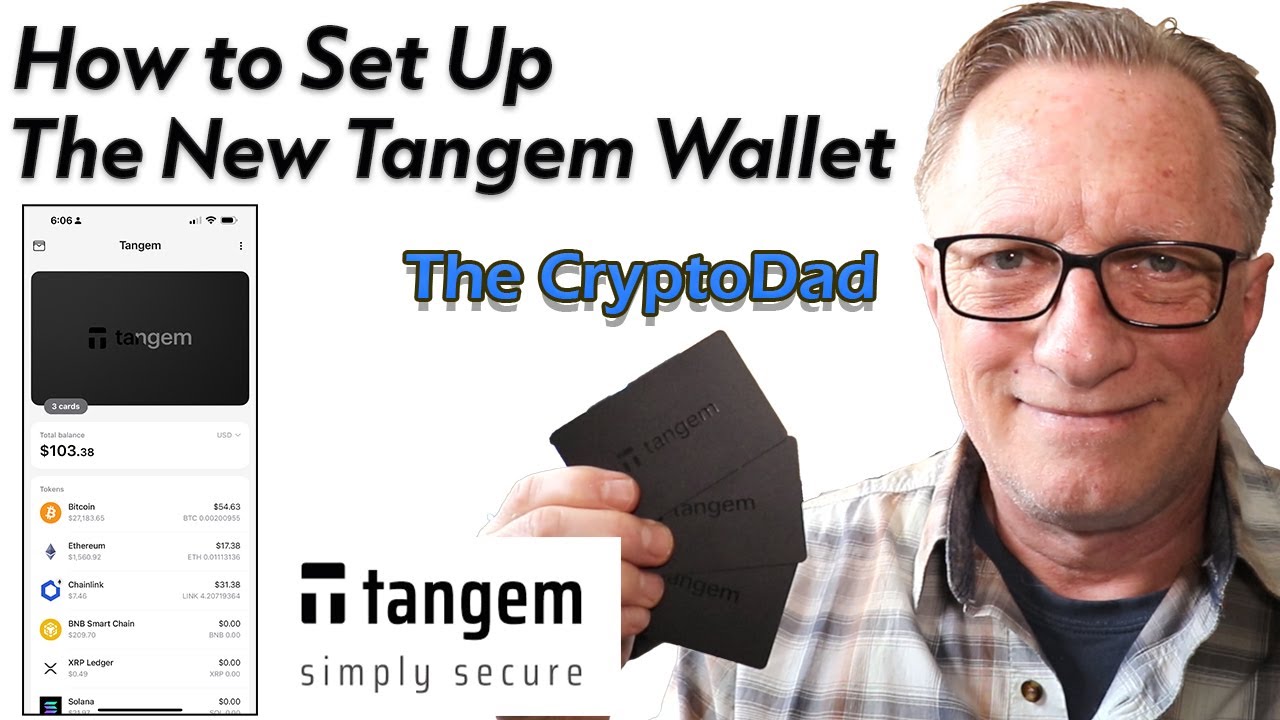
Автор: The CryptoDad
Загружено: 2025-07-11
Просмотров: 4736
Описание:
🔐 Protect Your Crypto! Get your own OneKey Device and/or download their FREE Open Source Wallet software! Use code CRYPTODAD at checkout for an exclusive discount! 💰✨ 👉 https://onekey.so/r/CryptoDad
👉Stamp Seed
Titanium Seed Stamping Kit (Use Coupon Code CRYPTODAD for 15% off!)
https://www.stampseed.com/shop/titani...
👉CryptoTag Store your Backup Phrase in Style!
CryptoTag Loki: https://cryptotag.io/experience/loki/...
https://cryptotag.io/shop/?tap_a=4396...
Looking for an affordable yet secure hardware wallet? In this video, I unbox and set up the new OneKey Classic 1S Pure, their most budget-friendly option at just $79! Despite its price, it boasts an EAL6+ security rating and robust anti-tampering measures.
Join me as I guide you through:
Initial unboxing & physical security features.
The crucial process of seed phrase generation and best practices for secure storage.
Setting up your PIN on the device.
Connecting the OneKey Pure to the desktop app.
Performing a genuine cryptographic check for peace of mind.
Managing multiple OneKey devices within the app.
Adding/removing cryptocurrency tokens.
Live Demos: Depositing Bitcoin from an exchange, transferring crypto between OneKey wallets, and withdrawing Bitcoin back to an exchange.
Understanding the "Buy," "Swap," and "Earn" features (and how they use third-party processors).
Exploring advanced settings like changing the home screen, firmware updates, and passphrase (with warnings for beginners!).
Get an in-depth look at this powerful yet affordable hardware wallet and learn how to manage your crypto safely and efficiently!
0:00 - Intro: OneKey Classic 1S Pure Unboxing & Setup
0:54 - Physical Anti-Tampering & Cryptographic Genuine Checks
1:38 - Packaging & Seed Phrase Warning Card
2:38 - Recovery Sheets & Durable Seed Phrase Mediums
3:41 - Device Design: Anti-Tampering Sticker & Lightweight (No Battery)
4:58 - USB-C Cable & Offline Setup Options
6:07 - Initial Device Setup: Language, Seed Phrase, PIN
6:40 - Setting Up a New Wallet vs. Importing Seed Phrase
7:15 - Choosing Seed Phrase Length (12 vs. 24 Words)
8:10 - Writing Down & Verifying Your Seed Phrase
9:35 - Best Practices for Seed Phrase Storage (Avoid "Crazy Schemes")
11:07 - Setting & Remembering Your Device PIN
13:03 - Connecting to OneKey Desktop App
14:04 - OneKey Genuine Check & Initial App Setup
15:09 - Managing Tokens: Adding & Removing Cryptocurrencies
15:52 - Depositing Crypto to Your OneKey Pure (Bitcoin Demo)
18:24 - Managing Multiple OneKey Devices in the App
19:47 - Transferring Crypto Between Two OneKey Devices
22:29 - Transferring Crypto From OneKey Pure to an Exchange (Coinbase Demo)
25:08 - Understanding Buy, Swap, & Bridge Features (Third-Party Processors)
27:46 - Other OneKey App Features (Earn, Market, Referral, Device Settings)
29:14 - Passphrase & Secret Accounts (Warning for Beginners)
29:47 - Outro & Call to Action
Join this channel to get access to perks:
/ @cryptodad
Connect with CryptoDad:
🐦 Twitter: / the_cryptodad
🎥 YouTube: / cryptodad
📸 Instagram: / the_cryptodad
Reddit: u/thecryptodad
Interested in a video chat session to get your new wallet set up or restored? Or maybe you have a technical issue that you can't figure out. Or perhaps you just want a Q & A session. Shoot me an email and we can set something up!
📬Email: [email protected]
💡 DISCLAIMER: This video is for educational purposes only and should not be considered financial advice. Always do your own research before investing in cryptocurrencies.
Повторяем попытку...

Доступные форматы для скачивания:
Скачать видео
-
Информация по загрузке: