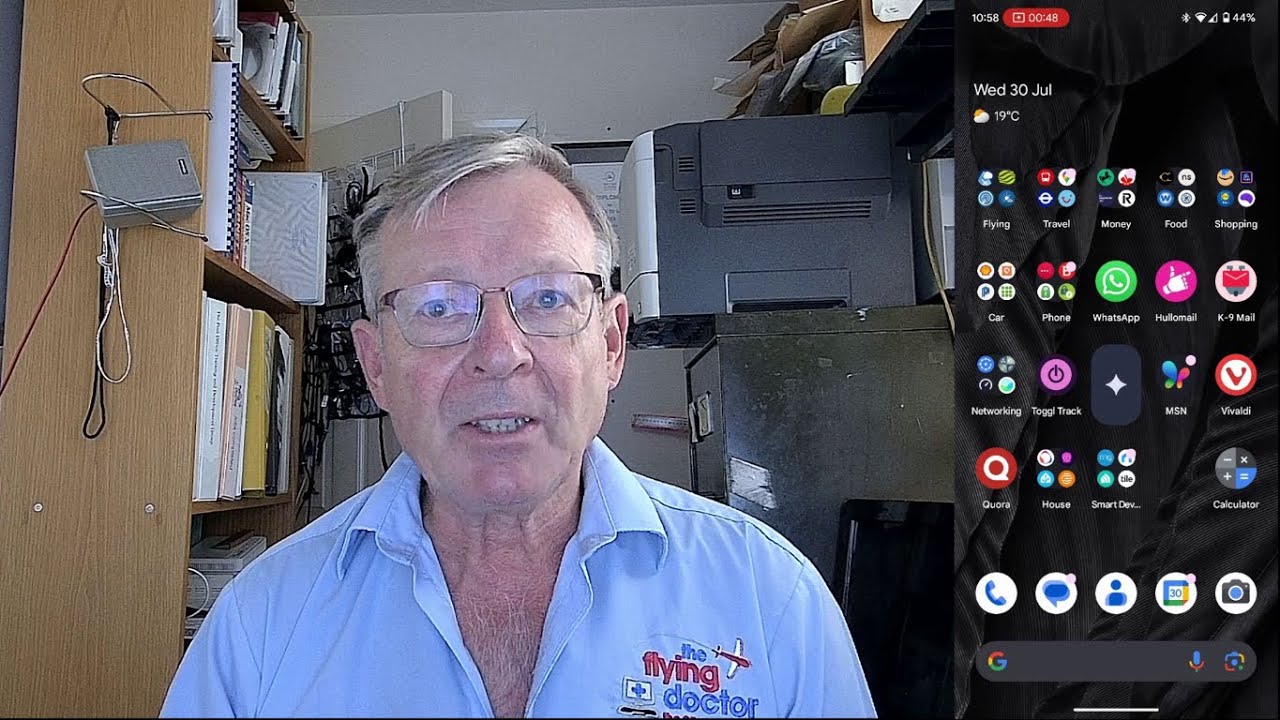
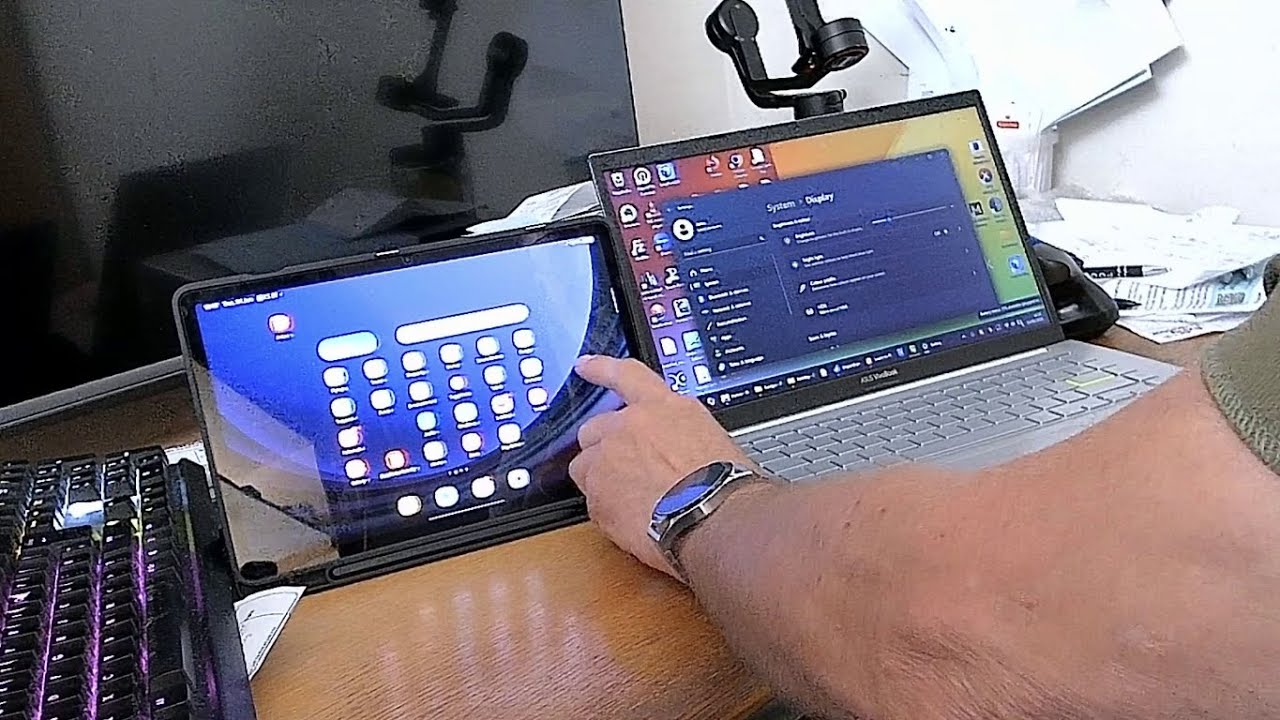
Top Tech Tip: how to use Gemini AI with the camera on Android phones.
Автор: John Batch keeping technology simple
Загружено: 2026-02-08
Просмотров: 20
Описание:
Thanks for choosing my Top Tech Tips video on how to use Gemini AI with the camera on Android phones.
I show you how to interact with live camera pictures to find out information and suggestions.
Subscribe to my channel and set up notifications to know when new videos appear:
Turn on the bell for the channel
• Open the channel page or any video from that channel, while logged into your account.
• Make sure you’re subscribed, then click the bell icon next to “Subscribed.”
• Choose “All” to get a notification for every new upload and live stream from that channel; “Personalized” lets YouTube decide based on your activity; “None” turns them off.
Check YouTube notification settings
• Go to YouTube Settings → Notifications (on desktop: click your profile picture → Settings → Notifications; on mobile: profile picture → Settings → Notifications).
• Make sure options like “Subscriptions” or “Channel notifications” are turned on, and optionally enable email notifications if you want alerts by email too.
Allow notifications on your device
• On your phone, open system Settings → Notifications → YouTube, and ensure notifications are allowed and not muted or set to “Deliver quietly.”
• On a computer, allow notifications for YouTube in your browser site settings and in the operating system’s notification settings.
Повторяем попытку...

Доступные форматы для скачивания:
Скачать видео
-
Информация по загрузке: