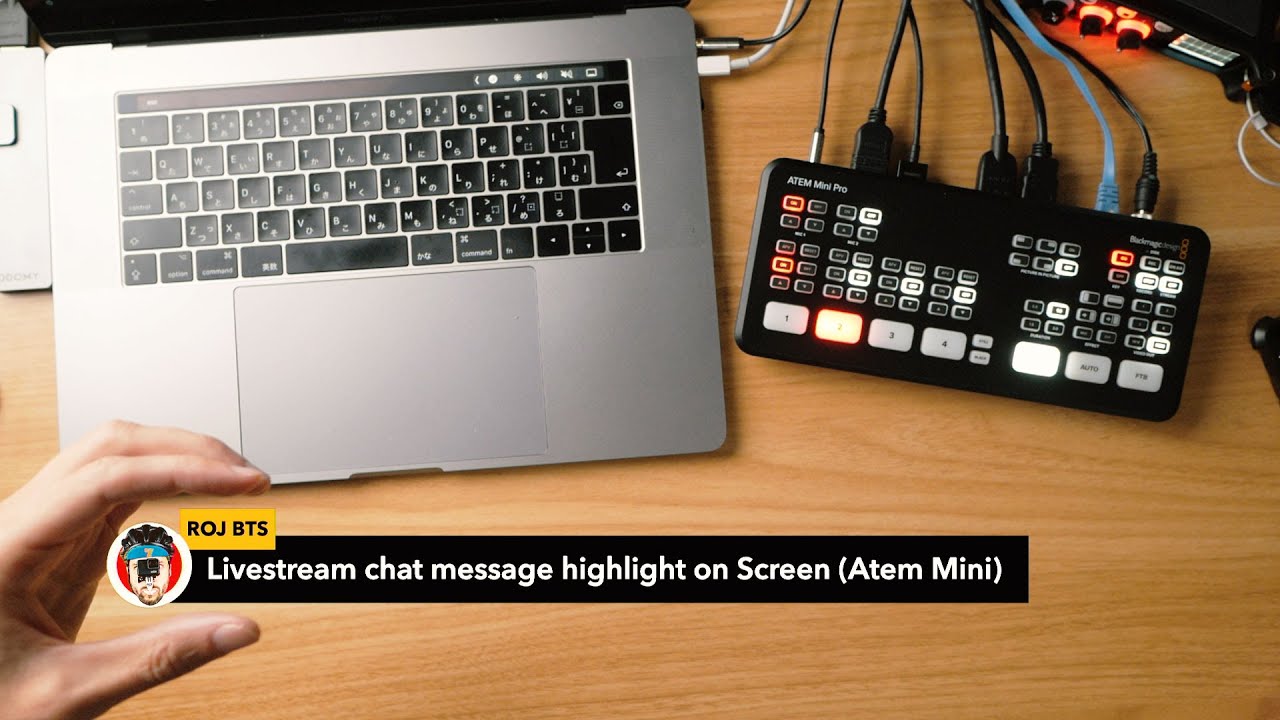
Atem Mini: Live stream chat messages on screen (DIY Testing)
Автор: ROJ BTS
Загружено: 2020-05-06
Просмотров: 3057
Описание:
Highlight chat how-to tutorial: • ATEM Mini: Live stream chat highlight on s...
———————
With the help of the "Stylerpro" extension for Chrome and some quick and dirty Javascript and CSS I could tweak the livestream chat to be able to simply click a chat message to show it one the screen thanks to the Atem Mini's built in Chroma keyer.
This was just a test to see if it could work in a live situation.
Quick and dirty how-to:
1. Install the "Styler Pro" chrome extension
https://chrome.google.com/webstore/de...
2. With the extension enabled, open up you youtube live chat in a new window (You can find the URL in your youtube livestream page)
3. Copy the CSS and javascript code from here
https://gist.github.com/rojbts/8f7a56...
(Please note this is quick and dirty code not at all what you would call professional, but it's just going to run on your local browser so can't be bothered to be all fancy. Feel free to modify to your needs)
4. Click the "S" styler pro icon, and paste the CSS into the top editor, and the Javascripts in the lower one.
5. Click "run" and you should be able to click the chat messages in your chat so they show up in the top green area.
I take it you already know how to setup you Atem mini so this is just quick run down.
Mirror you computer into one of the Atem mini inputs, and use the Atem mini control software to do the chroma keying and then crop out the part around the green area, use "flying key" to position it in the screen.
If there's enough demand I could make a video of how to set this up from scratch, let me know.
Повторяем попытку...
Доступные форматы для скачивания:
Скачать видео
-
Информация по загрузке:



![The Cheapest Portable ATEM Mini Setup [Battery Powered 4G Streaming]](https://image.4k-video.ru/id-video/eCDUAFMoIxw)


![Почему работает теория шести рукопожатий? [Veritasium]](https://image.4k-video.ru/id-video/ggI1xKzoANs)


