How To Create a RetroPie USB Boot Drive for Raspberry Pi 3
Автор: TechWizTime
Загружено: 2017-02-24
Просмотров: 76514
Описание:
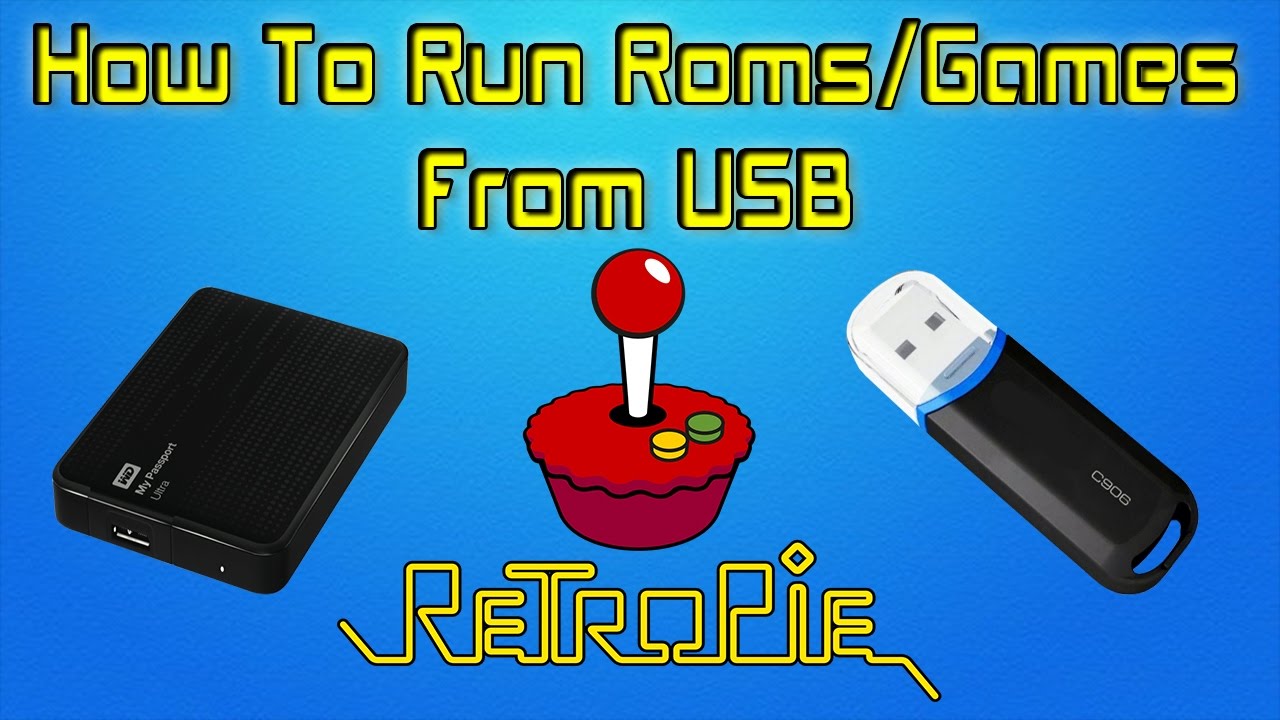
Who needs Micro SD Cards when you can boot your RetroPie system directly from a USB HDD? Compatible with the Raspberry Pi 3, this video will show you how it's done and what you will need to do it!Grab your own Raspberry Pi 3 RetroPie Kit here: https://geni.us/9Nnr6ic
To make this RetroPie 4.1 setup boot to a USB Hard Drive, we need a few things.
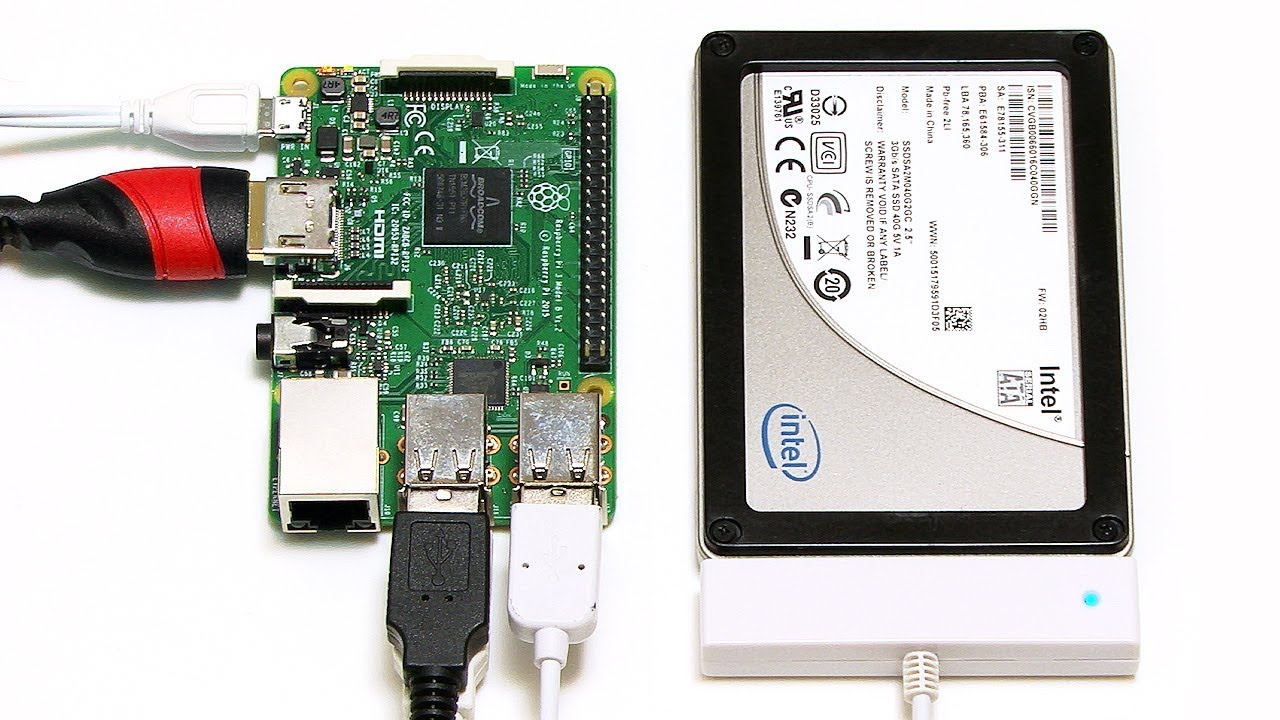
RaspberryPi 3 (Links Below)
Latest RetroPie image from http://retropie.org.uk
Keyboard
USB HDD
8GB+ Micro SD Card (Links Below)
★ ★ USB 3.0 Power Y Cable ★ ★
AMAZON ► https://geni.us/KEpaA
EBAY ► https://geni.us/EM2074
★ ★ NEW Raspberry Pi 4 Model B ★ ★
AMAZON 2GB KIT ► https://amzn.to/2Xyp5IZ
AMAZON 1GB KIT ► https://amzn.to/2YEQm9i
AMAZON ALL PI 4 ► https://geni.us/diopK5
EBAY ► http://ebay.us/Izgyis
★ ★ Micro HDMI to HDMI Cable ★ ★
AMAZON ► https://geni.us/uAytFX
EBAY ► http://ebay.us/YFkkMv
★ ★ 5V 3A Type-C Power ★ ★
AMAZON ► https://geni.us/iXBQP
EBAY ► http://ebay.us/jxTKA5
★ ★ Wireless Keyboard & Mouse ★ ★
Amazon ► https://geni.us/xa0O
eBay ► http://ebay.us/5rHORi
★ ★ 8BitDo Controllers & Gamepads ★ ★
Amazon ► https://geni.us/2E9IZF
eBay ► http://ebay.us/vkwXaq
★ ★ Kingston USB 3 Reader ★ ★
Amazon ► https://geni.us/UltUPy
eBay ► http://ebay.us/l6DwiO
★ ★ Samsung Micro SD Memory Cards ★ ★
Amazon ► https://geni.us/hTOi
eBay ► http://ebay.us/VRz21r
★ ★ ★ ★ ★ ★ ★ ★ ★ ★ ★ ★ ★ ★ ★ ★
Here's all the commands used in the video for your convenience!
★ ★ ★ ★ ★ ★ ★ ★ ★ ★ ★ ★ ★ ★ ★ ★
sudo apt-get update && sudo apt-get install rpi-update
sudo BRANCH=next rpi-update
echo program_usb_boot_mode=1 | sudo tee -a /boot/config.txt
vcgencmd otp_dump | grep 17:
Make sure it returns 17:3020000a
If it doesn't, your USB HDD or Stick may be incompatible.
Try it from the start once again to be sure.
sudo parted /dev/sda
mktable msdos
mkpart primary fat32 0% 100M
mkpart primary ext4 100M 100%
print
quit
sudo mkfs.vfat -n BOOT -F 32 /dev/sda1
sudo mkfs.ext4 /dev/sda2
sudo mkdir /mnt/target
sudo mount /dev/sda2 /mnt/target/
sudo mkdir /mnt/target/boot
sudo mount /dev/sda1 /mnt/target/boot/
sudo apt-get update && sudo apt-get install rsync
sudo rsync -ax --progress / /boot /mnt/target
cd /mnt/target
sudo mount --bind /dev dev
sudo mount --bind /sys sys
sudo mount --bind /proc proc
sudo chroot /mnt/target
rm /etc/ssh/ssh_host*
dpkg-reconfigure openssh-server
exit
sudo umount dev
sudo umount sys
sudo umount proc
sudo sed -i "s,root=/dev/mmcblk0p2,root=/dev/sda2," /mnt/target/boot/cmdline.txt
sudo sed -i "s,/dev/mmcblk0p,/dev/sda," /mnt/target/etc/fstab
cd ~
sudo umount /mnt/target/boot
sudo umount /mnt/target
sudo poweroff
If all went well, you should now be booting your RetroPie 4.1 Installation on your Raspberry Pi 3 directly from a USB Hard Drive!
🕛 NEW YouTube videos every Monday and Friday🕛
💛 Get your FREE 30 day trial to Amazon PRIME ► https://geni.us/BocqBQ5
👁️🗨️ What to WATCH NEXT in 2019? 👁️🗨️
1️⃣ PC Builds ► http://bit.ly/2YrXQ3a
2️⃣ Raspberry Pi ► http://bit.ly/2ZDpg2L
3️⃣ Synology NAS ► http://bit.ly/2sLeRF4
💯 Consider SUPPORTING TechWizTime 💯
💗 Patreon ► http://bit.ly/2YvrEMy
💗 Buy me a Coffee ► http://bit.ly/2MIj85D
💗 Translate our Videos ► http://bit.ly/2Mu65W1
💬 FOLLOW TechWizTime 💬
🔔 YouTube ► http://bit.ly/31raah5
🔔 Twitter ► / techwiztime
🔔 Website ► https://techwiztime.com
💟 Affiliate & Sponsor Links 💟
🈹 Amazon ► https://geni.us/Kb0E
🈹 BangGood ► http://bit.ly/31qOp1g
🈹 PIA VPN ► http://bit.ly/2YQL2ia
🈹 TubeBuddy ► http://bit.ly/2M4ON1A
⛔Please send business, marketing and sponsorship emails to ⛔
[email protected]
DISCLAIMER
This video is for educational purposes only. TechWizTime assumes no liability for damage, misuse or misunderstanding of the information contained in this video. Information is provided at your own risk.TechWizTime cannot guarantee any particular result from the information contained in this video, and all information was presented as correct as of filming. TechWizTime accepts no liability for information being proven incorrect after the creation of the video, and all information should be taken as opinion and guidance, not fact.
Some of these links have an affiliate code. If you purchase anything with these links, I will receive a small commission at no additional cost to you. Thank you!
Video © TechWizTime 2014 - 2019. All Rights Reserved.
#retropie #raspberrypi #techwiztime
Повторяем попытку...

Доступные форматы для скачивания:
Скачать видео
-
Информация по загрузке: