How to edit voice, OTS and tempo of existing style and save it as new one - Yamaha PSR Tutorial
Автор: BB Walker TV
Загружено: 2020-02-23
Просмотров: 14665
Описание:
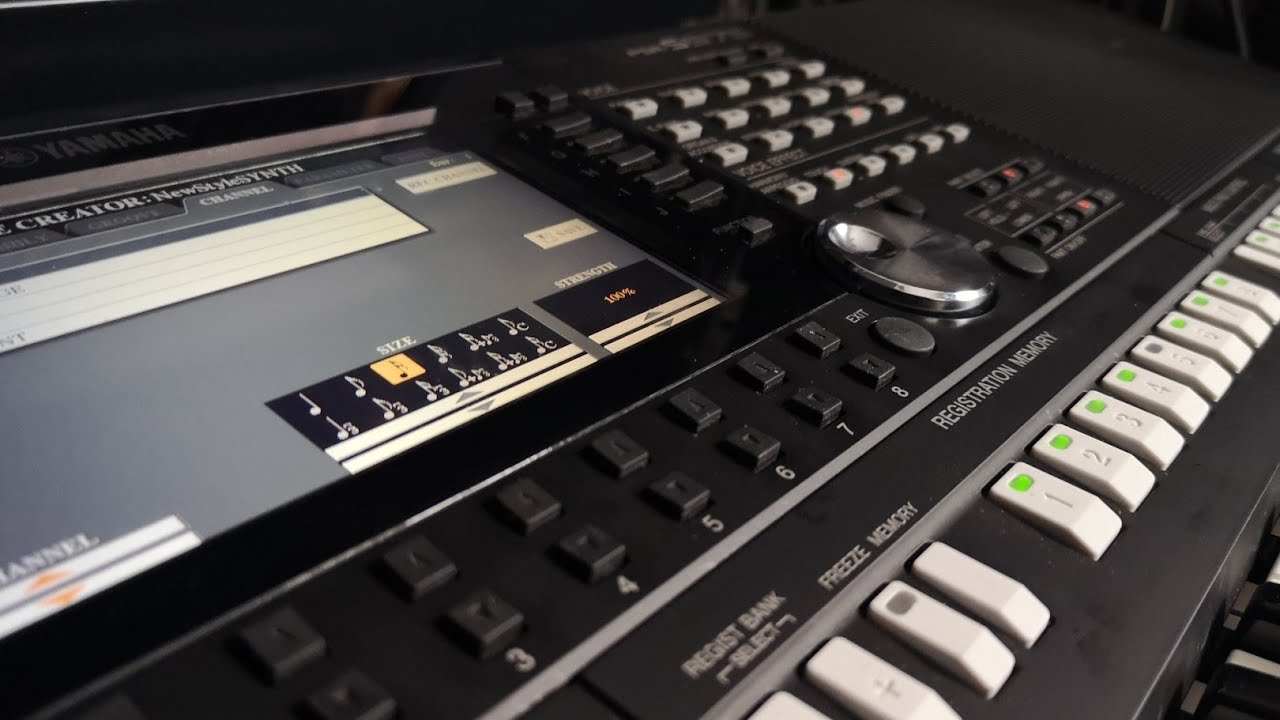
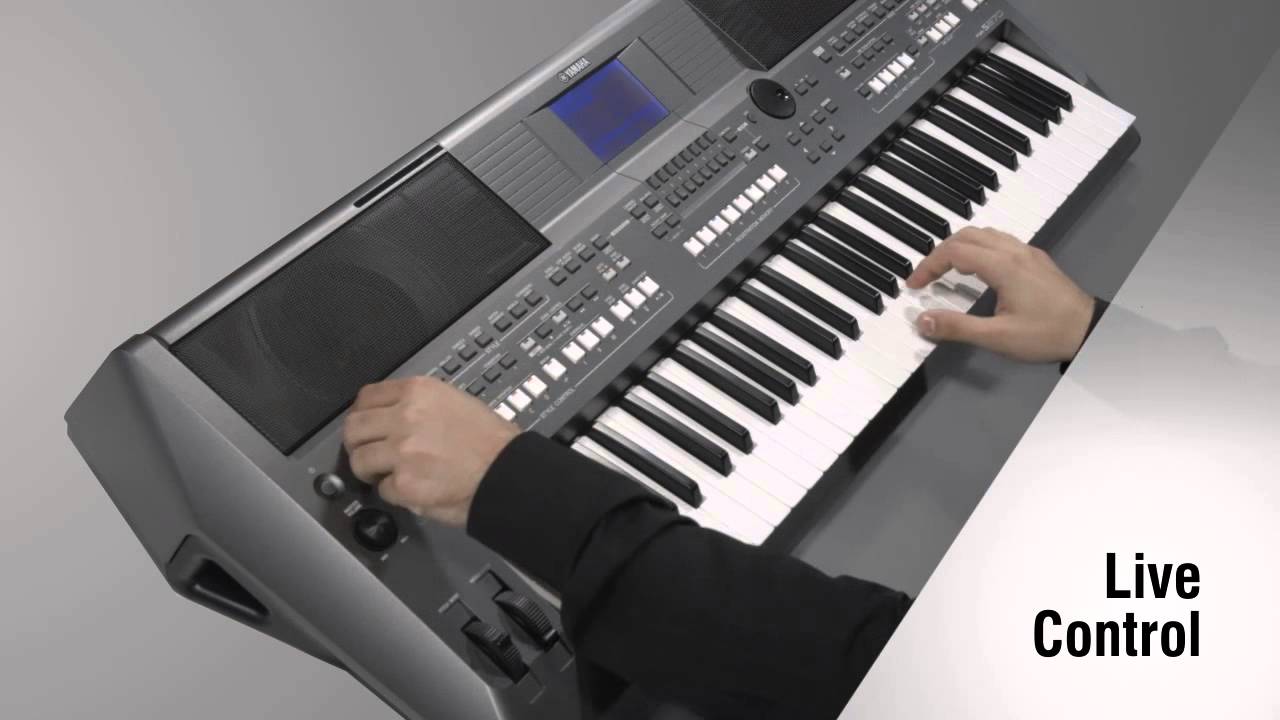
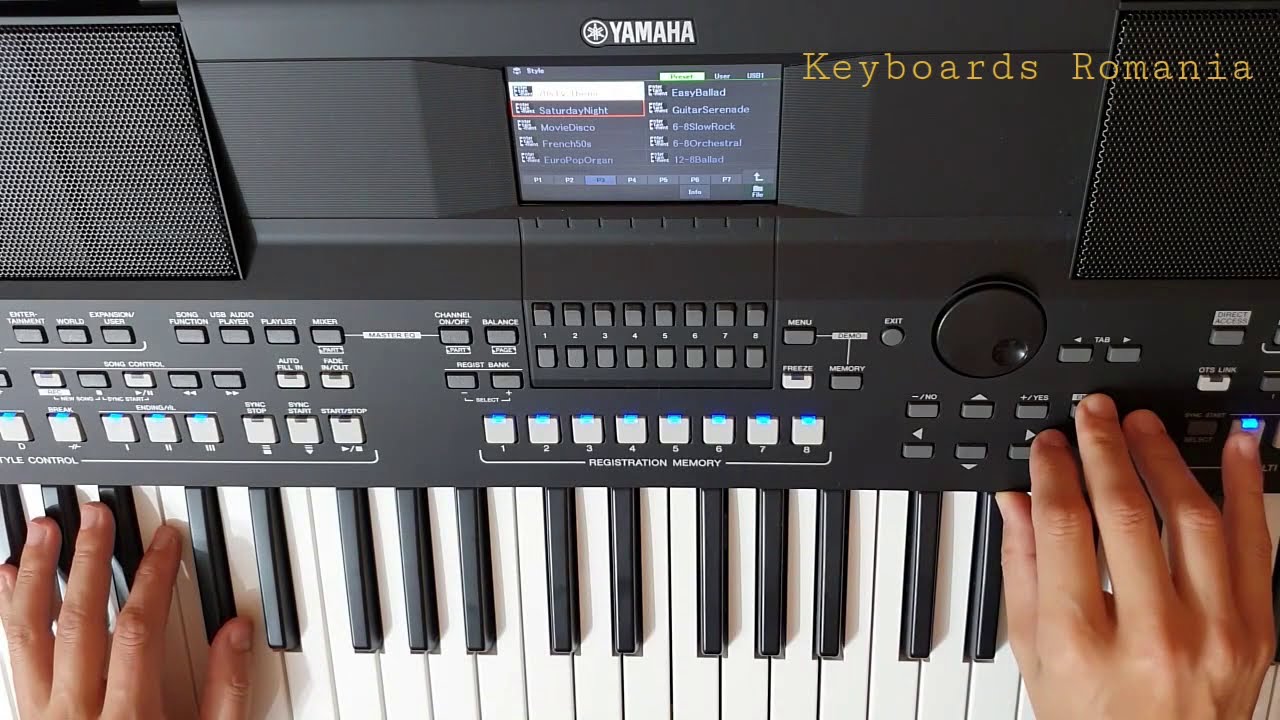
This is another tutorial video from a Yamaha Keyboard PSR S Series
This particular part is a direct response to comment request from GuyNoirXYZ who asked about how to create copy of style with different voice and tempo and save it into registration.
Above that you will know:
How to edit voices in style for each variation
Why altered style and OTS can not be saved directly into registration
How to edit and save currect style as new one.
How to change tempo of style
What is OTS and OTS Link button
How to change One Touch Setting voice assignment
How to replace grand piano section in voice with another voice like electic piano within the #style
All this stuff is preformed on PSR S670 - however it is very similar interface to other #PSR S models like:
Yamaha PSR S970
Yamaha PSR S770
Yamaha SX700
Yamaha SX900
Yamaha PSR S775
Yamaha PSR S650
and more
Videos mentioned in this video - worth seeing if you want to get more information and #howto about:
Registration memory: • How to use Registration memory and banks i...
One Touch Settings - OTS: • Yamaha PSR Tutorial - What is OTS - how to...
Creating style - part 1: • How to create own style in Yamaha PSR - L...
Createing style with intro - part 2: • Yamaha PSR Style creator - How to create I...
Quantizing and transposing : • How to transpose a song and quantize chann...
The whole tutorial about PSR #Yamaha is here:
• Yamaha PSR-S670
Thanks for subscribes and like. Have a nice day.
Повторяем попытку...

Доступные форматы для скачивания:
Скачать видео
-
Информация по загрузке: