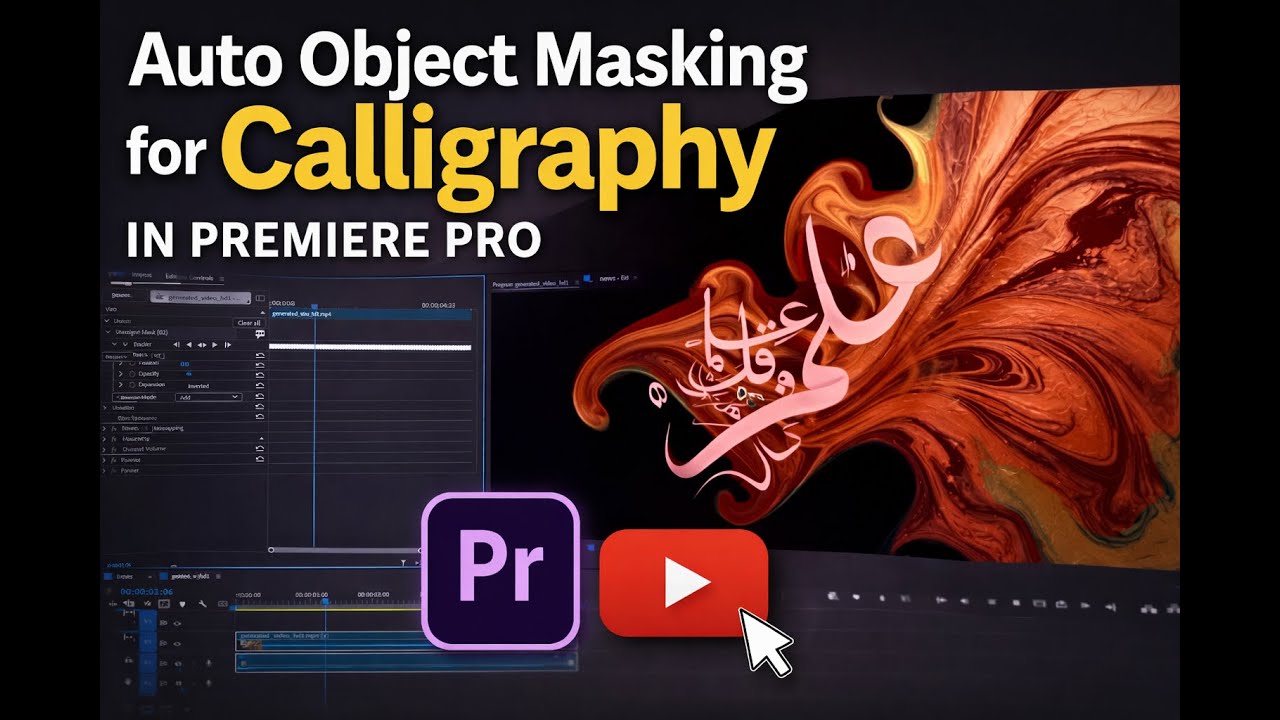
Auto Object Masking for Calligraphy in Premiere Pro (Fast & Easy Tutorial)
Автор: Guidebook
Загружено: 2026-01-28
Просмотров: 10
Описание:
Learn how to automatically mask calligraphy in Adobe Premiere Pro using the Auto Object Selection / Object Masking tool. In this quick 4-minute tutorial, I show you how to isolate calligraphy text, track it accurately, and apply effects without manual rotoscoping.
This technique is perfect for:
✔ Arabic & modern calligraphy
✔ Typography animations
✔ Artistic text reveals
✔ Motion design inside Premiere Pro
No After Effects required — everything is done directly in Premiere Pro.
🔥 What You’ll Learn:
How Auto Object Masking works in Premiere Pro
Selecting and tracking calligraphy automatically
Refining masks for clean edges
Applying effects only to the calligraphy
Tips for better tracking results
🛠 Software Used:
Adobe Premiere Pro (latest version)
If this helped you, like the video, subscribe, and comment if you want more calligraphy & creative Premiere Pro tutorials.
Повторяем попытку...
Доступные форматы для скачивания:
Скачать видео
-
Информация по загрузке:




![Введение в интерфейс Adobe After Effects. Эпизод 2/48 [Adobe After Effects для начинающих]](https://image.4k-video.ru/id-video/O6KRRQm6meY)