ycliper

Популярное

Музыка Кино и Анимация Автомобили Животные Спорт Путешествия Игры Юмор

Интересные видео

2025 Сериалы Трейлеры Новости Как сделать Видеоуроки Diy своими руками

Топ запросов

смотреть а4 schoolboy runaway турецкий сериал смотреть мультфильмы эдисон
Скачать

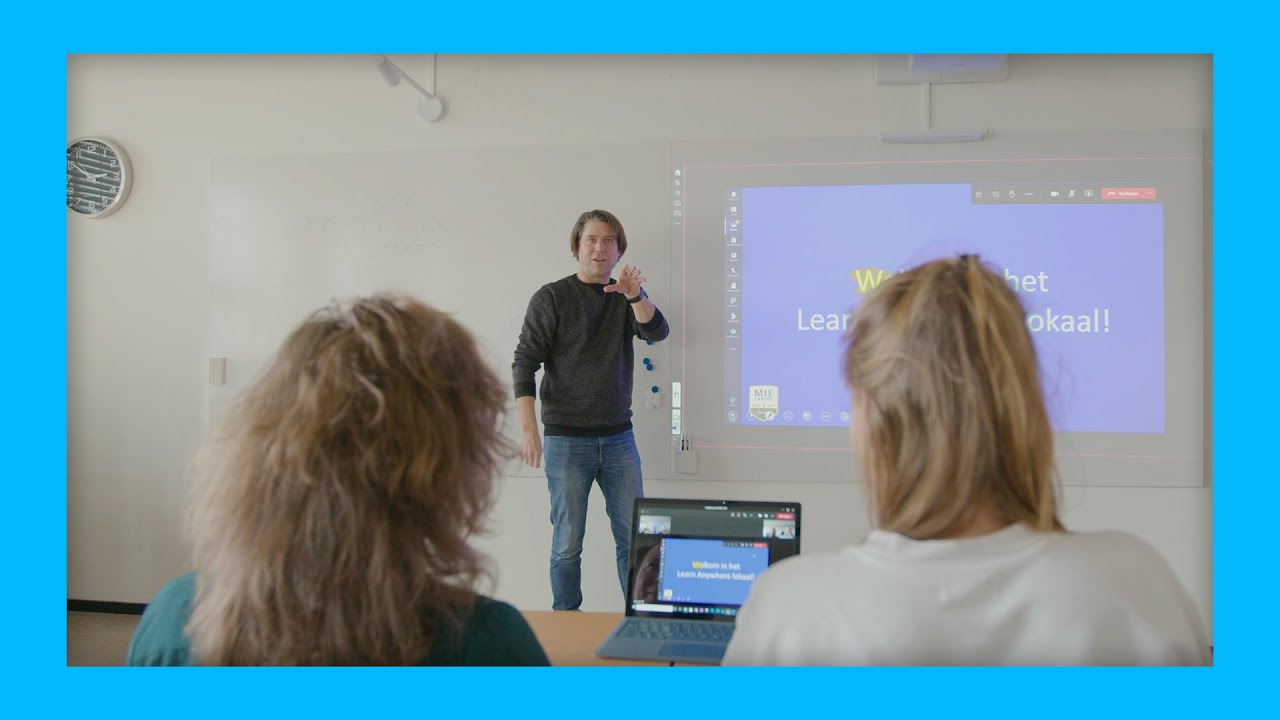
Rotterdam University of Applied Sciences simplifies hybrid education with Logitech

Автор: Logitech

Загружено: 2022-06-27

Просмотров: 1606

Описание: "Innovation plays a large part in Rotterdam University of Applied Sciences’ (RUAS) strategy. Learn Anywhere, the school’s collaboration solution for hybrid learning, started as an experiment, and is now scaled across the entire educational institution.

Learn Anywhere is a user-friendly and affordable collaboration solution that brings the student into the classroom, even if this is not possible in-person. The smart combination of projectors, whiteboards, and collaboration technology supports a natural way of teaching. Here, Logitech Tap functions as a central hub to easily operate all Learn Anywhere functionalities in an accessible way.

The solution is quite user-friendly. As soon as you walk into the classroom, the motion sensor registers activity and Tap is immediately ready to use. Then, the class can start with one touch on the display.

""The biggest advantage is that the experience for in-class students and students joining online is nearly equal.""
– Ralf Hillebrand (teacher of digital didactic and teacher trainer at RUAS)

For more information about Learn Anywhere, visit www.learn-anywhere.nl/en.

Want to know more about Logitech Video Collaboration solutions? Visit our Customer Stories page and see why other companies use Logitech Video Collaboration solutions."

Не удается загрузить Youtube-плеер. Проверьте блокировку Youtube в вашей сети.
Повторяем попытку...
Rotterdam University of Applied Sciences simplifies hybrid education with Logitech

Поделиться в:

Доступные форматы для скачивания:

Скачать видео

  • Информация по загрузке:

Скачать аудио

Похожие видео

Getting Started with Mevo

Getting Started with Mevo

Logitech Mevo

Logitech Mevo

How to customize the Alto Keys K98M for your favorite apps with the Logi Options+ App

How to customize the Alto Keys K98M for your favorite apps with the Logi Options+ App

Logitech Mevo

Logitech Mevo

Getting Started with Mevo

Getting Started with Mevo

What is Actions Ecosystem | Product Manager Deep Dive

What is Actions Ecosystem | Product Manager Deep Dive

Logitech Future Positive Challenge 2026

Logitech Future Positive Challenge 2026

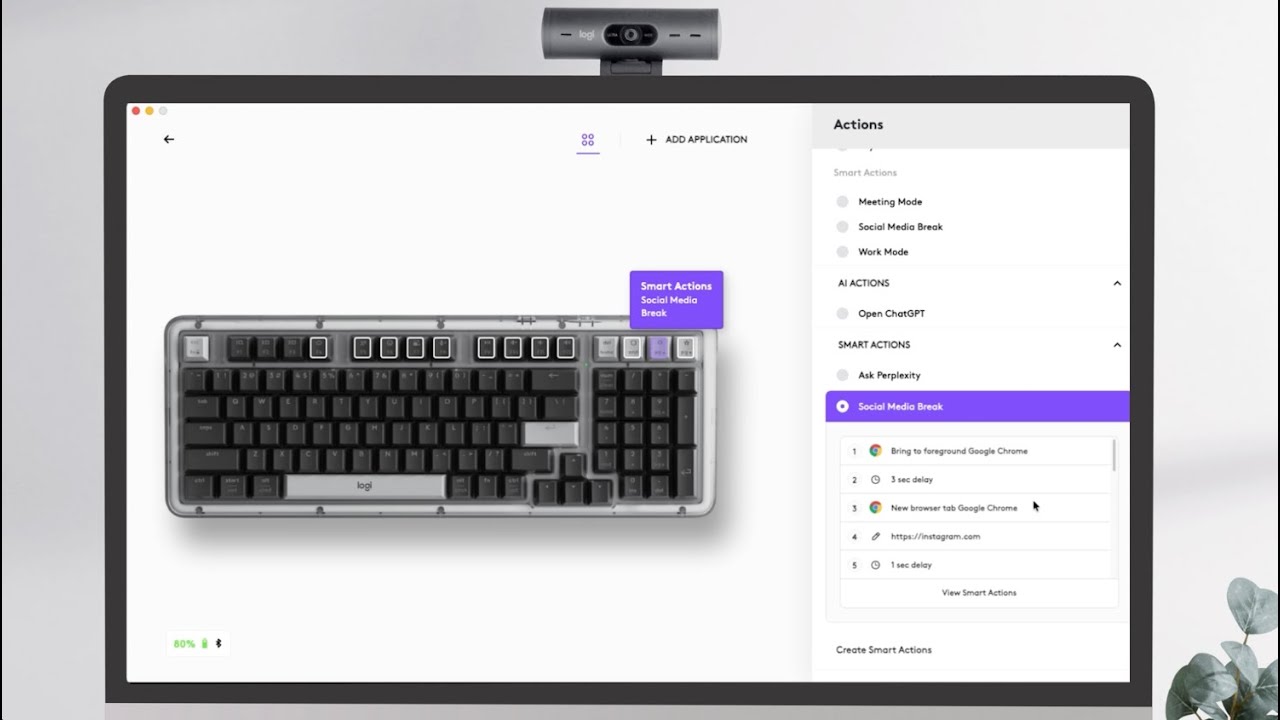
Quickly customize the Alto Keys K98M Action Keys with Smart Actions using the Logi Options+ App

Quickly customize the Alto Keys K98M Action Keys with Smart Actions using the Logi Options+ App

How to customize the backlighting of Alto Keys K98M with Logi Options+ App

How to customize the backlighting of Alto Keys K98M with Logi Options+ App

Customize your F-row keys of your Alto Keys K98M in the Logi Options+ App.

Customize your F-row keys of your Alto Keys K98M in the Logi Options+ App.

How to set up the “Ask Perplexity” Smart Actions template on Alto Keys K98M with Logi Options+

How to set up the “Ask Perplexity” Smart Actions template on Alto Keys K98M with Logi Options+

© 2025 ycliper. Все права защищены.


  • Контакты
  • О нас
  • Политика конфиденциальности


Контакты для правообладателей: [email protected]