Save Money Now: Track Dynamic Energy Prices in Home Assistant
Автор: Smart Home Junkie
Загружено: 2023-01-22
Просмотров: 47077
Описание:
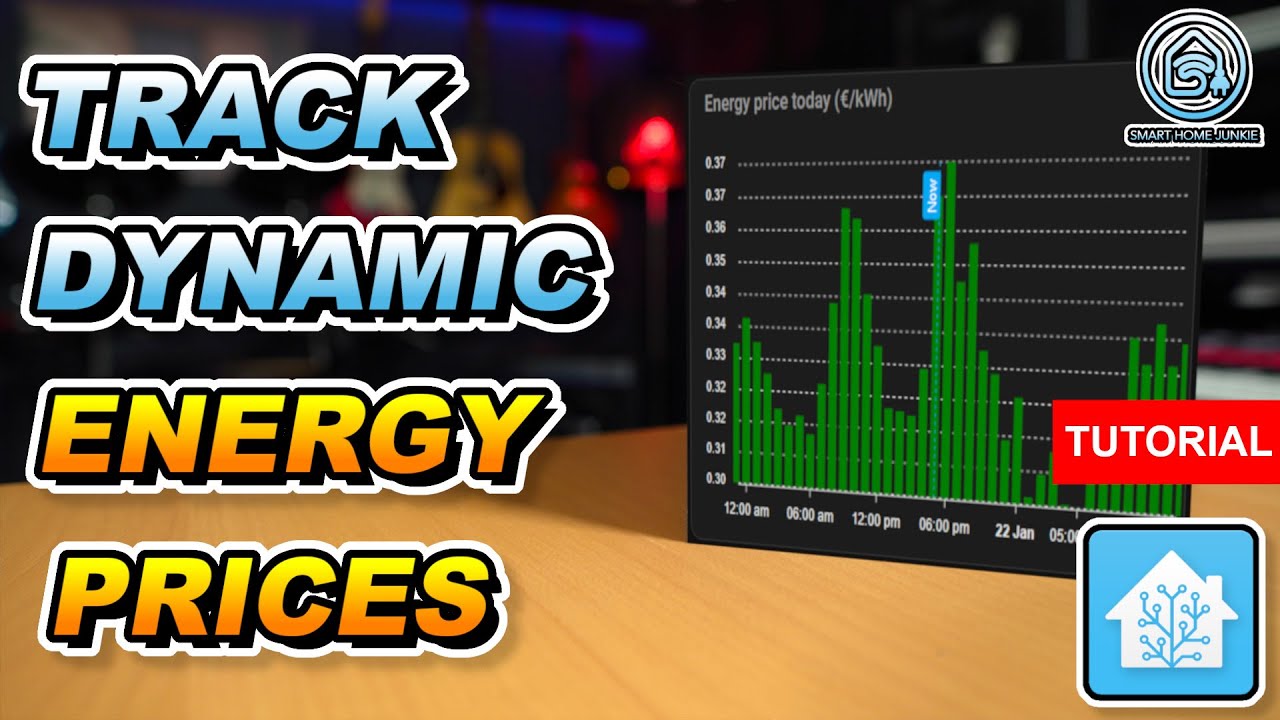
Energy prices are going through the roof these days. Some energy companies deliver dynamic energy prices so that the price of energy changes every hour. This way, you can turn on your appliances when the prices are low. I am going to show you in this tutorial how you can create a bar chart of the dynamic energy prices in Home Assistant so that you can monitor these prices and see when it's the best time to turn on appliances like your washing machine. And on top of that, you learn more about how to work with templates in Home Assistant.
⭐ You can download the code that I created for this video at: https://ko-fi.com/s/e937e90ca8 ⭐
The download file also contains some optimizations to the code that is shown in the video.
Links referred to in this video:
How to install HACS in Home Assistant: • How to Install HACS in Home Assistant (Ste...
Apex Chart manual: https://github.com/RomRider/apexchart...
The ENTSO-e transparency site: https://transparency.entsoe.eu
Save Money! Start Appliances at the LOWEST ENERGY PRICE using Home Assistant!
• Save Money! Start Appliances at the LOWEST...
Blog version: https://www.smarthomejunkie.net/how-t...
NOTE:
If you install Zonneplan, you have to enable the following entity to make this work: sensor.zonneplan_current_electricity_tariff
Go to Settings
Go to Devices and Services
Go to the entities tab
Search for Zonneplan
Click on Zonneplan current electricity tariff
Select Enable Entity
NOTE 2:
In some cases, the bar chart is not shown for some people. If you experience issues with the Apexchart card that does not show a graph, then change the following code in the template:
replace float by float(0)
NOTE 3:
If you did not fill in the VAT percentage in the integration, you can also choose to multiply the price with your VAT percentage in the template, and on top of that add additional costs. In that case, the formula would be something like this if your VAT is 21%:
{%- set ns.prices = ns.prices + [(hours.value * 1.21) + states('input_number.nordpool_additional_costs') | float] -%}
Special thanks to TheFes for tweaking the code so that it got smaller.
⭐⭐⭐
Join this channel to get access to perks: 📺 / smarthomejunkie
Please consider becoming my patron 🏅 at / smarthomejunkie
Or please support me by buying me a ☕ at https://ko-fi.com/smarthomejunkie/
⭐⭐⭐
My Devices: https://github.com/smarthomejunkie/My...
Instagram: / smarthomejunkie
Twitter: / smarth0mejunkie
Facebook: / smarthomejunkie
TikTok: / smarthomejunkie
Discord: / discord
Music by:
2TECH-AUDIO: https://2tech-audio.bandcamp.com/
00:00:00 Introduction
00:01:11 Install the Nordpool integration in Home Assistant
00:02:48 Show the data that the Norpool integration sends to Home Assistant
00:03:46 Create a template sensor to combine data of today and tomorrow
00:04:38 Create a number helper to store additional costs
00:05:21 Create the template
00:05:51 Install Studio Code Server
00:06:21 Create the templates.yaml file
00:07:01 Add the template code to the templates.yaml file
00:07:47 Retrieve the time from the Nordpool integration
00:08:41 Retrieve the energy prices from the Nordpool integration
00:09:27 Let's test the template
00:09:57 Create the bar-chart
00:11:12 Add the additional costs helper field
00:11:44 Install the ENTSO-e integration
00:12:27 Retrieve the API key from ENTSO-e
00:13:10 Configure ENTSO-e in Home Assistant
00:13:57 Download the code for the ENTSO-e and Zonneplan integration
00:14:16 Conclusion
#homeassistant #variableenergyprices #energyprices #trackenergy #tutorial #smarthome #homeautomation
Повторяем попытку...
Доступные форматы для скачивания:
Скачать видео
-
Информация по загрузке:
![[#99] Home Assistant – первое знакомство, установка и проблемы](https://imager.clipsaver.ru/zLC8GuOkHl0/max.jpg)