Perfect Heat Discoloration (Tempered Metal) in Substance Painter | ONE Layer
Автор: Alvis Bansal 3d
Загружено: 2026-01-20
Просмотров: 95
Описание:
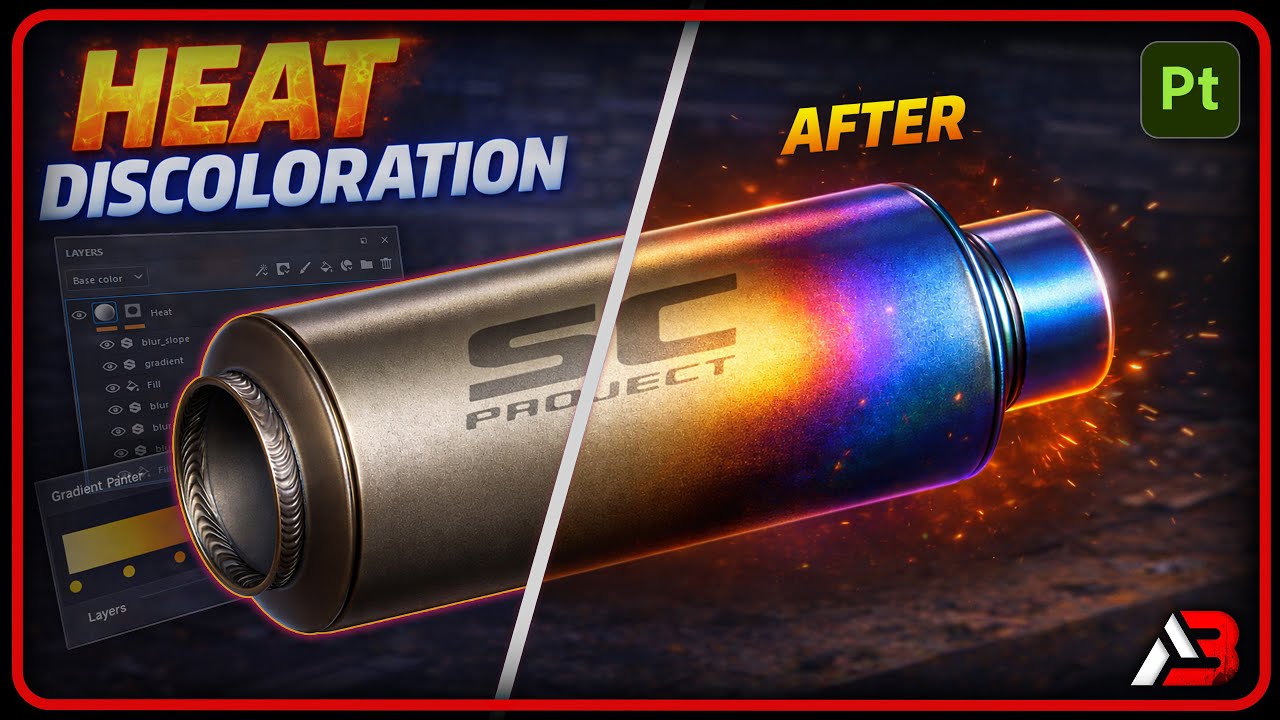
In this tutorial, I show you how to create realistic heat discoloration (tempered metal) in Substance Painter, perfect for exhaust pipes, weapons, and hard-surface game assets.
The best part? This entire effect is created using a clean and efficient ONE-layer setup, making it fully game-ready, lightweight, and easy to tweak.
🔥 *Free Smart Material*
As promised in the video, you can download the *Tempered Metal Smart Material* created in this tutorial from the link below:
👉 *https://drive.google.com/file/d/14nl5...
What you’ll learn:
• How heat discoloration actually forms on metal
• Creating realistic blue, purple, and yellow heat gradients
• Using gradients and anchor points effectively
• Making the effect fully adjustable and reusable for any asset
This technique works great for:
✔ Exhaust pipes
✔ Suppressors
✔ Barrels
✔ Industrial props
✔ Hard-surface game assets
If you’re a 3D artist, game artist, or learning Substance Painter, this workflow will save you time while keeping your materials realistic and production-ready.
📌 Software used: Adobe Substance 3D Painter
🎮 Focus: Game-ready materials
If you found this helpful, consider liking the video and subscribing for more practical 3D art tutorials.
In this tutorial, I show you how to create realistic heat discoloration (tempered metal) in Substance Painter — perfect for exhaust pipes, weapons, and hard-surface game assets.
The best part? This entire effect is created using a clean and efficient ONE-layer setup, making it fully game-ready, lightweight, and easy to tweak.
🔥 *Free Smart Material*
As promised in the video, you can download the *Tempered Metal Smart Material* created in this tutorial from the link below:
👉 *[Download Link Here]*
What you’ll learn:
• How heat discoloration actually forms on metal
• Creating realistic blue, purple, and yellow heat gradients
• Using gradients and anchor points effectively
• Making the effect fully adjustable and reusable for any asset
This technique works great for:
✔ Exhaust pipes
✔ Suppressors
✔ Barrels
✔ Industrial props
✔ Hard-surface game assets
If you’re a 3D artist, game artist, or learning Substance Painter, this workflow will save you time while keeping your materials realistic and production-ready.
📌 Software used: Adobe Substance 3D Painter
🎮 Focus: Game-ready materials
If you found this helpful, consider liking the video and subscribing for more practical 3D art tutorials.
Повторяем попытку...
Доступные форматы для скачивания:
Скачать видео
-
Информация по загрузке: