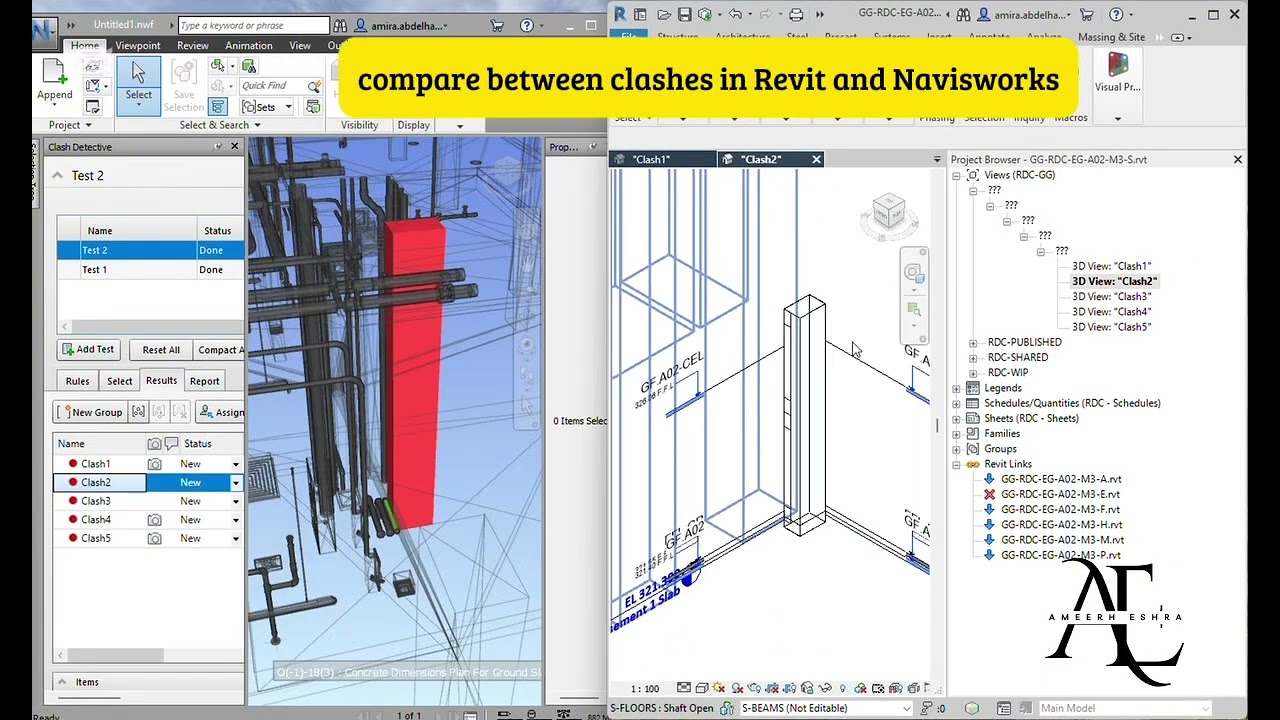
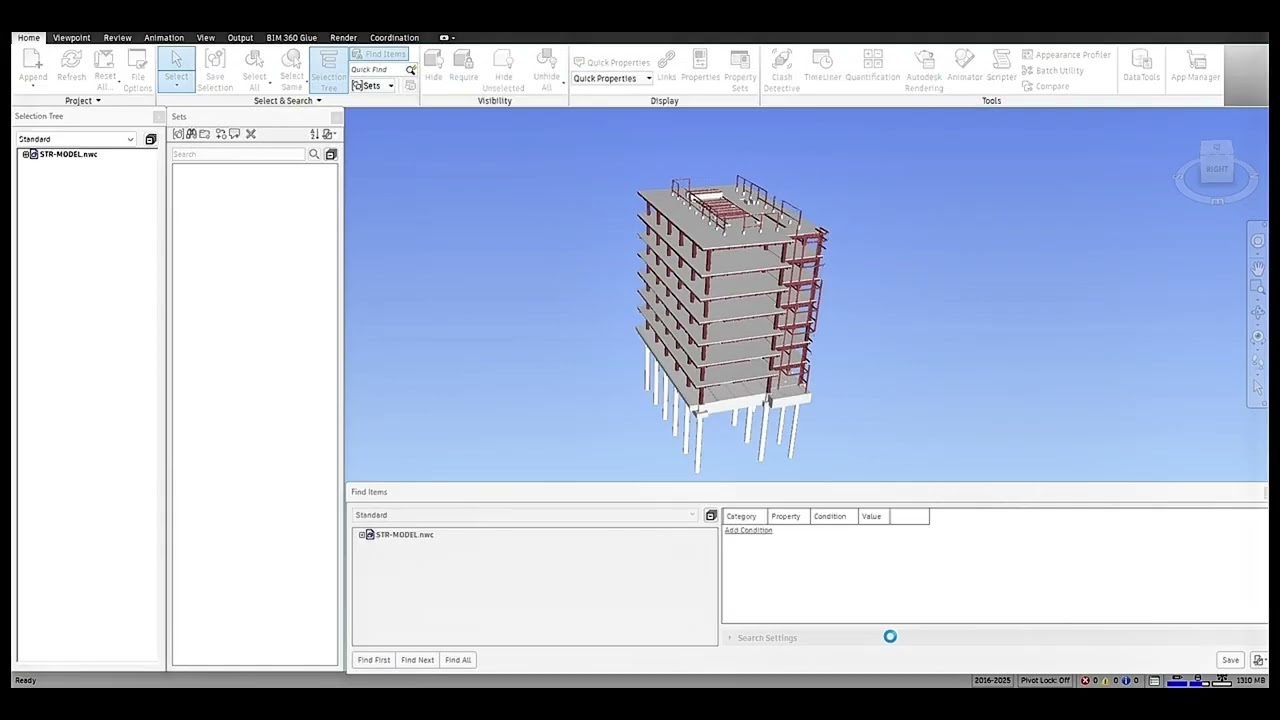
create a Search Set in Navisworks in just one second by DYNAMO
Автор: Ameerh Eshra
Загружено: 2026-02-17
Просмотров: 46
Описание:
I’m excited to share a new script I developed to streamline coordination between Autodesk Revit and Autodesk Navisworks 🚀
This script allows you to create a Search Set in Navisworks in just one second directly through Revit!
🔹 Run the script inside Revit.
🔹 Select the elements you need.
🔹 The Search Set is automatically generated inside Navisworks.
✅ Works with any discipline model:
Architectural – Structural – Mechanical – Electrical.
✅ If the same element type exists in multiple models (for example, Architectural walls and Structural walls),
the script automatically creates a separate Search Set for each model inside Navisworks.
It distinguishes elements based on the Model Name, ensuring that each Search Set is clearly organized and linked to its correct source model — with no overlap or confusion.
✅ Saves significant coordination time.
✅ Eliminates manual Search Set creation.
✅ Reduces human errors in filtering elements.
✅ Improves multi-discipline coordination accuracy.
If you’re interested in trying it or learning more, feel free to reach out!
#BIM #Revit #Navisworks #Dynamo #Automation #BIMCoordination #ConstructionTechnology
Повторяем попытку...
Доступные форматы для скачивания:
Скачать видео
-
Информация по загрузке: