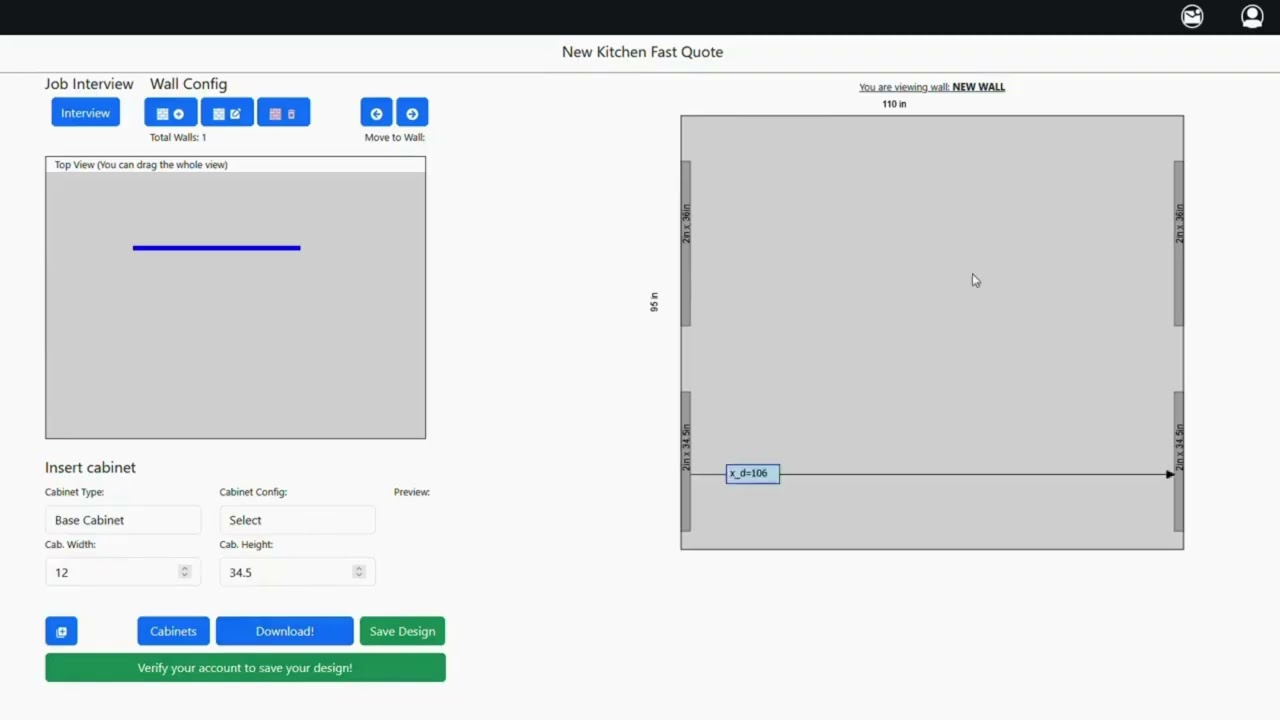
Video 5: Adding Base, Tall & Upper Cabinets | Cabinet Configuration and Layout Adjustments
Автор: Cabinets Quick
Загружено: 2026-02-14
Просмотров: 3
Описание:
Cabinet placement is where your design truly begins to take shape. Understanding how to properly add and configure base, tall, and upper cabinets ensures your layout is functional, aligned with standard dimensions, and production-ready.
The CABINETS QUICK Online Configurator allows you to create a cabinet layout in minutes and receive an instant preliminary estimate. Simply design your space, select your preferred materials and options, and generate a fast, accurate budget to guide your project planning. It’s a simple and efficient way to visualize your layout and understand pricing before moving forward.
In Video 5 – Adding Cabinets, we cover:
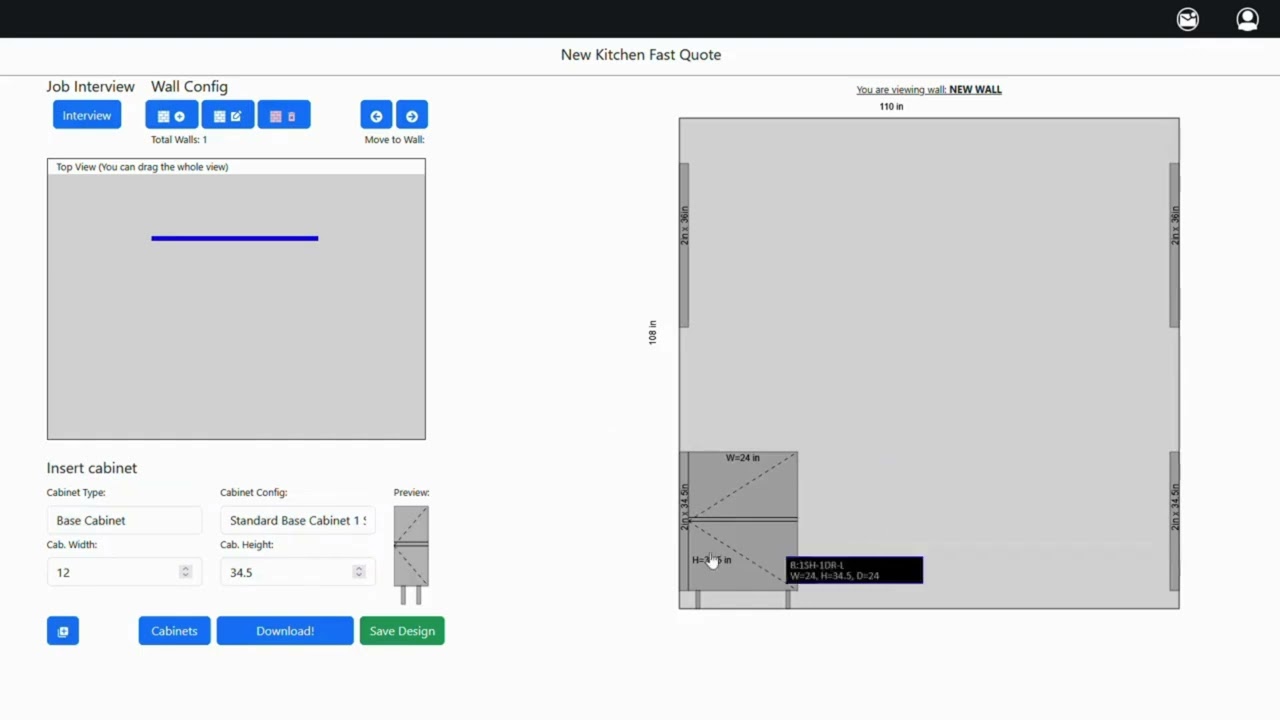
• Selecting base cabinet templates
• Adjusting cabinet width and height (example: 18")
• Editing cabinet details and saving changes
• Understanding standard cabinet heights
• Adding tall cabinets and choosing hinge orientation
• Placing upper wall cabinets correctly
• Adjusting cabinet heights based on ceiling elevations
• Monitoring remaining wall space
• Setting correct soffit heights
• Reviewing and finalizing cabinet placement
Proper cabinet configuration prevents door conflicts, spacing issues, and installation challenges. By following standard height guidelines and verifying hinge placement, you ensure a clean and efficient layout before moving into production.
Mastering cabinet addition inside the configurator allows you to design faster, reduce revisions, and generate more accurate preliminary estimates.
In the next tutorial, we’ll continue refining the layout and exploring additional customization tools within the system.
CABINETS QUICK
1742 N Case St
Orange, CA 92865
Phone: (714) 532-9005
For more information, visit us:
http://cabinetsquick.com/
Повторяем попытку...
Доступные форматы для скачивания:
Скачать видео
-
Информация по загрузке: