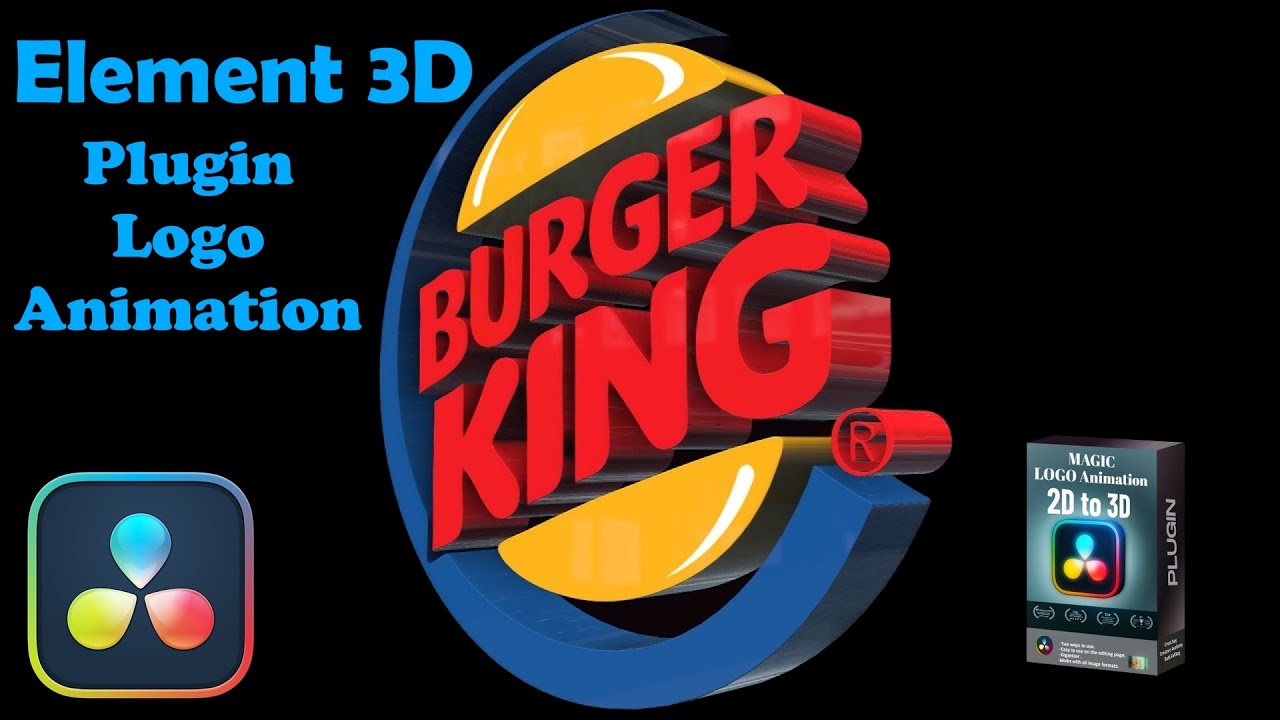
3D Logo with Original Colors Tutorial in DaVinci Resolve | Element 3D Plugin Logo Animation 🎥🔧
Автор: Creators Academy
Загружено: 2024-09-27
Просмотров: 7455
Описание:
"Create Amazing 3D Logos in DaVinci Resolve with Two Clicks! 🎥🔧"
In this tutorial, I demonstrate how to use an incredible plugin that transforms 2D images into fully controllable 3D objects with just two clicks. Learn two powerful methods: image duplication and shape manipulation. I'll guide you through the installation process, explain all the plugin's features, and show you step-by-step how to create stunning 3D logos in DaVinci Resolve.
Key points covered:
Plugin installation and setup
Detailed explanation of all plugin tools and menus
Two methods: Duplicate Image and Shape
How to remove image backgrounds and convert PNG to SVG
Adjusting image position, duplication, shape, lighting, and movement
Tips for optimizing your workflow
Whether you're a beginner or an experienced editor, this plugin will revolutionize your 3D logo creation process in DaVinci Resolve. Don't forget to like, subscribe, and share if you found this tutorial helpful!
Download the plugin: [https://ko-fi.com/s/6963a52367]
Remove Background: [https://www.remove.bg/upload]
convert PNG to SVG: [https://svgtrace.com/png-to-svg]
#DaVinciResolve #3DLogo #MotionGraphics #VideoEditing #AdobeAfterEffects #VFX #Filmmaking #YouTubeTutorial #VideoProduction #CreatorAcademy #PluginTutorial #GraphicDesign #VisualEffects #PostProduction #VideoEditingTips
Повторяем попытку...
Доступные форматы для скачивания:
Скачать видео
-
Информация по загрузке: