Working with Plans in Cursor Agent Mode | Trails Project Example | Cursor AI Workshop
Автор: Alex Rezvov
Загружено: 2026-02-01
Просмотров: 15
Описание:
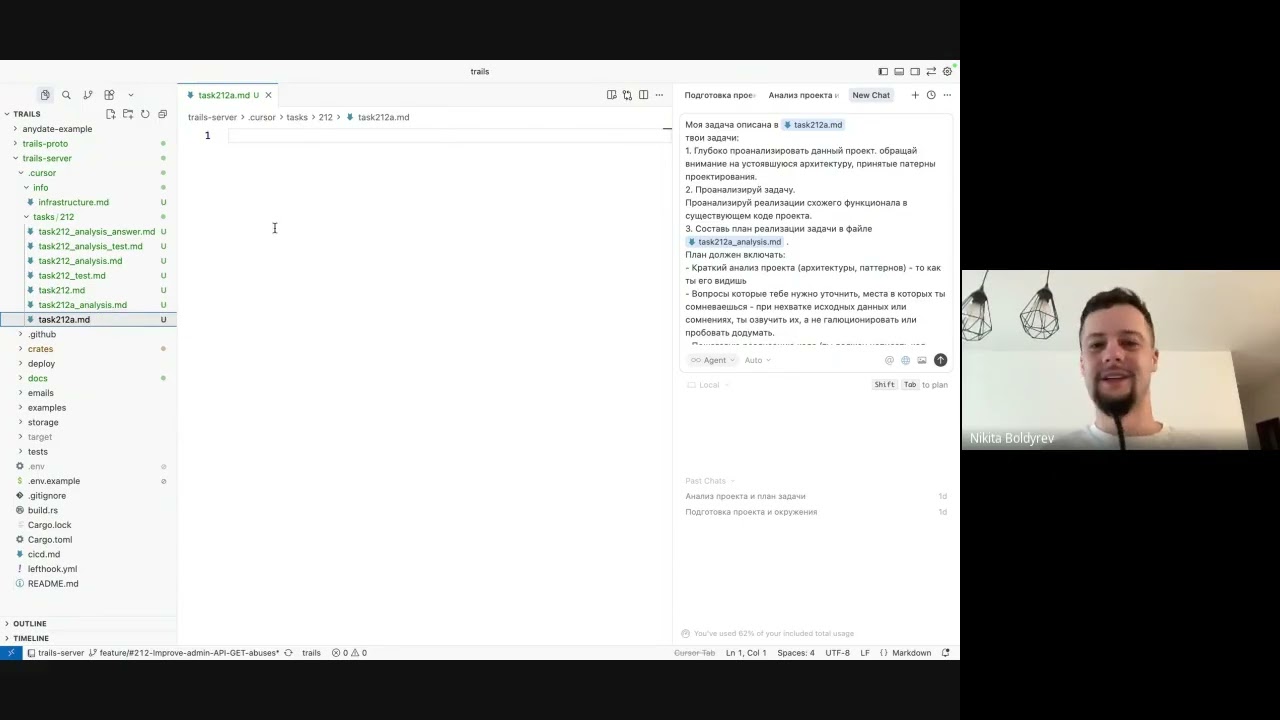
Workshop on using Plan mode and Agent mode in Cursor IDE for complex development tasks. Trails project as a practical example. Presented by Nikita.
🎯 Key Workshop Topics:
• Plan mode: Creating and managing multi-step development plans
• Agent mode: When and how to use autonomous execution
• Combining Plan and Agent: Workflow for complex tasks
• Trails project: Practical examples and real-world scenarios
• Task decomposition: Breaking down work for AI assistance
• Verification and iteration: Checking plan execution results
📋 Timestamps (Chapters):
00:00:00 - Intro, workshop format, Nikita intro, Trails task
00:09:12 - Cursor folder, task doc, plan prompt, smart model
00:18:24 - Agent flaws, plan items, testing plan
00:27:36 - Context in prompt, agent execution starts
00:36:48 - Watching agent, token pricing, spending limits
00:46:00 - Auto mode, model choice, agent continues
00:55:12 - Context clogging, summarization, Alexey on Rust
01:04:24 - Step 2, testing, agent confirmation
01:13:36 - Confirm commands, handover to Anya
01:22:48 - Wrap-up, Vlad and Andrey, goodbye
🔧 Practical Part Includes:
• Live demonstration of Plan mode in Cursor
• Agent mode usage and control
• Real examples from Trails project
💡 Key Insights:
• Plan mode helps structure complex multi-step tasks
• Agent mode executes plans with autonomous decision-making
• Combine both for predictable yet flexible AI-assisted development
---
This workshop demonstrates how to effectively use Plan and Agent modes in Cursor IDE for professional development workflows.
#Cursor #CursorIDE #PlanMode #AgentMode #Trails #DeveloperTools #AIcoding #CursorWorkshop
Повторяем попытку...
Доступные форматы для скачивания:
Скачать видео
-
Информация по загрузке: