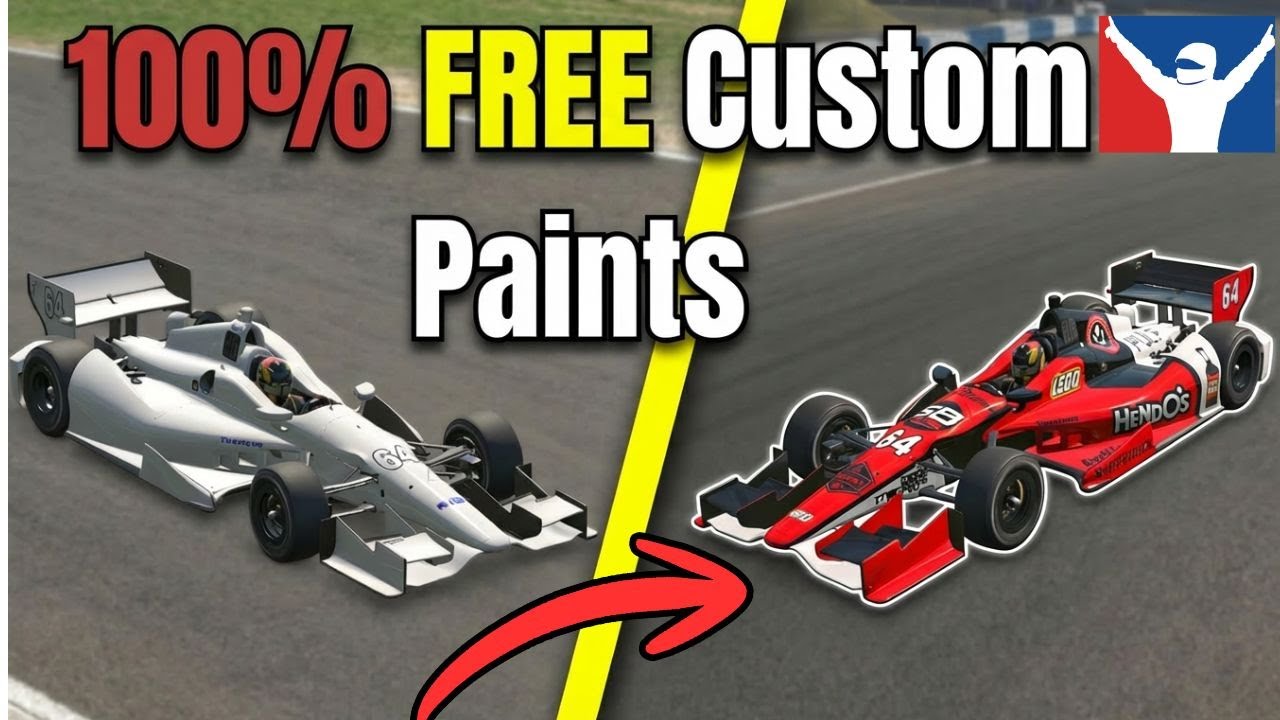
How To Make iRacing Paints With Trading Paints (Free & Pro)… And Not Get Caught on the PC
Автор: Luke Russell
Загружено: 2026-02-04
Просмотров: 40
Описание:
Learn how to create custom iRacing paint jobs using Trading Paints, whether you’re using the free version or Trading Paints Pro. This beginner‑friendly guide walks through installing the app, building your own livery, adding spec maps for matte/metallic/chrome finishes, and making sure your paint actually shows up correctly in‑game.
You’ll also see how to design paints without Pro, using free tools like PSD Viewer and manual PNG uploads. If you’ve ever wondered why your finishes disappear mid‑race or how to make decals pop, this video covers it step‑by‑step.
00:02 – What the video covers (custom paints, finishes, husband jokes)
00:31 – Installing Trading Paints & selecting your car
01:03 – Creating a new paint in Paint Builder
01:30 – Enabling spec maps for matte/metallic/chrome finishes
02:00 – Previewing the livery in iRacing
02:24 – Applying decals & mixing finishes
03:07 – Making decals pop with chrome/matte combos
03:39 – Ensuring finishes appear mid‑race (showroom upload)
04:22 – Adding spec maps manually using MIP files
05:01 – Uploading the spec map with screenshot
05:53 – Applying the finished paint to the car
06:12 – Free method: PSD Viewer + PNG editing
07:06 – Saving and exporting the edited PNG
08:23 – Adding custom text/decals manually
09:00 – Uploading the free‑version paint to Trading Paints
09:18 – Free method recap (fiddly but works)
09:35 – Comedy phone call: “No, I haven’t been on the PC…”
09:56 – Panic cleanup & outro
And yes… there’s a phone call at the end.
#iracing #tradingpaints #simracingtutorial #simracingtips #simracing #simracingcommunity
Повторяем попытку...

Доступные форматы для скачивания:
Скачать видео
-
Информация по загрузке: