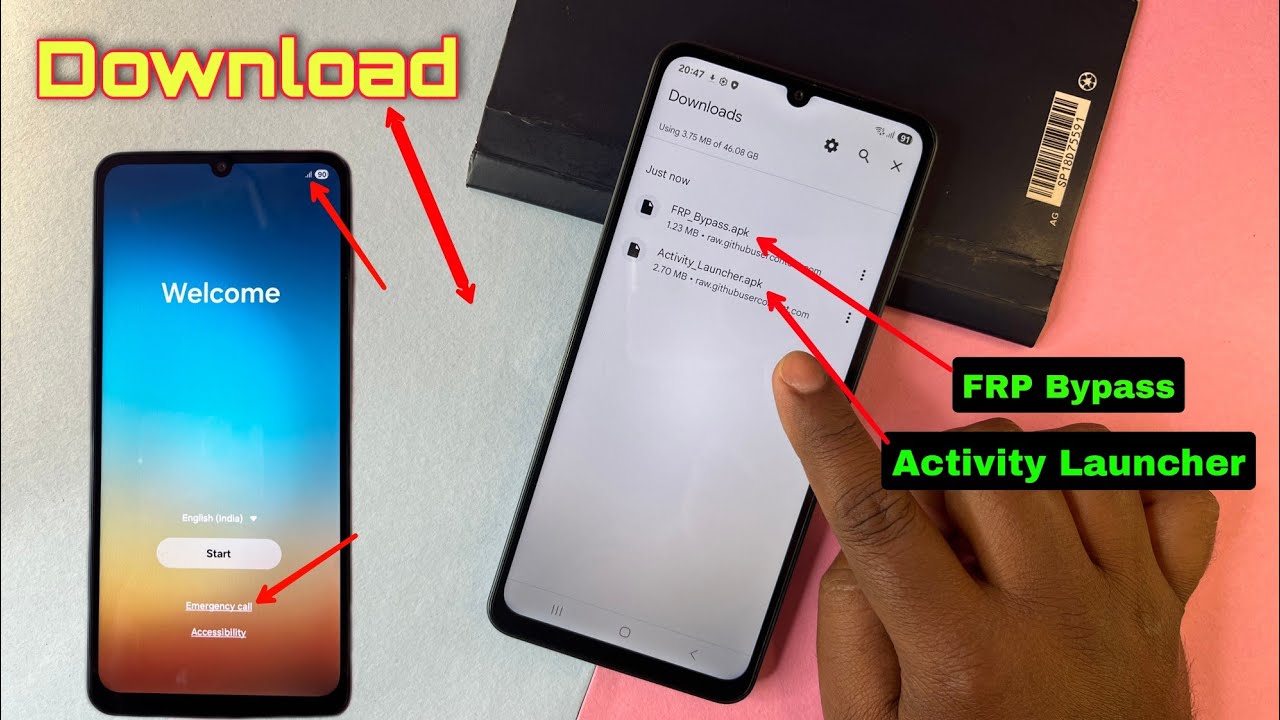
Samsung S21 FE 5G FRP Bypass 2026 | Bypass FRP Lock on Samsung | Remove Google Account
Автор: Enough Tricks
Загружено: 2026-01-06
Просмотров: 355
Описание:
Samsung S21 FE 5G FRP Bypass 2026 | Bypass FRP Lock on Samsung | Remove Google Account
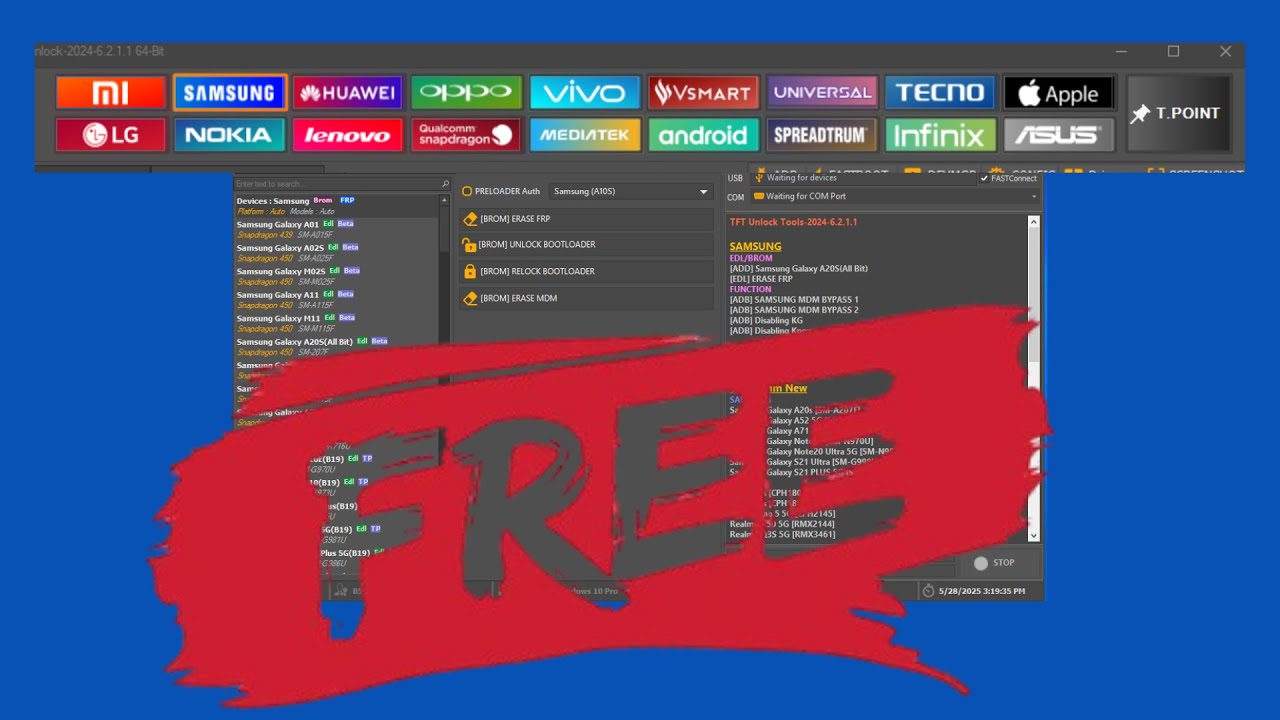
FRP Tools Download:
Link 1: https://learnonetech.com/frp-tools
Link 2: http://bit.ly/frpunlocktools
Link 2: https://bit.ly/newfrp22
Socials:
Facebook: / learnonetech
Twitter: / learnonetech_
If your Galaxy S21 FE 5G is stuck on Google Account Verification (FRP) after a factory reset, this video is for you. Many people search for S21 fe 5g frp bypass, Samsung s21fe 5G FRP bypass, or S21 fe 5g remove Google account—but in this tutorial, I’ll show the official and safe ways to regain access to your device on Android 11, Android 13, and Android 14 without doing anything illegal.
Factory Reset Protection (FRP) is a security feature designed to protect your phone if it’s lost or stolen. That means the correct solution is always account recovery and verification using the Google account that was previously synced on the phone. So if you’re searching S21 fe frp bypass, frp s21 fe 5G, or Samsung S21 FE 5G bypass, make sure you’re doing this only for a phone you own (or have permission to access).
In this step-by-step guide, I’ll walk you through:
How to sign in on the FRP screen using the previous Google account
How to reset your Google password properly and avoid common errors
What to do if you see “Try again later” or verification keeps failing
How to fix setup issues on S21 fe 5g frp bypass android 14 searches by using the correct recovery flow
Tips for users who searched samsung s21 fe 5g frp bypass android 13 or samsung s21 fe 5g frp bypass android 11 (the recovery steps are similar, but menus may look different)
Samsung account and support options when you can’t access the original Google login
⚠️ Important Note: If you changed your Google password recently, Android may enforce a security delay (often 24–72 hours) before allowing sign-in on the reset phone. This is normal and helps prevent unauthorized access.
What you need:
a. Wi-Fi connection
b. The Google account that was previously on this S21 FE 5G
c. Your password (or access to Google account recovery)
Optional: Samsung account login if it was enabled before reset
Chapters:
00:00 Intro
00:10 Recovery steps (S21 FE 5G)
06:29 End screen
Disclaimer:
This video is for educational purposes and legitimate account recovery only. I do not support bypassing security on lost/stolen devices. If you don’t own the phone, please return it to the owner or contact Samsung/Google support.
#s21fe5g #galaxys21fe #android14 #android13 #android11 #frp #googleaccountrecovery #samsungsetup
Повторяем попытку...

Доступные форматы для скачивания:
Скачать видео
-
Информация по загрузке:



![[100% Working] Samsung A13 FRP Bypass with PC | Android 12, 13 Google Account Unlock 2026](https://imager.clipsaver.ru/o_wdfqNMMWM/max.jpg)