How to Create 3D Movement from A Still Photo in PowerPoint Animations Tutorial
Автор: The Teacher
Загружено: 2016-10-28
Просмотров: 248946
Описание:
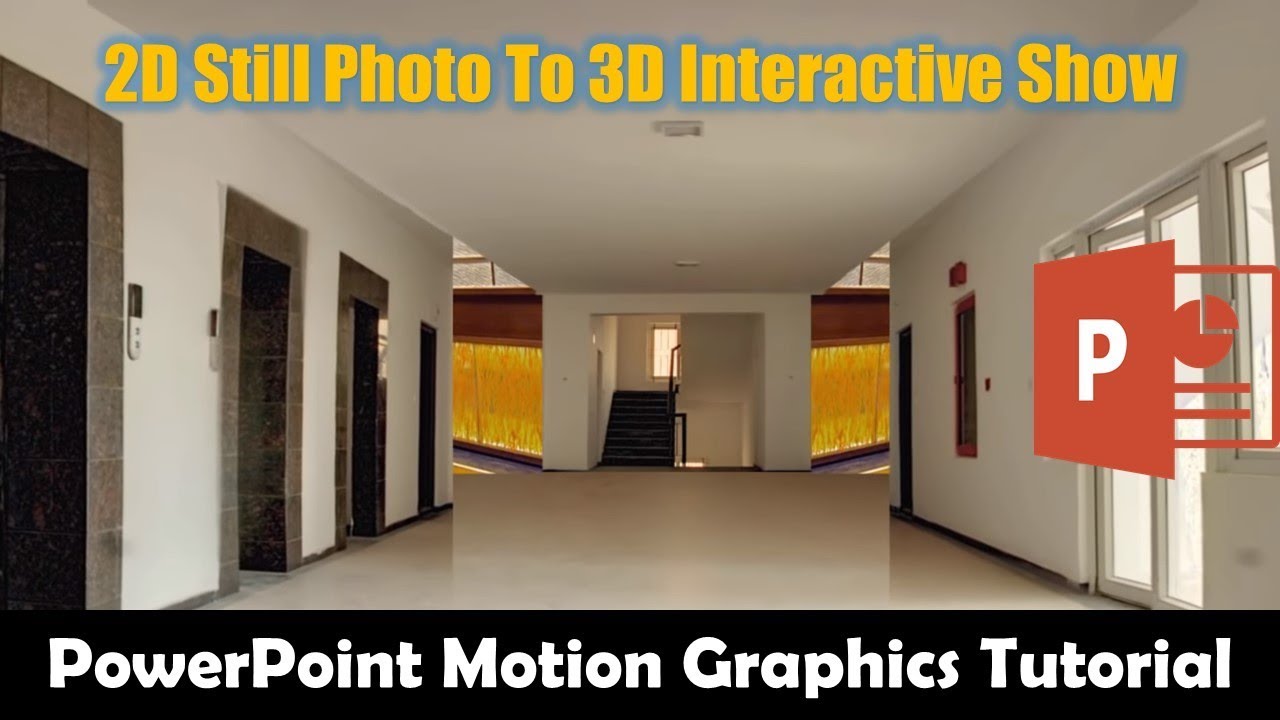
In this Microsoft PowerPoint Tutorial, you will learn to make 3D Movement From Still Photos. Even that is not a perfect 3D Movement From A Still Photo but it still gives you an idea that how you can create a 3D animation effect from still images. You can see examples in our Related Videos section below.
📋 Learn More and Download the 3D Movement From Still Photo PowerPoint Presentation (PPT):
https://www.theteacherpoint.com/creat...
⭐ Support Us Patreon: 1-Click Download 3D Movement From A Still Photo PowerPoint Presentation
/ 7136622
💞 Support For A Cause @ / theteacher
🏋 About 3D Movement From A Still Photo Animation
First, we used a single photo to create a corridor scene in which the camera is moving forward. In the second scene, I also tried to show the sides when the camera moves forward and the corridor ends. If you need then you can also reverse the effect by moving the camera inwards.
To crop the photos perfectly, you can also use Adobe Photoshop. But I prefer to use the inbuilt Remove Background tool.
🎎 Original Animation Inspiration
"After Effects Tutorial: Create a 3D Room From a Still Photograph" by "PremiumBeat.com - Royalty Free Music" to Microsoft PowerPoint 2016.
👌 Recommended Videos
How to Create Zoom In Animated Scene in PowerPoint
• How To Create Zoom in Animation Scene in P...
How To Remove Background From Pictures in PowerPoint
• Remove Background from Photos in PowerPoin...
🔔 Subscribe for more tutorials: https://www.youtube.com/TheTeacher?su...
📝 Learn More, Visit: https://www.theteacherpoint.com
✅ Recommend Playlists:
🔸 More Microsoft PowerPoint 2016 Tutorial
http://bit.ly/PowerPoint-Tutorials-Pl...
🔹 Learn How To Make Animation in PowerPoint
http://bit.ly/Motion-Graphics-Playlist
👌 Follow Me :
Twitter - / theteacherpoint
Facebook - / theteacherpoint
Instagram - / theteacherpoint
Pinterest - / theteacherpoint
🌻 Microsoft PowerPoint Presentation By The Teacher
#PowerPointAnimations #PowerPoint #TheTeacher #PowerOfPowerPoint #PossibilitiesWithPowerPoint
⏩ You can also make this 3D Movement in Still Photo in the following versions:
Microsoft PowerPoint 2007 / 2010 / 2013 / 2016 / 2019 / PowerPoint 365
Повторяем попытку...
Доступные форматы для скачивания:
Скачать видео
-
Информация по загрузке: