How to Create a Threaded Rod 3D Model in Creo Parametric Full CAD Tutorial 2026
Автор: The Future of CAD
Загружено: 2026-01-21
Просмотров: 42
Описание:
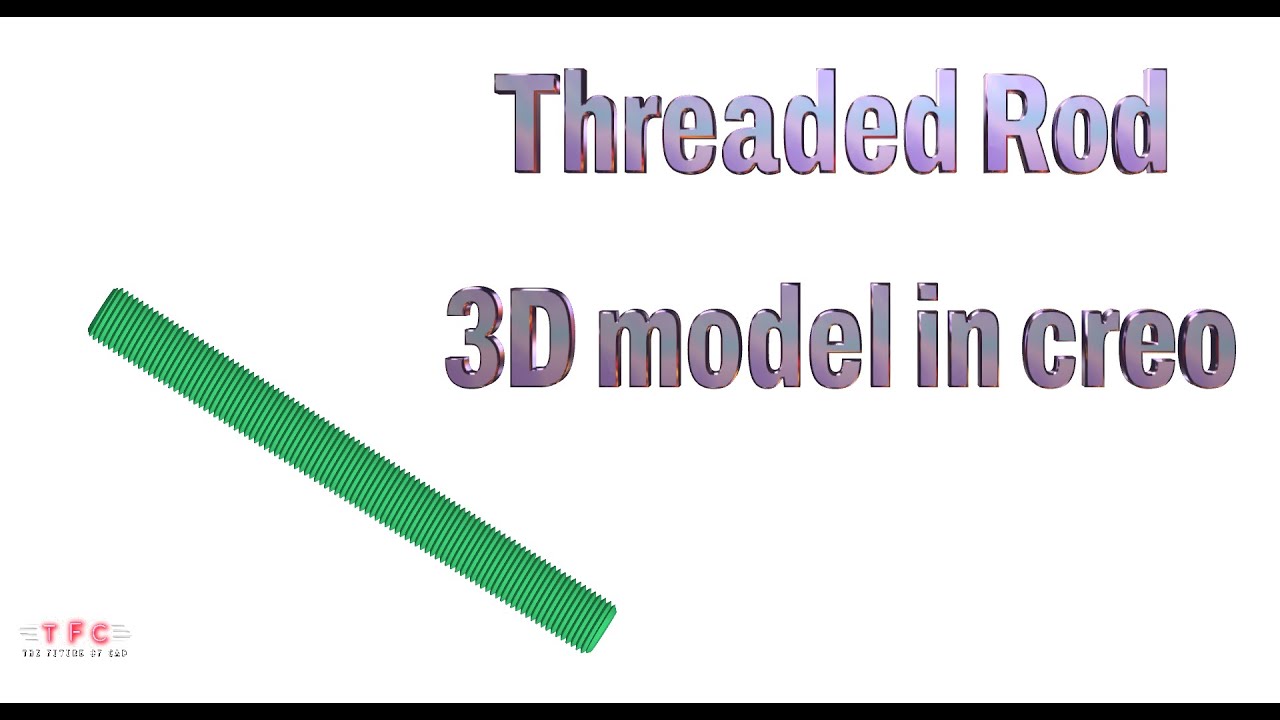
Welcome to this complete and in-depth Creo Parametric 2026 tutorial, where you will learn How to Create a Threaded Rod 3D Model in Creo Parametric from scratch. This full step-by-step CAD tutorial is designed for beginners, mechanical engineering students, CAD learners, and working professionals who want to master parametric modeling techniques used in real industrial applications.
A threaded rod is a widely used mechanical component found in automotive, construction, machinery, fabrication, structural assemblies, and industrial equipment. Although it looks simple, creating a proper threaded rod in CAD requires a clear understanding of thread profiles, pitch, parametric control, feature sequencing, and design intent. This makes it an excellent practice model for improving your Creo Parametric skills.
In this tutorial, we start from the basics and move step by step toward a fully detailed and professional threaded rod 3D model, following industry-standard CAD modeling practices. Every feature is explained clearly so you not only learn how to model, but also why each step is important.
🔹 What You Will Learn in This Tutorial
• Overview of threaded rods and their industrial applications
• Introduction to Creo Parametric 2026 user interface
• Setting units, datum planes, and reference geometry
• Creating accurate 2D sketches with constraints
• Modeling the rod body using Extrude and Revolve features
• Understanding thread standards and pitch concepts
• Creating external threads using Helical Sweep / Thread feature
• Applying rounds and chamfers for functional edges
• Maintaining design intent with parametric dimensions
• Using patterns and relations for flexible design
• Assigning material properties and appearance
• Best practices for mechanical part modeling
• Common mistakes to avoid while creating threads
🔹 Why This Tutorial Is Important
Threaded rods are real-world mechanical components, and learning to model them correctly will help you develop:
• Strong parametric modeling fundamentals
• Better understanding of mechanical standards
• Practical CAD skills used in industry
• Confidence in creating threaded components
• Professional-quality CAD models
These skills are essential for anyone working or aspiring to work in:
• Mechanical design engineering
• Automotive and industrial design
• Manufacturing and fabrication
• Structural and construction projects
• CAD and product development roles
By completing this tutorial, you will have a clean, accurate, and fully parametric threaded rod model that can be used for:
• CAD practice
• College and training projects
• Design portfolios
• Interview preparation
• Real-world engineering reference
🔹 Who Should Watch This Video
• Mechanical Engineering students
• CAD beginners learning Creo Parametric
• Design engineers and freshers
• Professionals switching to Creo
• Manufacturing and fabrication engineers
• Anyone interested in mechanical CAD modeling
This tutorial is explained in a simple, logical, and easy-to-follow manner, making it suitable even if you are new to Creo Parametric. All steps are shown live so you can pause, practice, and model along at your own pace.
📌 Tutorial Details
• Software Used: Creo Parametric 2026
• Component Modeled: Threaded Rod
• Industry Application: Mechanical / Construction / Manufacturing
• Skill Level: Beginner to Intermediate
• Modeling Type: Parametric Solid Modeling
👍 Support the Channel
If you find this tutorial useful:
✔ LIKE the video
✔ SHARE it with classmates and colleagues
✔ SUBSCRIBE to the channel for more Creo Parametric tutorials, mechanical CAD models, real-time design exercises, and industry-focused content
💬 Comment below if you would like tutorials on:
• Bolts and nuts
• Screws and fasteners
• Shafts and couplings
• Springs and mechanical joints
• Automotive and industrial components
• Advanced threading techniques
Thank you for watching and happy modeling in Creo Parametric 2026! 🚀
🔖 100 YouTube Hashtags
#ThreadedRod
#ThreadedRod3DModel
#ThreadedRodDesign
#CreoParametric
#CreoParametric2026
#CreoTutorial
#CreoCAD
#3DModeling
#CADDesign
#MechanicalDesign
#MechanicalCAD
#FastenerDesign
#ThreadModeling
#HelicalSweep
#ParametricModeling
#CADTutorial
#StepByStepCAD
#EngineeringDesign
#MechanicalEngineering
#ManufacturingDesign
#IndustrialDesign
#ProductDesign
#SolidModeling
#Creo3D
#EngineeringStudents
#CADForBeginners
#CADLearning
#EngineeringTutorial
#MechanicalProjects
#CADPractice
#DesignEngineering
#EngineeringLife
#CreoTraining
#CreoLearning
#MechanicalComponents
#IndustrialComponents
#Fasteners
#BoltsAndThreads
#EngineeringCAD
#CADSkills
#3DDesign
#CADProjects
#CreoProjects
#EngineeringTools
#MechanicalModeling
#CADSoftware
#DesignTutorial
#MechanicalParts
Повторяем попытку...
Доступные форматы для скачивания:
Скачать видео
-
Информация по загрузке: