Скачать
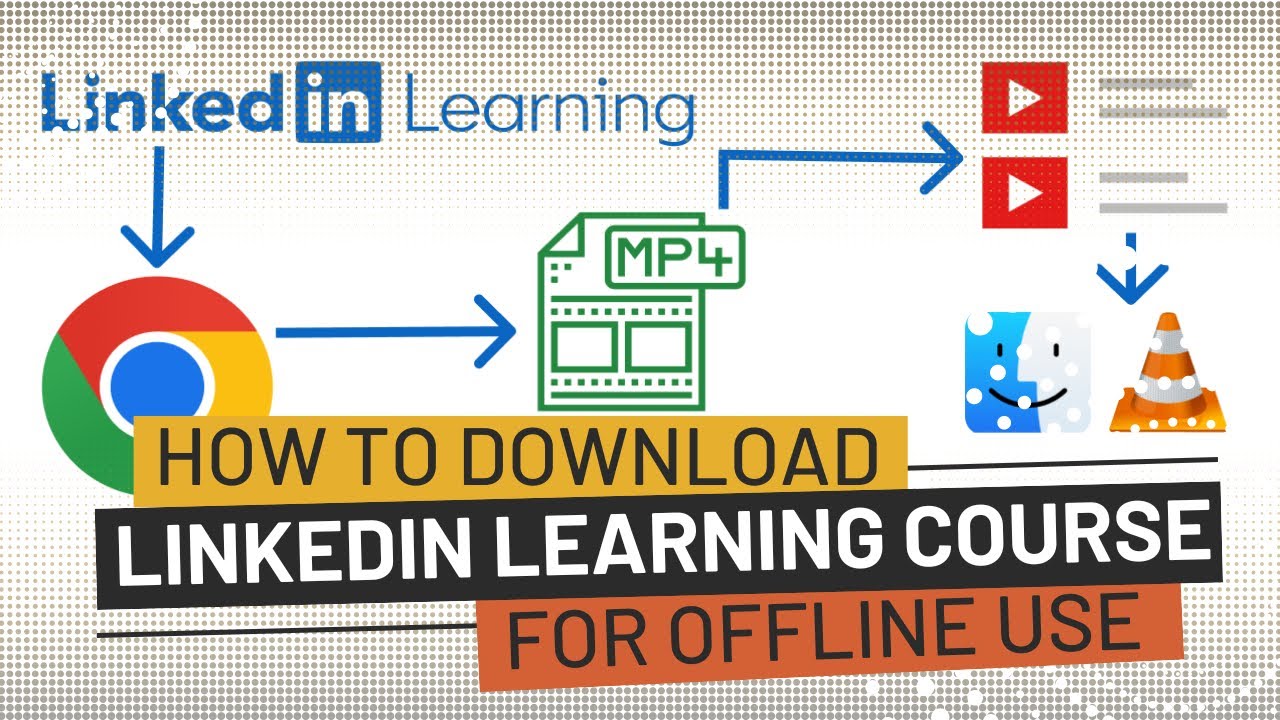
How to download video from linkedin learning in PC
Автор: Akash More
Загружено: 2021-10-20
Просмотров: 2410
Описание:
Steps :
1) Go to Linkedin Learning Website
2) Open Video
3) Right Click and Select Inspect
4) Select the Network tab on the panel
5) Play video and as soon as media type come in log pause video
6) Open media type in a new tab and download the video and Enjoy.
Please Subscribe and Like My Channel 😎😎🤩🤩👇👇
Не удается загрузить Youtube-плеер. Проверьте блокировку Youtube в вашей сети.
Повторяем попытку...
Повторяем попытку...

Доступные форматы для скачивания:
Скачать видео
-
Информация по загрузке: