Home Screen Customization & Widgets | Minimaa Launcher Beginner Guide
Автор: Minimaa Apps
Загружено: 2026-06-26
Просмотров: 164
Описание:
In this video we dive into customizing your Minimaa home screen to make it completely your own.
In this video we cover:
✅ Status bar styles & designs
✅ Clock & time widget options
✅ Calendar styles
✅ Music widget styles (yes, there's a retro one 🎵)
✅ Long press options — rename apps, rearrange, screen time & more
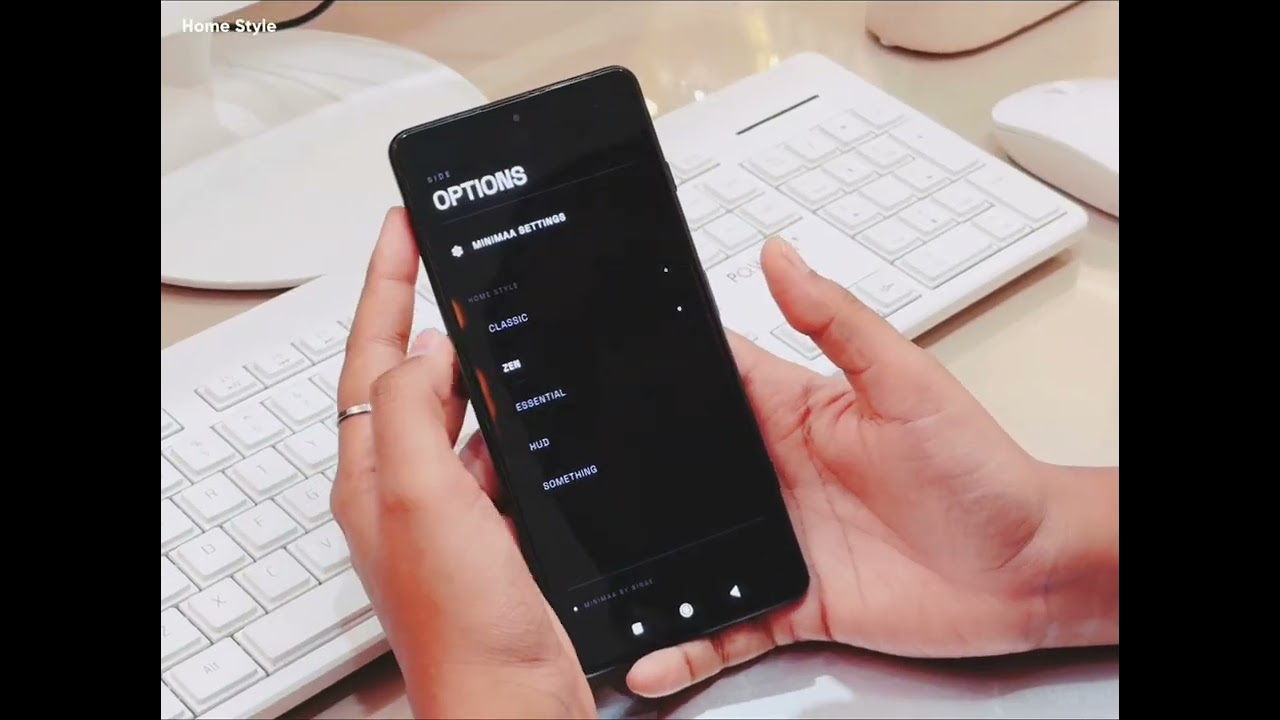
✅ Switching between Classic, Zen, Essential & Something styles with a swipe
✅ Home Settings — enabling/disabling widgets
✅ App alignment (center, right, leading dots)
✅ Typography & custom fonts
✅ Haptic feedback & alphabet scroller in the app drawer
💡 Pro tip: Long press any app on the home screen to rename it, check screen time, or rearrange — all without going into settings.
👉 Watch the full series:
Part 1 — Introduction & Getting Started: [link]
Part 2 — Setup, Home Styles & Default Launcher: [link]
📲 Download Minimaa:
https://play.google.com/store/apps/details...
💬 Join the community:
https://www.reddit.com/r/minimaa
#Minimaa #MinimalLauncher #AndroidLauncher #HomeScreenCustomization #DigitalDetox #MinimalistPhone #AndroidSetup
Повторяем попытку...
Доступные форматы для скачивания:
Скачать видео
-
Информация по загрузке: