Learn ZBrush's ZSpheres to make a Spooky Tree
Автор: Snaplaunch
Загружено: 2020-10-22
Просмотров: 1391
Описание:
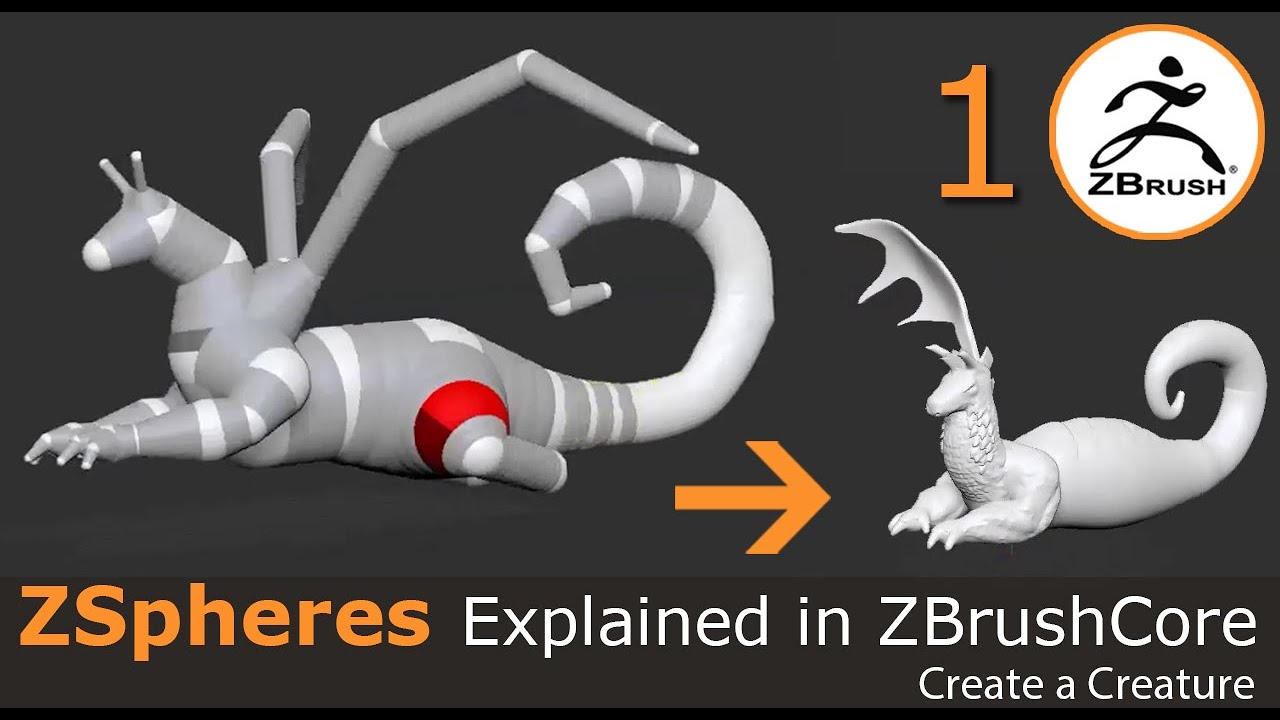
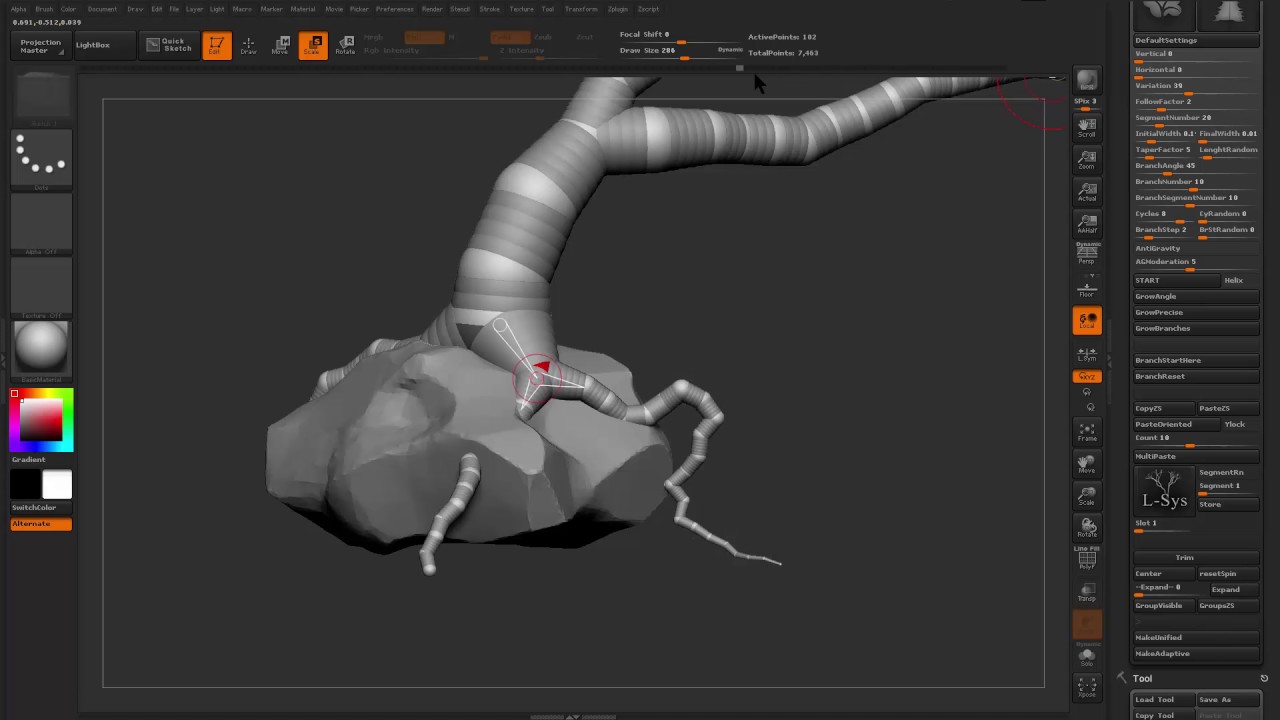
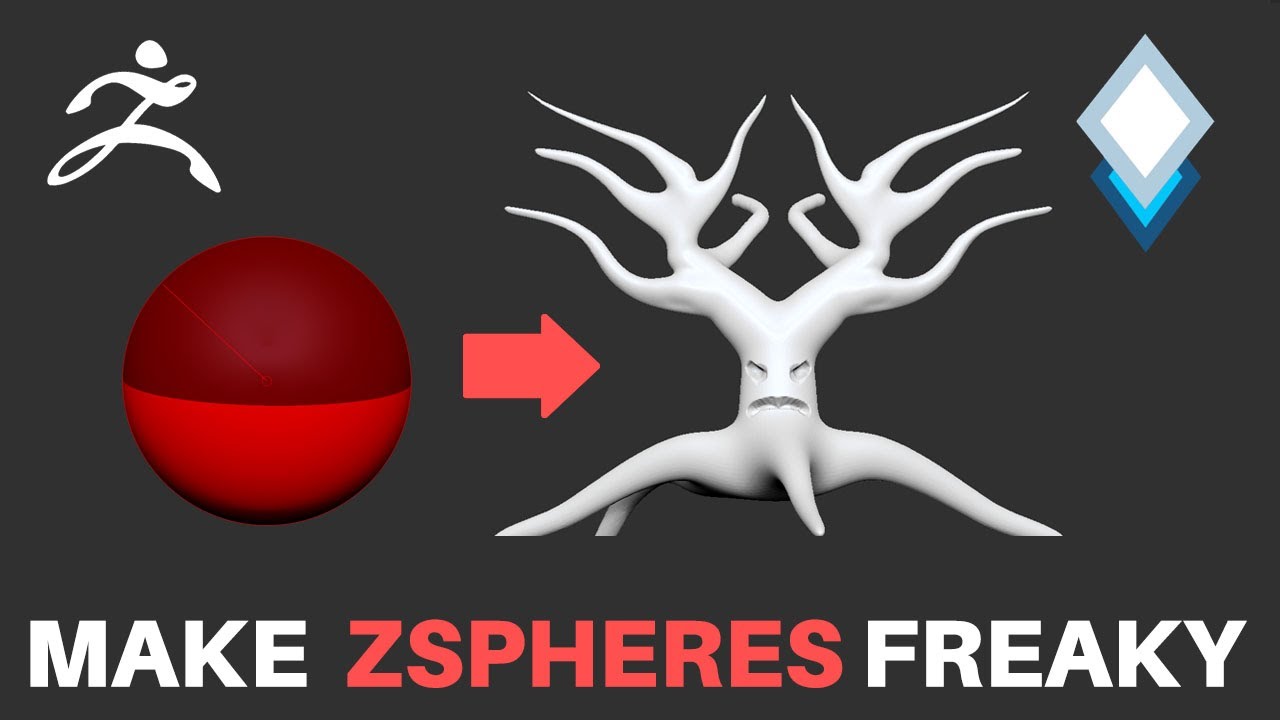
In this video we'll learn about and use ZBrush's powerful ZSpheres to help create the basic proportions and limbs of a spooky tree. This is a fantastic tool for blocking out objects without getting lost in sculpting detail too early.
Hotkeys used
a = toggle show adaptive mesh
q = activate draw mod (create more Zspheres)
w = move
e = scale
r = rotate
x = activate symmetry
, = toggle lighbox
s = change brush size
bsh = Snakehook brush
bcb = Clay Buildup brush
bin = Inflate brush
Hold shift with a brush selected = smooth
Hold alt with a brush = invert Z Intensity
alt + click = delete Zsphere
click + shift = create Zsphere the same radius as the previous one
click + ctrl = create Zsphere with different size as previous one
click + shift + ctrl = create Zsphere the same size as the parent and extend away from it
shift + f = toggle wireframe/polygroups overlay
Повторяем попытку...
Доступные форматы для скачивания:
Скачать видео
-
Информация по загрузке: