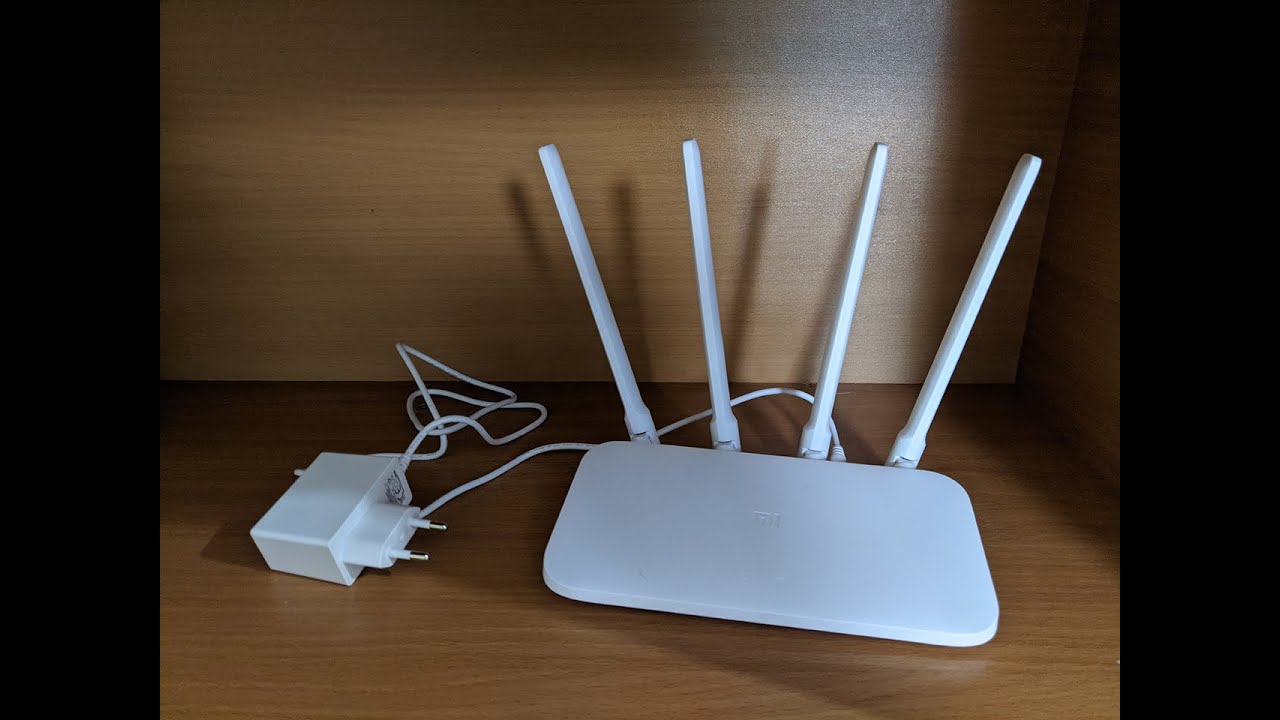
xiaomi mi 4a gigabit : openwrt factory install using debrick tool and openwrtinvasion
Автор: puteraseroja
Загружено: 2021-10-02
Просмотров: 23034
Описание:
at your own risk!
https://openwrt.org/inbox/toh/xiaomi/...
run terminal :
im using ubuntu on window10 (wsl2)
you can use other method..vmware/virtualbox/termux
im following Hoddys Guides video :
• Installing OpenWrt on the Xiaomi 4A, 4C, 3...
https://hoddysguides.com/xiaomi-debri...
https://github.com/acecilia/OpenWRTIn...
00:00 prepare all stuff
01:20 set router to safemode..
power off..push reset button with power on
orange light blinking
01:30 set pc ethernet ipv4 address to 192.168.1.2
connection: Ethernet LAN port
01:50 run TinyPXE..online
install chinese version
ongoing flash : steady orange light...
fail flash: purple light blinking. incorrect TinyPXE router version either chinese/global
successful flash : blue light blinking
offline tinyPXE..reboot router
03:30 set pc ethernet ipv4 address to auto obtain
05:04 install english version (repeat same step from beginning)
09:50 run terminal (A)
11:14 open browser 192.168.31.1 get stok number
git clone https://github.com/acecilia/OpenWRTIn...
cd OpenWRTInvasion
sudo apt update
sudo apt install python3-pip
pip3 install -r requirements.txt
python3 remote_command_execution_vulnerability.py
ip=192.168.31.1
stok=
login : root
password : root
cd /tmp
CONTINUE
DOWNLOAD THE FIRMWARE
METHOD 1: download using curl
curl https://downloads.openwrt.org/release... --output openwrt.bin
CONTINUE to INSTALLATION
METHOD 2: download openwrt sysupgrade file using browser
https://firmware-selector.openwrt.org/
EXAMPLE: MODEL-Xiaomi Mi Router 4A Gigabit Edition VERSION-21.02.3
DOWNLOADED FILE: openwrt-21.02.3-ramips-mt7621-xiaomi_mi-router-4a-gigabit-squashfs-sysupgrade.bin
RENAME file to shorter
EXAMPLE: openwrt.bin
OPEN NEW TERMINAL (B), go to downloaded file folder
cd /Downloads
CHECK ip address of pc
ifconfig
CHECK lan/wlan : inet
EXAMPLE: note the ip address - 192.168.1.225
SETUP HTTP SERVER
python3 -m http.server
EXAMPLE: note the server port 0.0.0.0:8000
BACK TO TERMINAL A
cd /tmp
(use the noted ip address and port)
curl http://192.168.1.225:8000/openwrt.bin --output openwrt.bin
INSTALLATION
Verify the firmware checksum before flashing, very important to avoid bricking your device!. compare with the noted sha256sum
./busybox sha256sum firmware.bin
INSTALL OpenWrt
mtd -e OS1 -r write firmware.bin OS1
reboot router
set pc ethernet ipv4 address to auto obtain
open browser 192.168.1.1
Повторяем попытку...

Доступные форматы для скачивания:
Скачать видео
-
Информация по загрузке:




![Best of Deep House [2026] | Melodic House & Progressive Flow](https://imager.clipsaver.ru/Il-ZpBuC8tA/max.jpg)