How to Isolate Color in DaVinci Resolve Effect Hindi
Автор: Taran Edits
Загружено: 2024-06-11
Просмотров: 977
Описание:
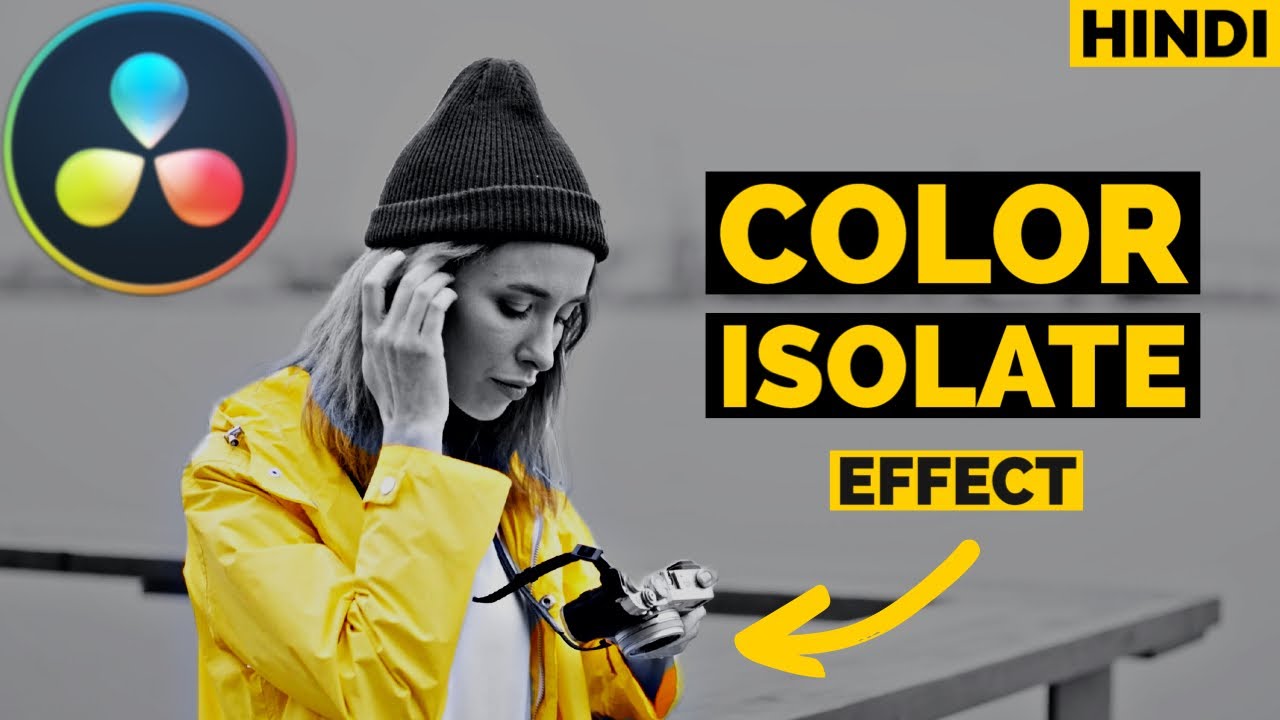
In this video, learn how to isolate a specific color in DaVinci Resolve, all explained in Hindi! This tutorial is perfect for both beginners and advanced users looking to add a professional and artistic touch to their video projects.
Steps to Isolate Color in DaVinci Resolve:
Open DaVinci Resolve: Launch your project.
Go to the Color Tab: Navigate to the color grading section.
Add a Node: Right-click in the node editor and add a Serial Node.
Use the Qualifier Tool: Select the qualifier tool and choose the color you want to isolate.
Adjust the Selection: Fine-tune the selection using the hue, saturation, and luminance controls.
RGB MIXER - Monochrome OR Desaturate Other Colors: Lower the saturation on the other parts of the image to make your selected color pop.
Hope you found tutorial helpful if so
******* 👍 ❗❗ HIT LIKE FOR YOUTUBE ALGORITHM ❗❗ 👍 *******
THANKS !!
FOR MOR TUTORIALS LIKE THIS
SUBSCRIBE 🔔 : / @taranedits
DaVinci Resolve 18 Tutorial Hindi (playlist) : • Davinci Resolve for Beginners Tutorials in...
*********
All Media Clips Used In this Tutorial :
Video by ROMAN ODINTSOV from Pexels: https://www.pexels.com/video/woman-ho...
Video by cottonbro studio from Pexels: https://www.pexels.com/video/woman-ch...
https://pixabay.com/videos/road-cars-...
Повторяем попытку...
Доступные форматы для скачивания:
Скачать видео
-
Информация по загрузке:




![What BEGINNERS Get WRONG About Scopes [DaVinci Resolve 17]](https://imager.clipsaver.ru/QJumee5_SZM/max.jpg)