Texecom SmartCom Setup Made EASY – Full Guide for Premier Elite: WIFI
Автор: Simon Security Expert
Загружено: 2025-07-11
Просмотров: 8394
Описание:
Here we have some information on a Texecom Premier Elite SmartCom. If you're interested in a wireless DIY security system, why not check out my own system — The Guardfather Security System:
👉 www.guardfather.co.uk
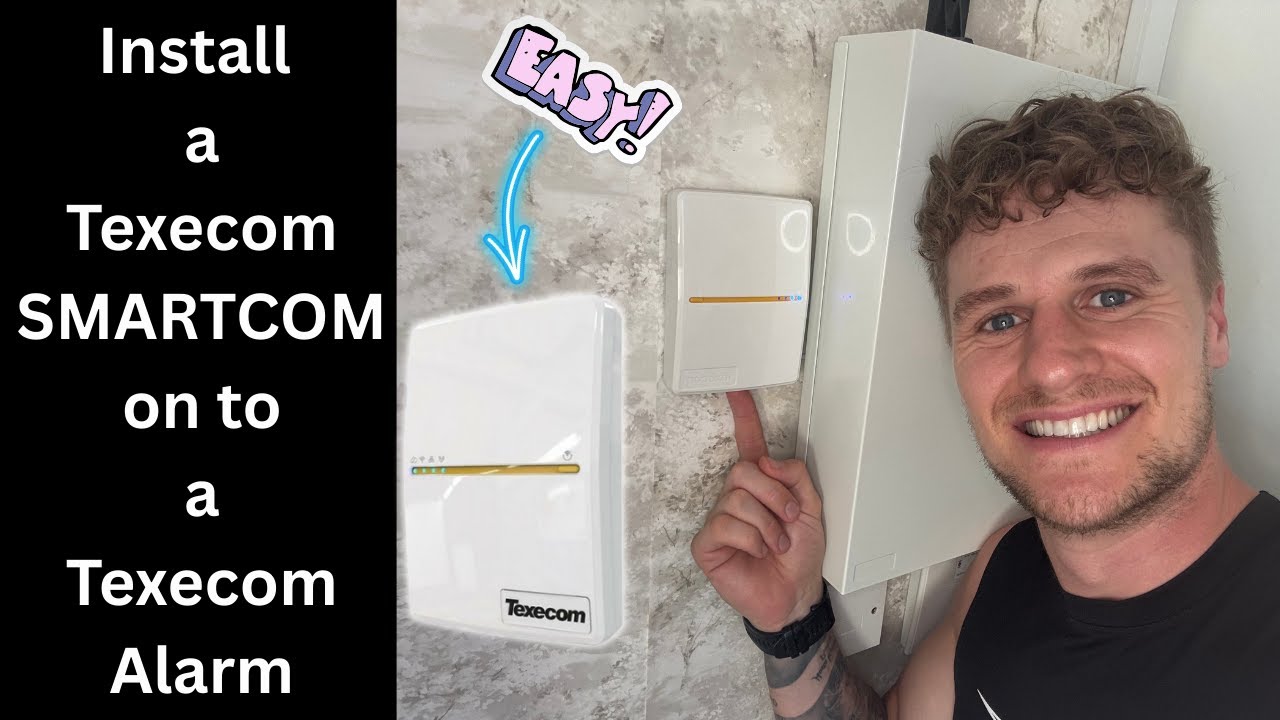
In this video, I walk you step by step through how to install a Texecom Connect SmartCom unit onto a Texecom Premier Elite intruder alarm system.
I cover everything from what’s included in the box, to physically mounting the SmartCom to the wall, and wiring it correctly to your Premier Elite alarm panel via COM1 and COM2. You'll see how to neatly feed the cable into the panel, securely plug everything in, and avoid common setup mistakes.
Once the hardware is installed, I show how to:
Locate and photograph the SmartCom SSID and passphrase for quick access during setup
Connect to the SmartCom’s local network via your phone
Access the SmartCom via 192.168.2.1, select your home Wi-Fi, and enter your password
Get the SmartCom successfully connected to your Wi-Fi network
Configure your Texecom Premier Elite keypad settings to allow the SmartCom to communicate with the Texecom Cloud for remote access and app integration
Whether you're a professional installer or a confident DIYer, this is a full hands-on walkthrough designed to make the Texecom SmartCom installation process clear, simple, and stress-free.
✅ Perfect for Texecom Premier Elite 24, 48, 88, and 168 panels
✅ Covers SmartCom setup, Wi-Fi pairing, and keypad configuration
✅ Ideal if you're looking to integrate your Texecom system with the Texecom Connect App
If this video helps you out, don’t forget to like, comment, and subscribe — and if you want a completely DIY-friendly wireless system, be sure to check out my own kit, The Guardfather Security System. Link above.
Повторяем попытку...
Доступные форматы для скачивания:
Скачать видео
-
Информация по загрузке:


