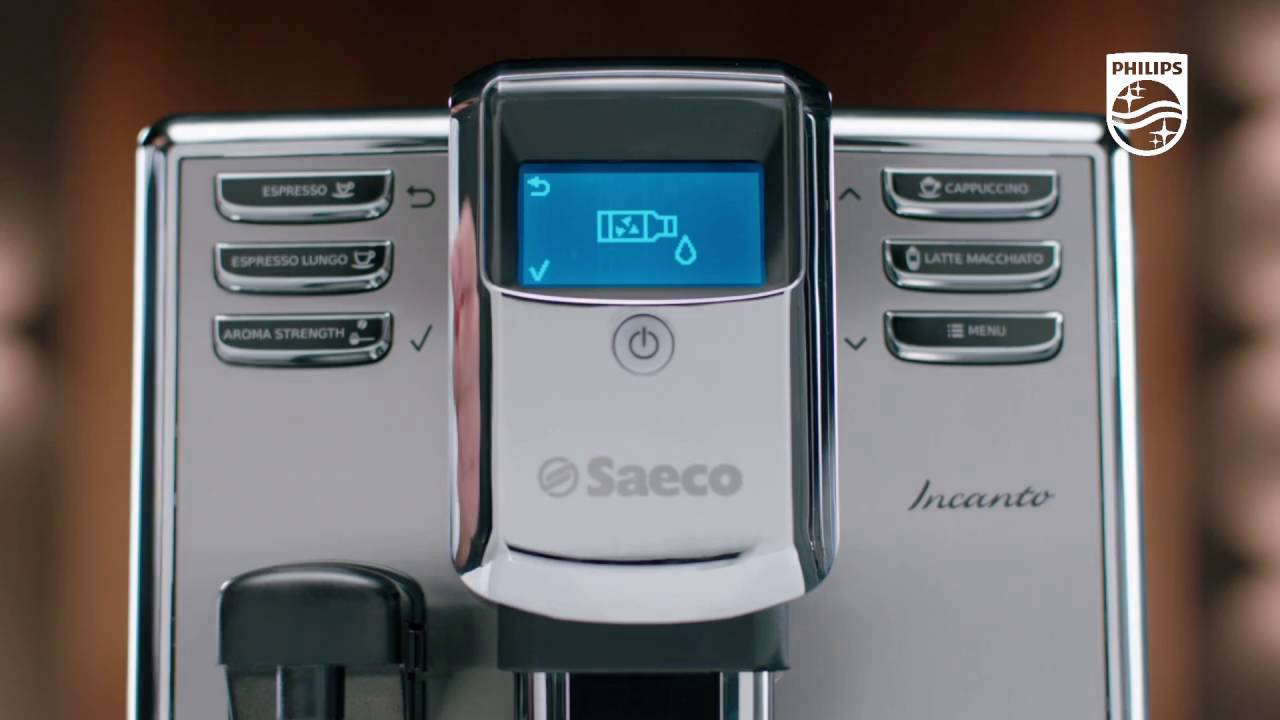
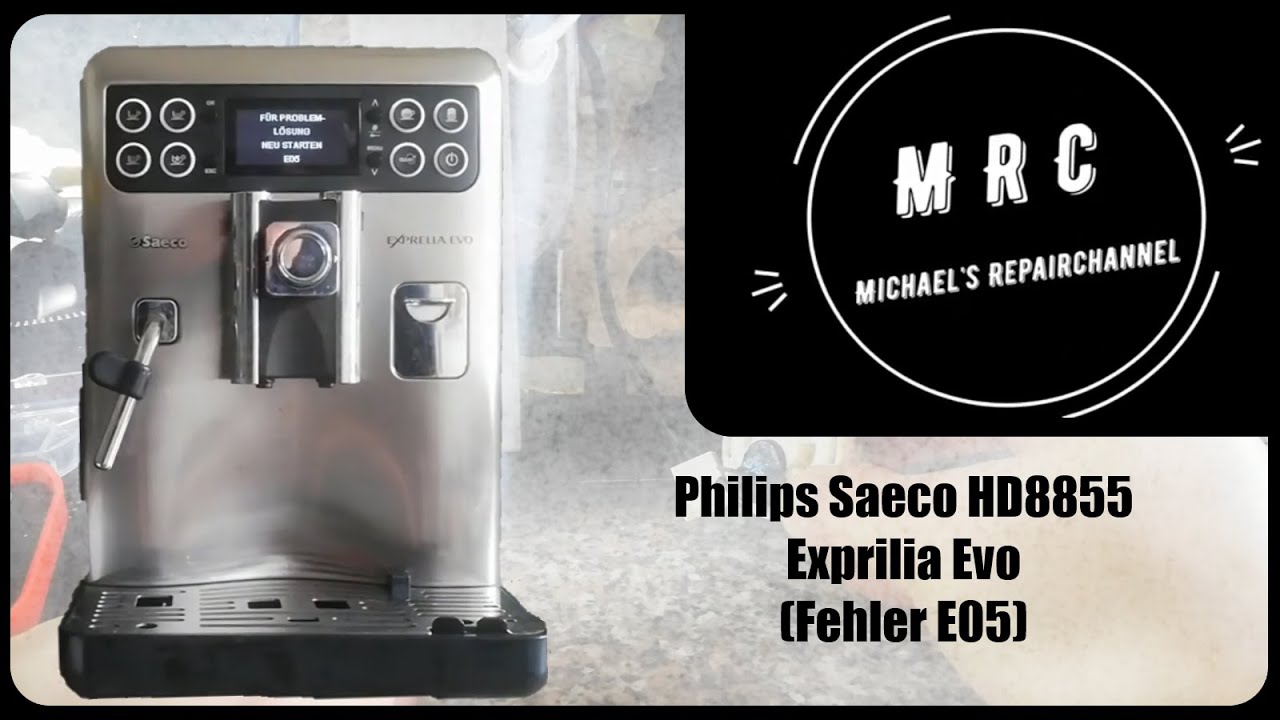
Saeco Incanto Troubleshooting - Service code Error 5 appears on the display
Автор: Saeco
Загружено: 2017-07-04
Просмотров: 47988
Описание:
Visit http://saeco.com/care for more information
-------------------------------------------------------------------------
As there can be different causes. One of the following solutions might work for you;
1. Remove coffee beans under the water tank.
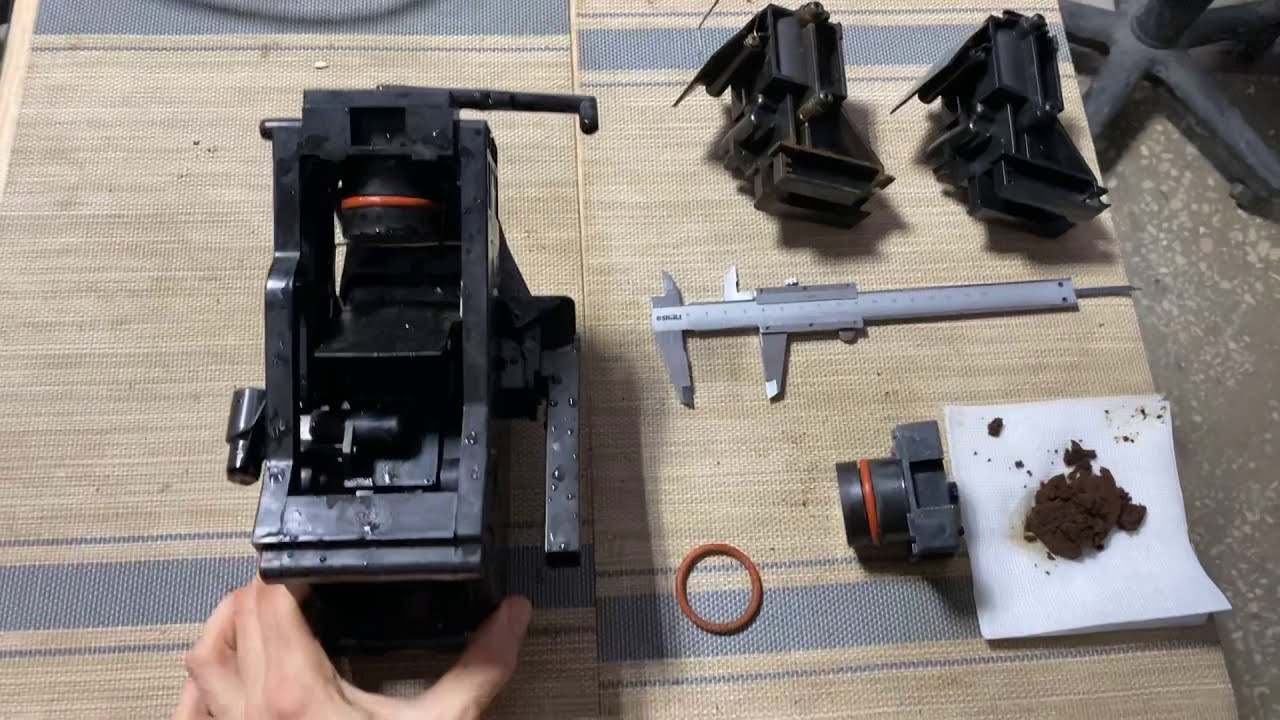
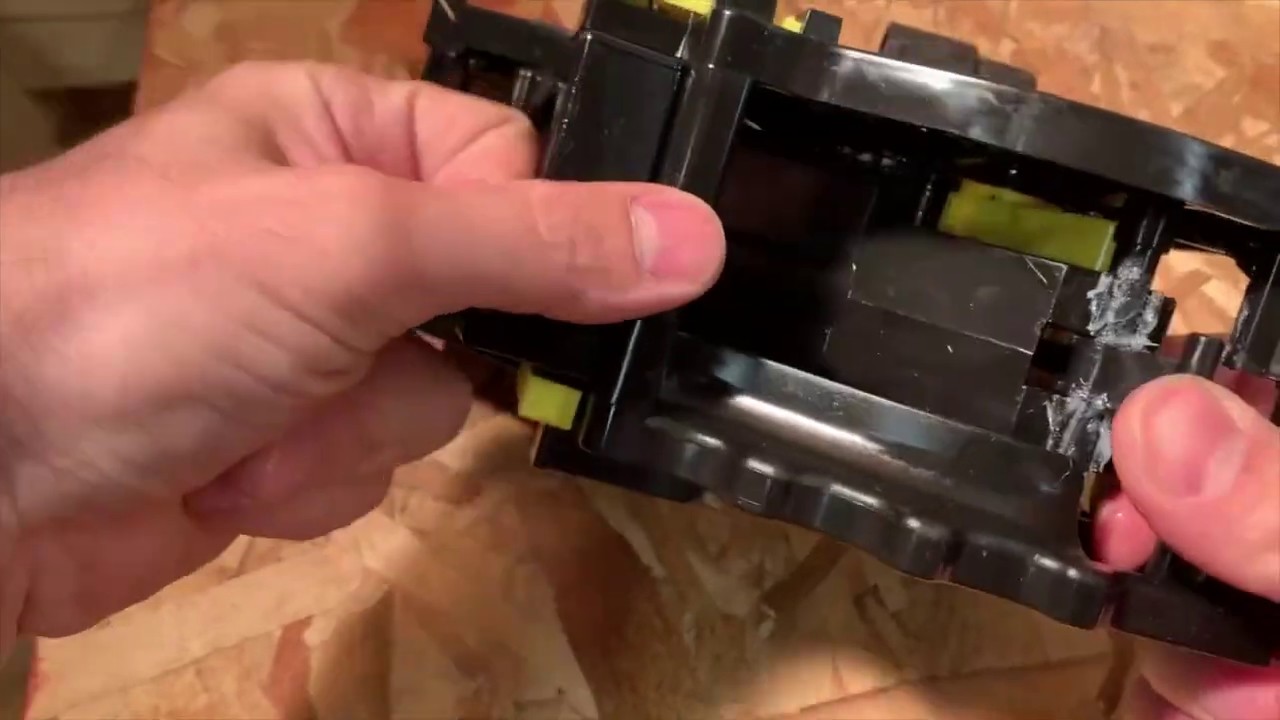
2. Rinse the brew group
3. Remove AquaClean filter
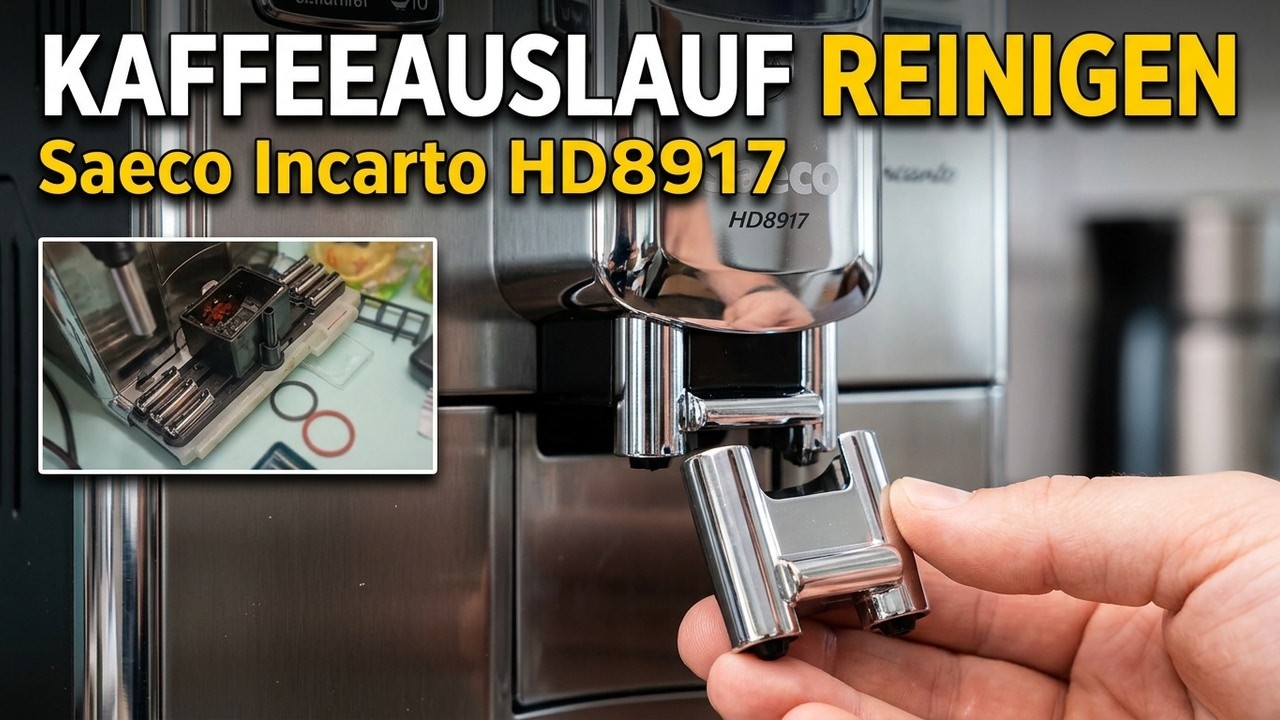
4. Clean the coffee funnel
5. Dispense hot water
6. Descale the machine
Solution 1: Remove coffee beans under the water tank
Open the water tank lid.Remove the water tank.
Remove any loose coffee beans in this area.
Solution 2; Remove AquaClean filter
Empty the water tank and remove the Aquaclean filter
Refill the water tank and place it back, close the water tank lid.
Switch the machine ON.
Brew an espresso.
If this works, make sure the water filter is well prepared before placing it back.
Hold upside down until no air bubbles come out
Open the water tank lid and remove the water tank.
Empty the water tank and
place back the prepared filter
If this still does not work the filter is clogged and needs to be replaced.
If you do not use and AquaClean filter, just switch the machine back on and try to dispense 2-3 cups of hot water.
If you have not descaled your machine in while, please descale
your machine.
Discover more at:
Saeco website: http://www.saeco.com
Facebook: / philips
Twitter: / philips
YouTube: / saeco
Повторяем попытку...

Доступные форматы для скачивания:
Скачать видео
-
Информация по загрузке: