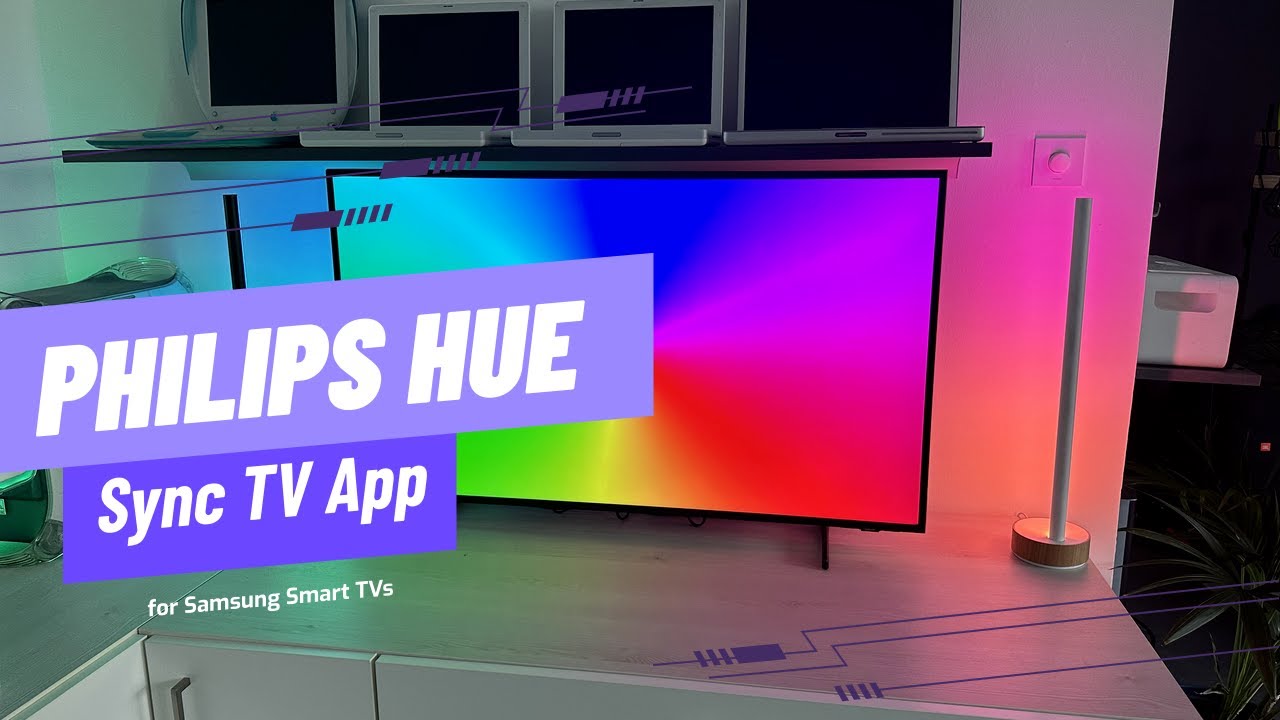
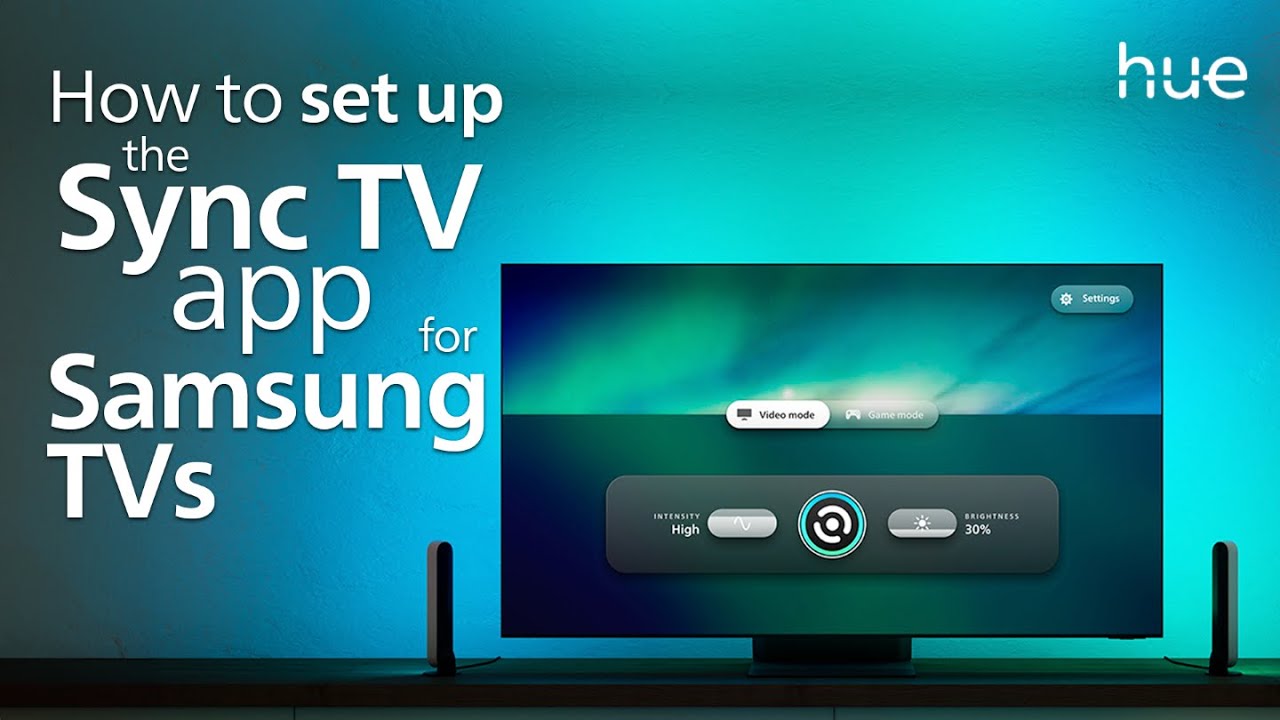
How to Set Up the Hue Sync TV App on 2022 or Newer Samsung Smart TVs
Автор: Philips Hue
Загружено: 2023-01-04
Просмотров: 430574
Описание:
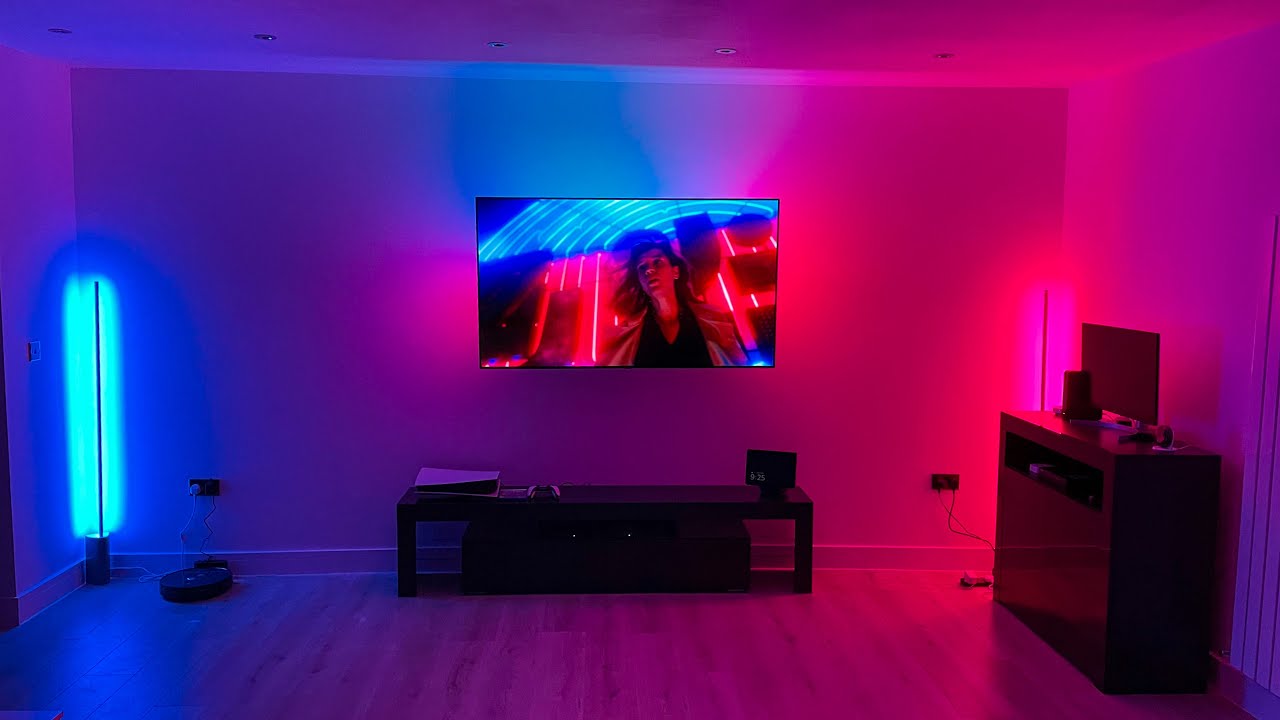
Easily sync your Philips Hue lights with your Samsung TV using the Hue Sync TV app for immersive lighting experiences. Follow the steps to set up the Hue Sync TV app and enjoy smart lighting synced with your favorite shows and movies.
What you need:
2022 or newer Samsung TV
Hue app and free Hue account
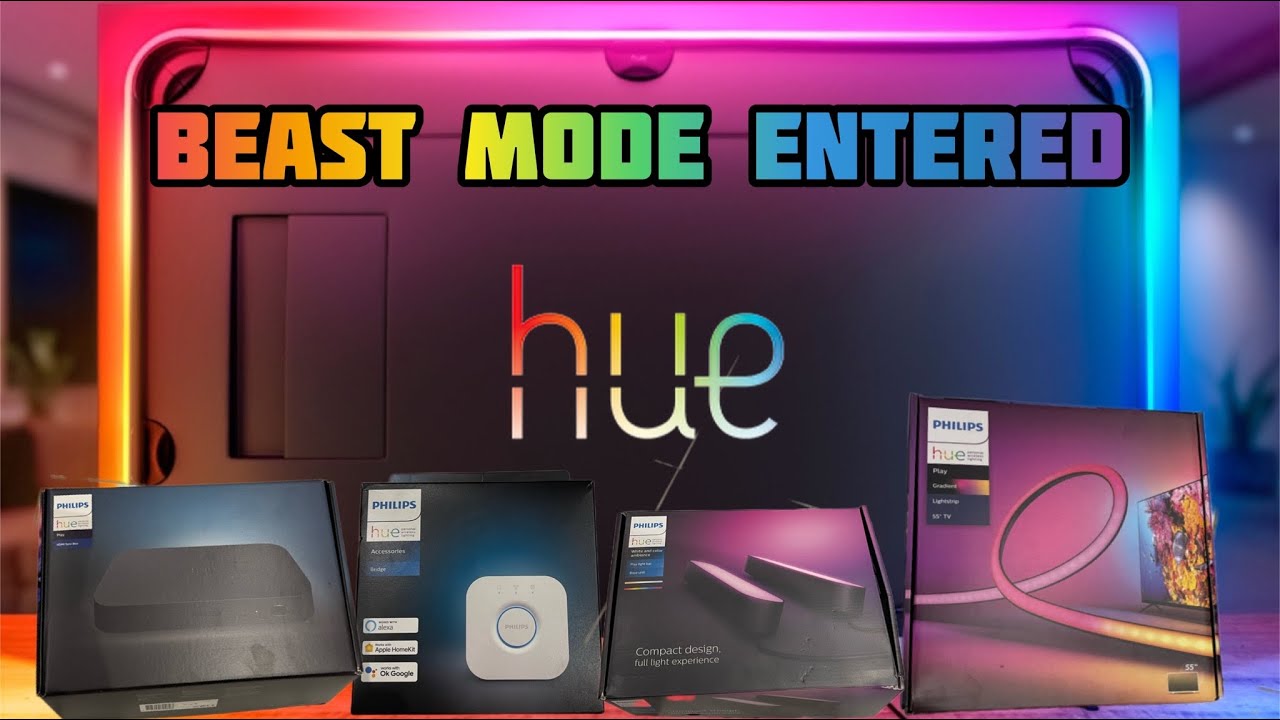
Hue Bridge
Hue color-capable lights
Available from 2022 and newer Samsung QLED TVs in the Q60 or higher range (support for Q700 coming soon). If your TV supports the Hue Sync TV app, it will appear when you search for it in Apps. Alternatively, check the product specifications of your TV on Samsung.com.
Instructions:
1. On your Samsung TV, go to Apps.
2. Search for Philips Hue.
3. Select Install to download the app.
4. Once downloaded, follow the on-screen instructions to purchase the app.
5. Connect the app to your Hue system.
6. Search for your Hue Bridge.
7. Choose an existing Entertainment area.
8. Scan the QR code on the app to create a new one.
9. Once connected, select the sync button on the home screen to start syncing.
10. The Hue Sync TV app is available on 2022 and newer Samsung QLED TVs in the Q60 or higher range. If your TV supports the Hue Sync TV app, it will appear when you search for it in Apps.
Want to learn more about smart lighting? Visit our website: https://www.philips-hue.com
Follow us on social media:
Facebook: / huephilips
Instagram: / philipshue
X (formerly Twitter): / tweethue
TikTok: / philipshue
#PhilipsHue #HueSyncTVApp #SmartLighting #SyncTVLights #SamsungTVSync
Повторяем попытку...
Доступные форматы для скачивания:
Скачать видео
-
Информация по загрузке: