Why Does MailKit Attempt SSL When useSsl Is False? Understanding and Fixing Connection Security Opt
Автор: vlogommentary
Загружено: 2026-11-04
Просмотров: 3
Описание:
Learn why MailKit tries to establish an SSL connection even when `useSsl` is false, how MailKit handles security by default, and how to properly configure connection security options.
---
This video is based on the question https://stackoverflow.com/q/79339392/ asked by the user 'Powerslave' ( https://stackoverflow.com/u/5295995/ ) and on the answer https://stackoverflow.com/a/79339609/ provided by the user 'jstedfast' ( https://stackoverflow.com/u/87117/ ) at 'Stack Overflow' website. Thanks to these great users and Stackexchange community for their contributions.
Visit these links for original content and any more details, such as alternate solutions, latest updates/developments on topic, comments, revision history etc. For example, the original title of the Question was: Why is MailKit trying to establish a SSL connection if useSsl is false?
Also, Content (except music) licensed under CC BY-SA https://meta.stackexchange.com/help/l...
The original Question post is licensed under the 'CC BY-SA 4.0' ( https://creativecommons.org/licenses/... ) license, and the original Answer post is licensed under the 'CC BY-SA 4.0' ( https://creativecommons.org/licenses/... ) license.
If anything seems off to you, please feel free to drop me a comment under this video.
---
The Problem
When using MailKit's SmtpClient.Connect method with the useSsl parameter set to false, you might expect a non-secure, plain connection. However, MailKit still attempts to upgrade the connection with SSL/TLS, causing exceptions if the server’s SSL certificate is invalid or mismatched.
Example:
[[See Video to Reveal this Text or Code Snippet]]
Expected: Plain connection on port 25
Actual: SSL handshake attempted, resulting in an SslHandshakeException
Why Is MailKit Trying SSL?
The key lies in how MailKit defines useSsl:
The useSsl boolean only controls whether SSL is used immediately upon connecting to the server.
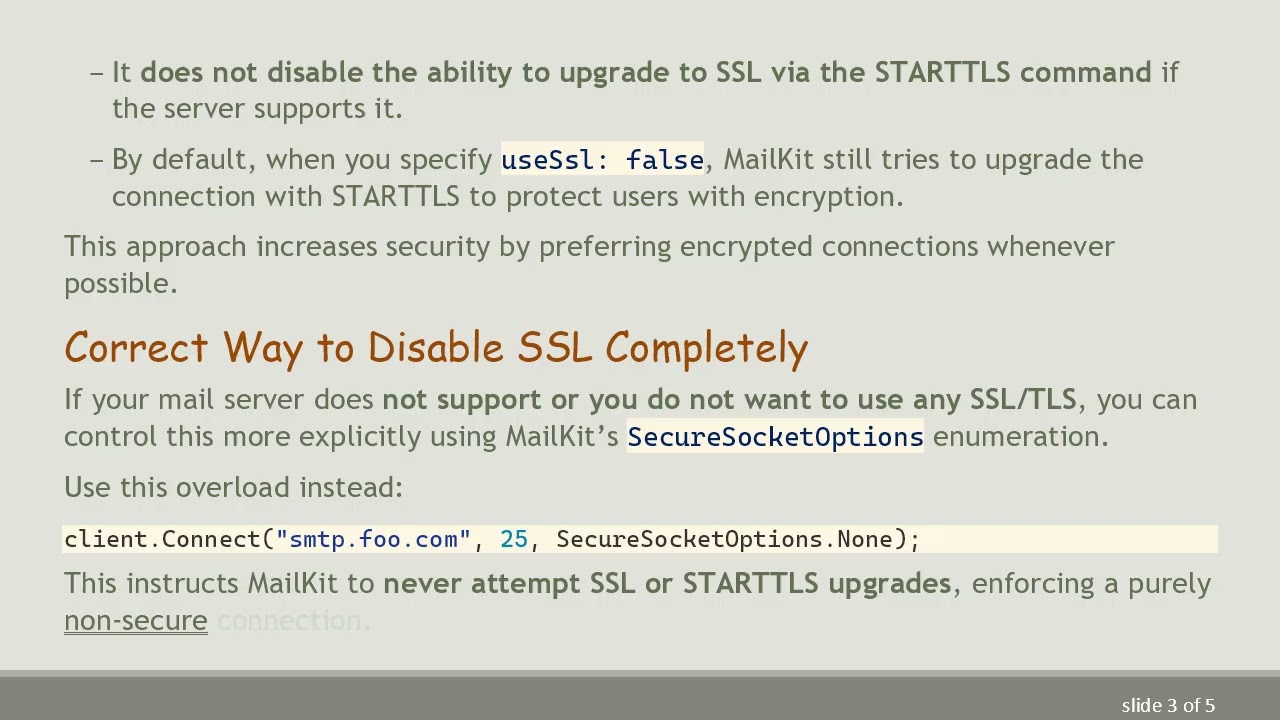
It does not disable the ability to upgrade to SSL via the STARTTLS command if the server supports it.
By default, when you specify useSsl: false, MailKit still tries to upgrade the connection with STARTTLS to protect users with encryption.
This approach increases security by preferring encrypted connections whenever possible.
Correct Way to Disable SSL Completely
If your mail server does not support or you do not want to use any SSL/TLS, you can control this more explicitly using MailKit’s SecureSocketOptions enumeration.
Use this overload instead:
[[See Video to Reveal this Text or Code Snippet]]
This instructs MailKit to never attempt SSL or STARTTLS upgrades, enforcing a purely non-secure connection.
Understanding SecureSocketOptions
SecureSocketOptions.None — No SSL and no STARTTLS upgrades.
SecureSocketOptions.SslOnConnect — SSL immediately upon connect.
SecureSocketOptions.StartTls — Connect insecurely, then require STARTTLS upgrade.
SecureSocketOptions.StartTlsWhenAvailable — Connect insecurely, upgrade if STARTTLS is supported (default for useSsl: false).
Equivalencies with bool overload:
[[See Video to Reveal this Text or Code Snippet]]
[[See Video to Reveal this Text or Code Snippet]]
Key Takeaways
useSsl: false does not disable SSL upgrades via STARTTLS.
To fully disable encryption, use SecureSocketOptions.None.
MailKit prioritizes secure connections by design.
This explicit control over SSL behavior helps avoid unexpected SSL handshake failures and better matches your mail server’s capabilities.
By adopting the SecureSocketOptions enumeration, you have fine-grained and clear control over your SMTP connection security settings.
Повторяем попытку...
Доступные форматы для скачивания:
Скачать видео
-
Информация по загрузке: