Скачать
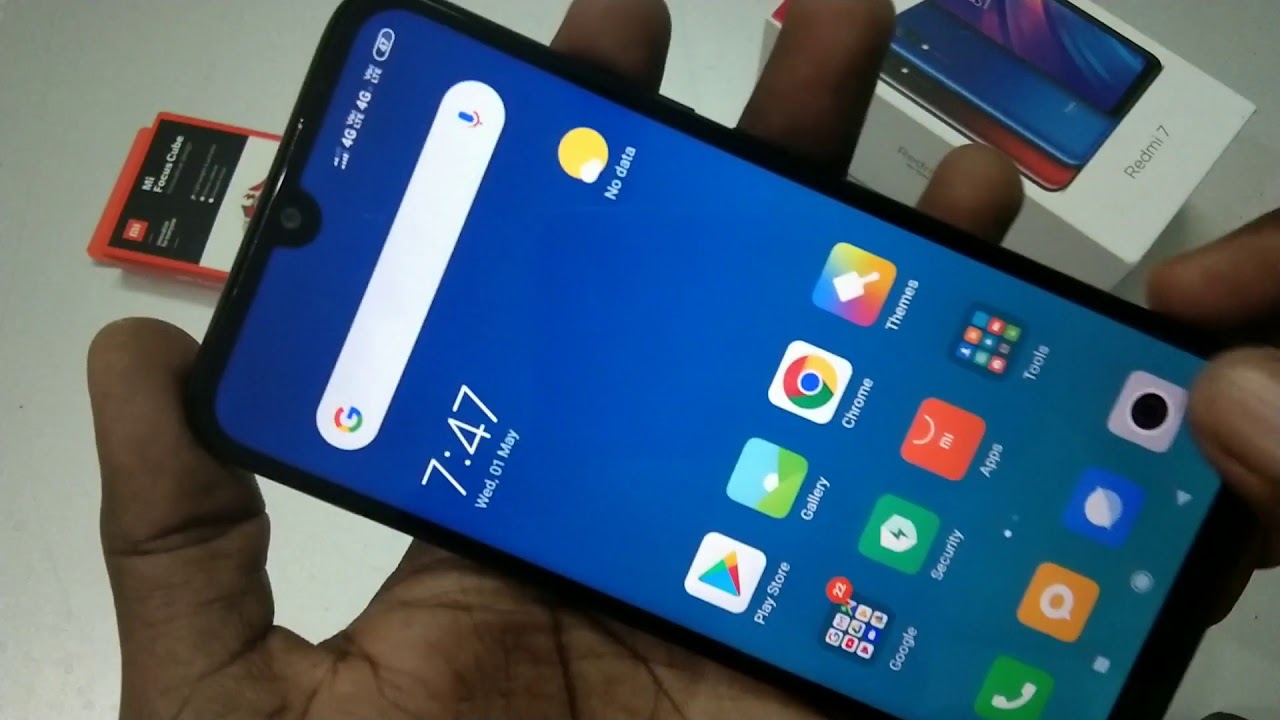
How to turn off camera shutter sound in Redmi 7
Автор: 5-Minutes Tech
Загружено: 2019-05-06
Просмотров: 2410
Описание: Redmi 7 camera shutter sound off settings: Open settings and select system apps. Now choose camera option. Here find camera sound option. Just turn off this option by just moving the button from right to left. That's all... Enjoy stopping camera capturing sound while taking pictures in your Redmi 7 smartphone
Не удается загрузить Youtube-плеер. Проверьте блокировку Youtube в вашей сети.
Повторяем попытку...
Повторяем попытку...
Доступные форматы для скачивания:
Скачать видео
-
Информация по загрузке: