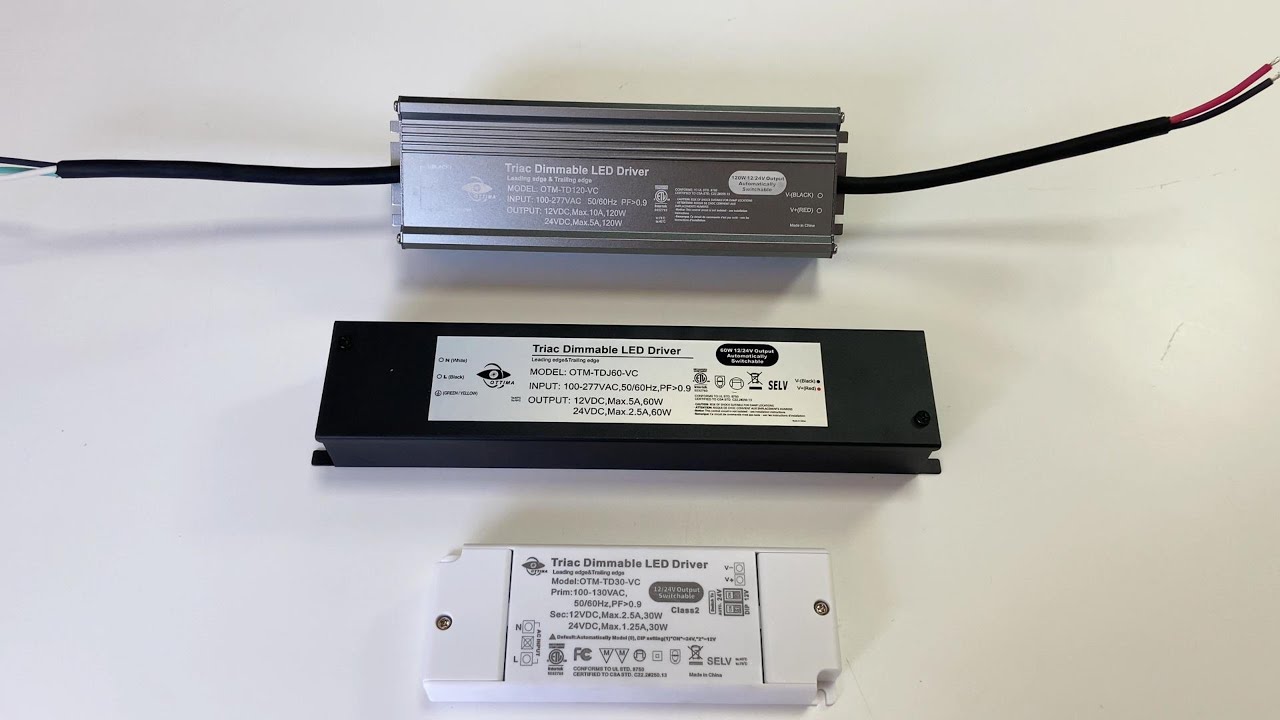
Veede DALI PUSH dimming LED power supply
Автор: veede
Загружено: 2024-08-01
Просмотров: 91
Описание:
Demonstration of PUSH Dim
Setup: Ensure your LED power supply with PUSH dim functionality is properly connected to your LED lights and power source. The power supply should have a designated button or switch for dimming control.
Power On: Switch on your LED lights. The lights will start at their default brightness level.
Dimming Control: To adjust the brightness, simply press the dimming button on the power supply. Each press will alter the brightness level incrementally. For example, pressing the button once might reduce the brightness by 25%, while pressing it multiple times will further adjust the light level.
Hold Function: In some models, holding down the button will continuously dim the lights until the desired brightness is reached. Release the button once the lights are at your preferred level.
Restoring Brightness: To return to the maximum brightness, press and hold the button again until the lights reach full brightness.
Troubleshooting: If the lights do not respond, ensure that the power supply is correctly connected and that there are no issues with the LED lights themselves.
Повторяем попытку...

Доступные форматы для скачивания:
Скачать видео
-
Информация по загрузке: