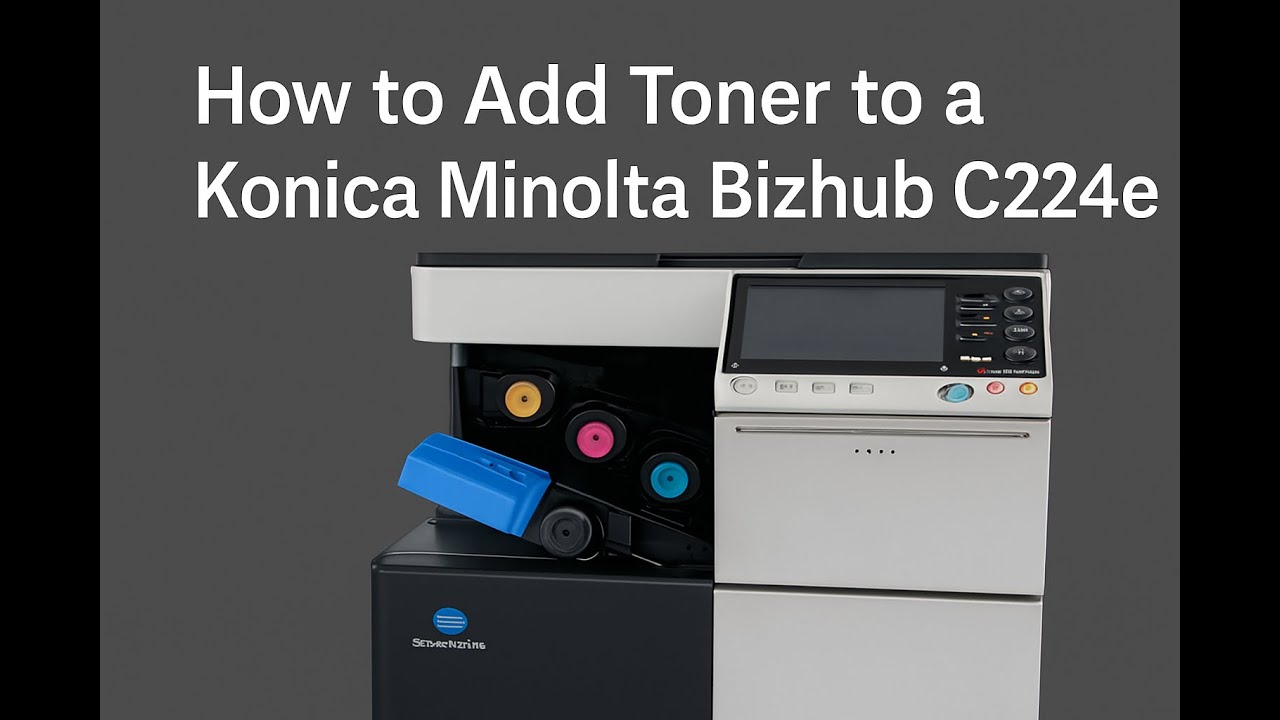
How to add toner to a Konica Minolta Bizhub C224e,
Автор: Bassonia Tv
Загружено: 2025-04-02
Просмотров: 185
Описание:
Step 1: Prepare the Printer
Ensure the printer is turned on.
Open the front cover of the machine (this is where the toner cartridges are located).
Step 2: Remove the Empty Toner Cartridge
Identify the empty toner cartridge (Black, Cyan, Magenta, or Yellow).
Pull the cartridge straight out from its slot.
Step 3: Insert the New Toner Cartridge
Unpack the new toner cartridge and shake it gently from side to side.
Insert it into the correct slot until it clicks into place.
Step 4: Close and Reset
Close the front cover securely.
The printer will automatically recognize the new toner. If prompted, confirm the replacement on the screen.
Повторяем попытку...
Доступные форматы для скачивания:
Скачать видео
-
Информация по загрузке: