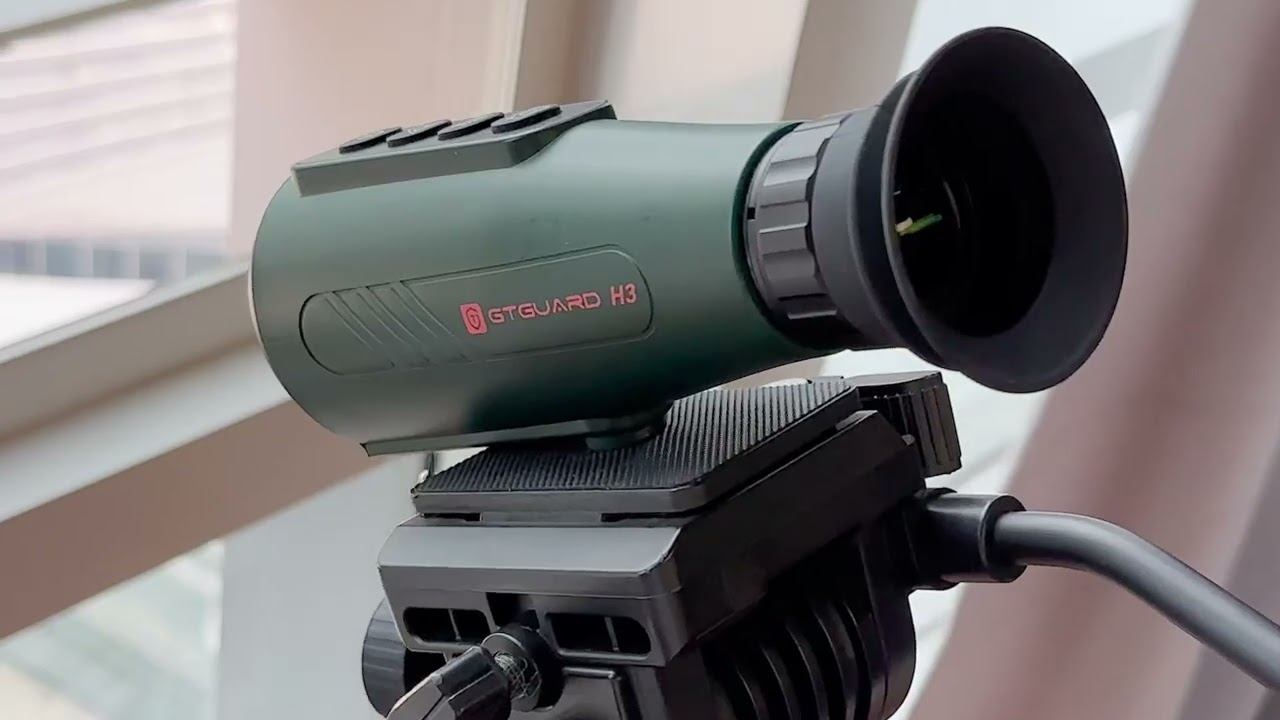
How to Use GTGUARD X350 - Your intuitive operating guide
Автор: GTGUARD
Загружено: 2025-09-28
Просмотров: 1050
Описание:
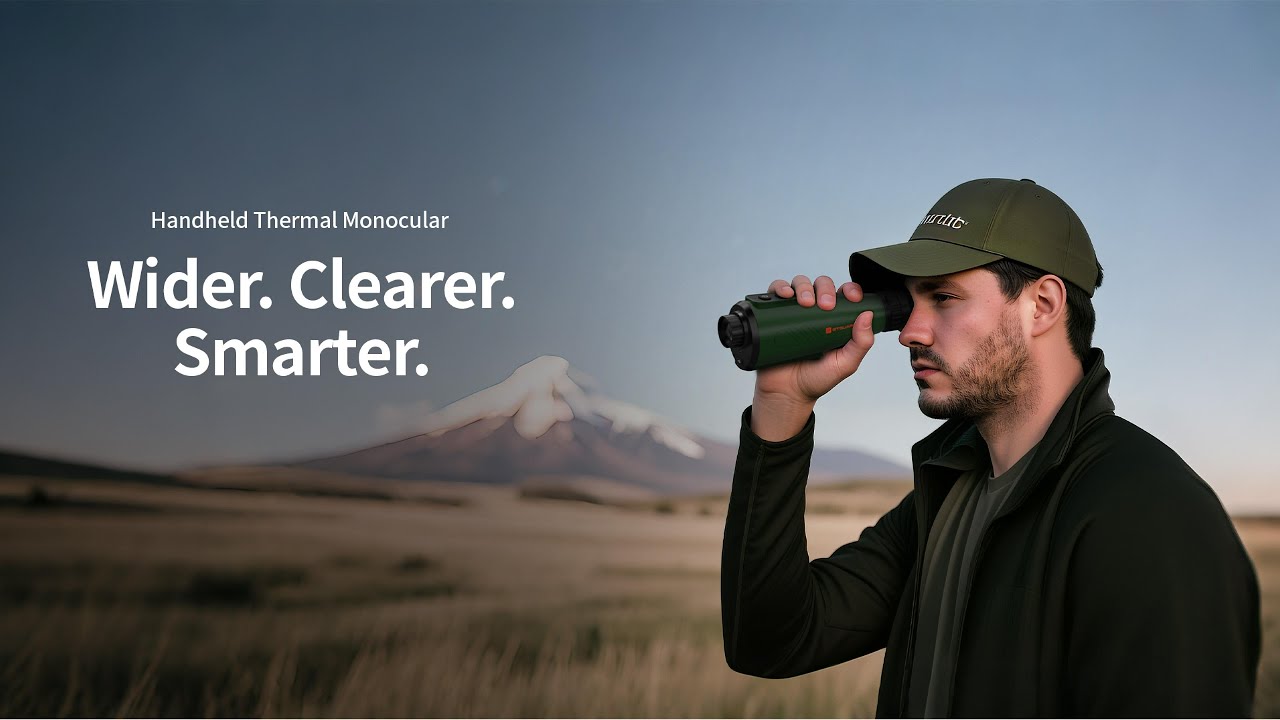
Learn how to set up and master the GTGUARD X350 thermal monocular in under 3 minutes. This is the ultimate guide to unlocking daytime thermal imaging. We break down every button, menu, and feature—from the external display setup to the multiple color palettes—so you can start spotting heat signatures in broad daylight immediately.
In this GTGuard X350 tutorial & unboxing guide, you will learn:
► Complete Button Layout & Controls: Power, Focus, Navigation, and Recording.
► External Display & Wi-Fi Setup: How to connect to your phone for a larger view and easy recording.
► Daytime Thermal Imaging Explained: See how to identify heat signatures when the sun is out.
► Menu Deep Dive: How to switch between White Hot, Black Hot, and Iron Red color palettes.
► Real-World Applications: Perfect for hunting, scouting, security, and outdoor exploration.
👉Ready to see the unseen? Get your own GTGuard X350 here and change how you explore:
gtguardhunt.com/products/gtguard-x350-thermal-imaging-scopes
👥 Join 1,900+ GTGUARD users in our official Facebook community:
Download user manuals & setup guides
Share hunting and shooting experiences with other X350 owners
Ask questions and get direct support from our team
👉 Join the Facebook Group:
www.facebook.com/groups/gtguardhunt
👉 Subscribe for more field tests, tutorials, and updates on GTGUARD thermal optics.
If you don’t understand the zeroing function of the GTGUARD X350 thermal imaging scope, you can click on my homepage to view the detailed tutorial.
#thermalimaging #thermalvision #nightvision #huntinggear #outdoorgear #scouting #wildlife #technology #gtguard #x350 #thermalcamera #optics #hunting #edc #preppergear #survivalgear #gtguard
Повторяем попытку...

Доступные форматы для скачивания:
Скачать видео
-
Информация по загрузке: