How to Fix Lag on PS5 Remote Play
Автор: FixPS5
Загружено: 2026-10-08
Просмотров: 15812
Описание:
How to Fix Lag on PS5 Remote Play
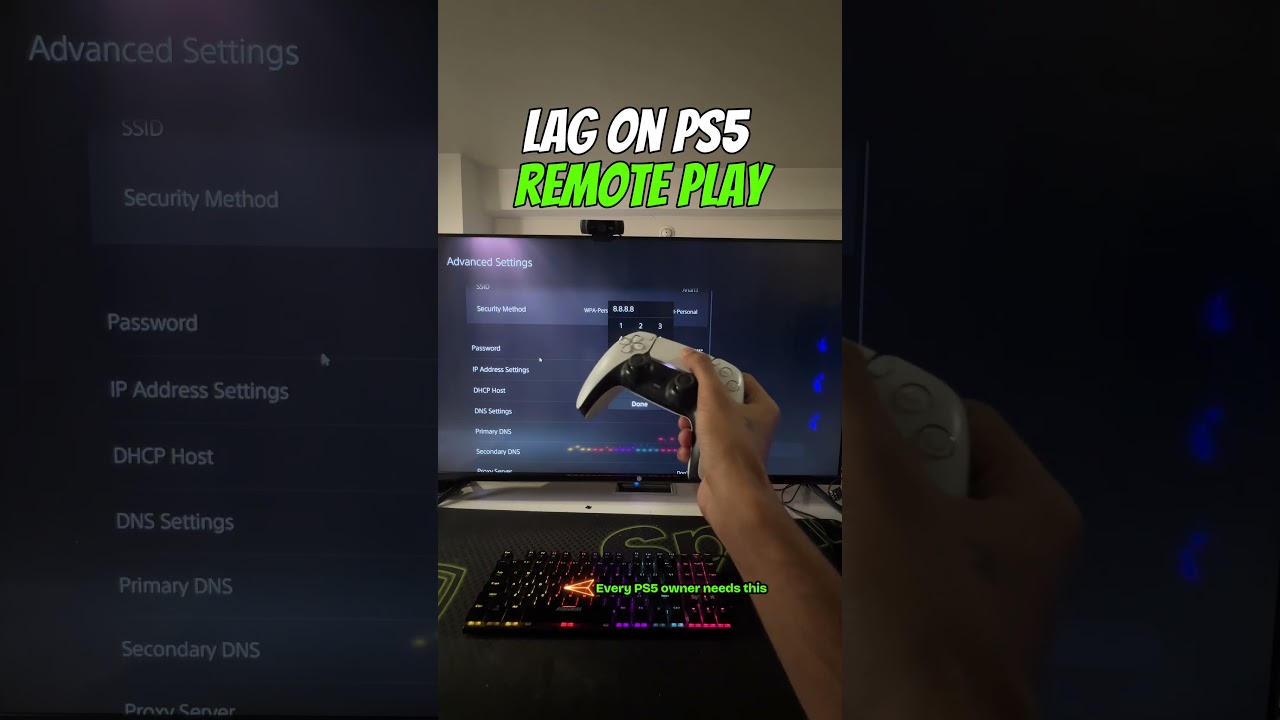
If you’re experiencing How to Fix Lag on PS5 Remote Play, start by checking your internet connection on both your PS5 and the device you’re using for Remote Play. For a more stable connection, connect your PS5 directly to the router with an Ethernet cable if possible. If you’re using WiFi, switch to a 5 GHz network and move closer to the router. Also, pause downloads, streaming, and other activities that use a lot of bandwidth. These changes can help reduce delays and improve your Remote Play experience.
If How to Fix Lag on PS5 Remote Play is still an issue, lower the Remote Play video quality and frame rate in the app’s settings. On your PS5, go to Settings, then System, then Remote Play, and make sure Enable Remote Play is turned on. Restart your PS5, your Remote Play device, and your router, then reconnect. If the lag continues, test the connection on another network to see whether your WiFi or internet service is causing the problem. These steps can help you resolve How to Fix Lag on PS5 Remote Play and enjoy smoother gameplay.
How to Fix Lag on PS5 Remote Play
#ps5 #ps5pro #playstation5
Повторяем попытку...
Доступные форматы для скачивания:
Скачать видео
-
Информация по загрузке: