Enterprise Network Lab: OSPF Multi-Site Routing & Internet Edge Configuration
Автор: Xwiser Security
Загружено: 2026-02-06
Просмотров: 43
Описание:
In this video, I take my enterprise lab to the next level by scaling from a single-site setup to a Branch/HQ architecture. We explore how to connect multiple locations using dynamic routing and ensure every device has a path to the internet.
What we cover in this lab:
Inter-VLAN Routing: Setting up Router-on-a-Stick (RoaS) for VLAN 10 and VLAN 20.
DHCP Configuration: Automating IP addressing for end-devices.
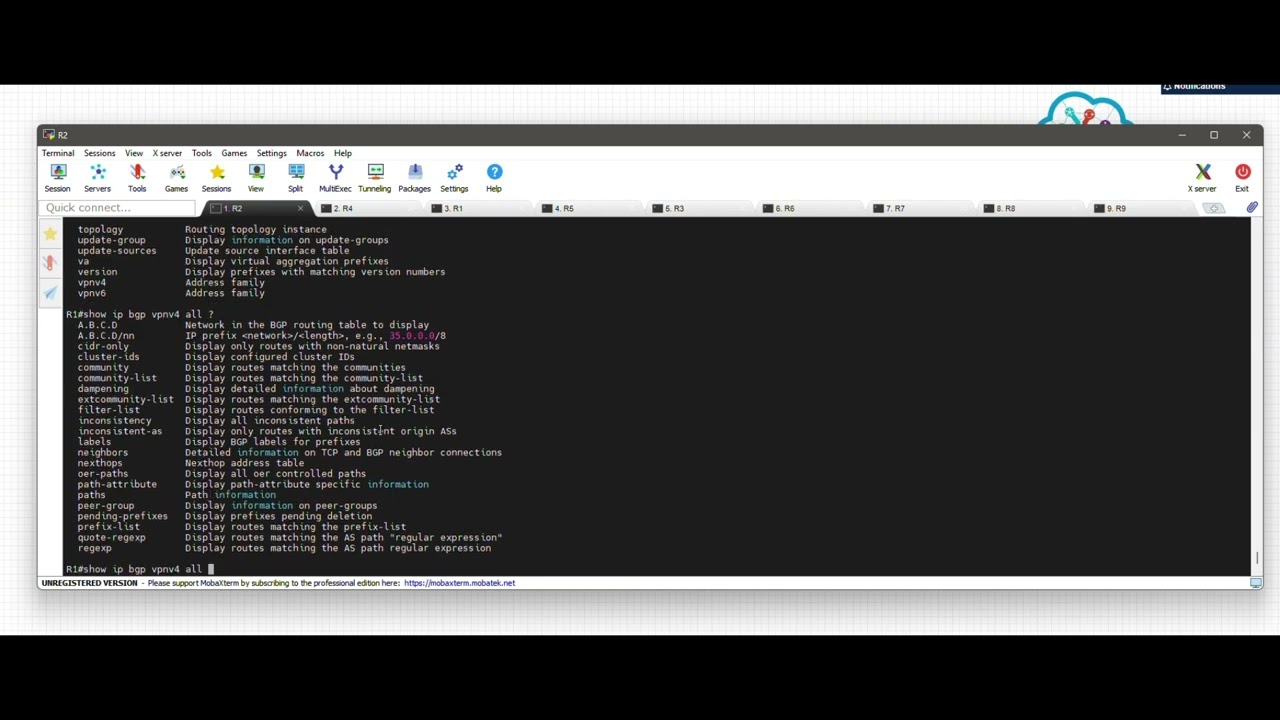
OSPF Implementation: Configuring OSPF to allow the HQ and Branch offices to share routing information dynamically.
Internet Edge & Default Routes: Using the default-information originate command on the edge router (R1) to provide internet access to the rest of the network.
Network Topology:
Branch: Router R1 (Internet Gateway) + Access Switches
Provider/Core: Router R2 (Intermediary)
HQ: Mirrored setup of the Branch network.
This lab is perfect for anyone studying for their CCNA or looking to understand how real-world enterprise traffic flows between remote sites.
Повторяем попытку...

Доступные форматы для скачивания:
Скачать видео
-
Информация по загрузке: