Quick Flats in Manga Studio 5/Clip Studio Paint
Автор: Edward Witt
Загружено: 2016-04-16
Просмотров: 10896
Описание:
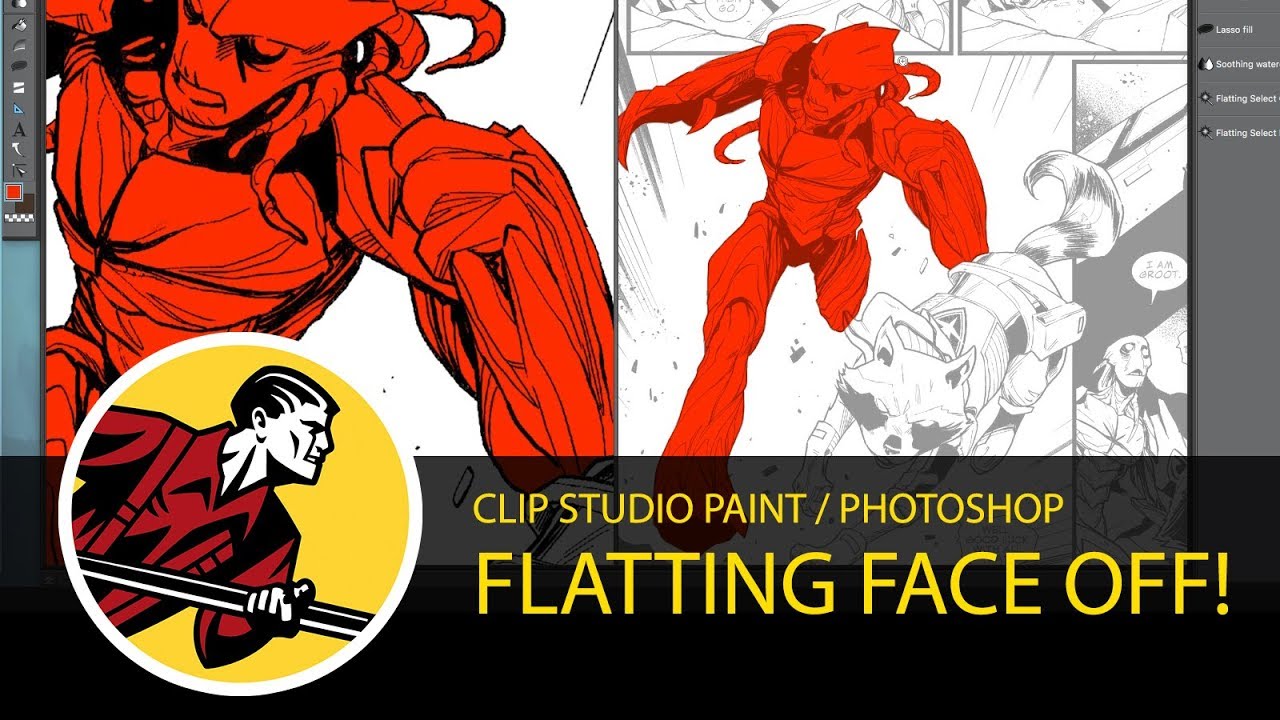
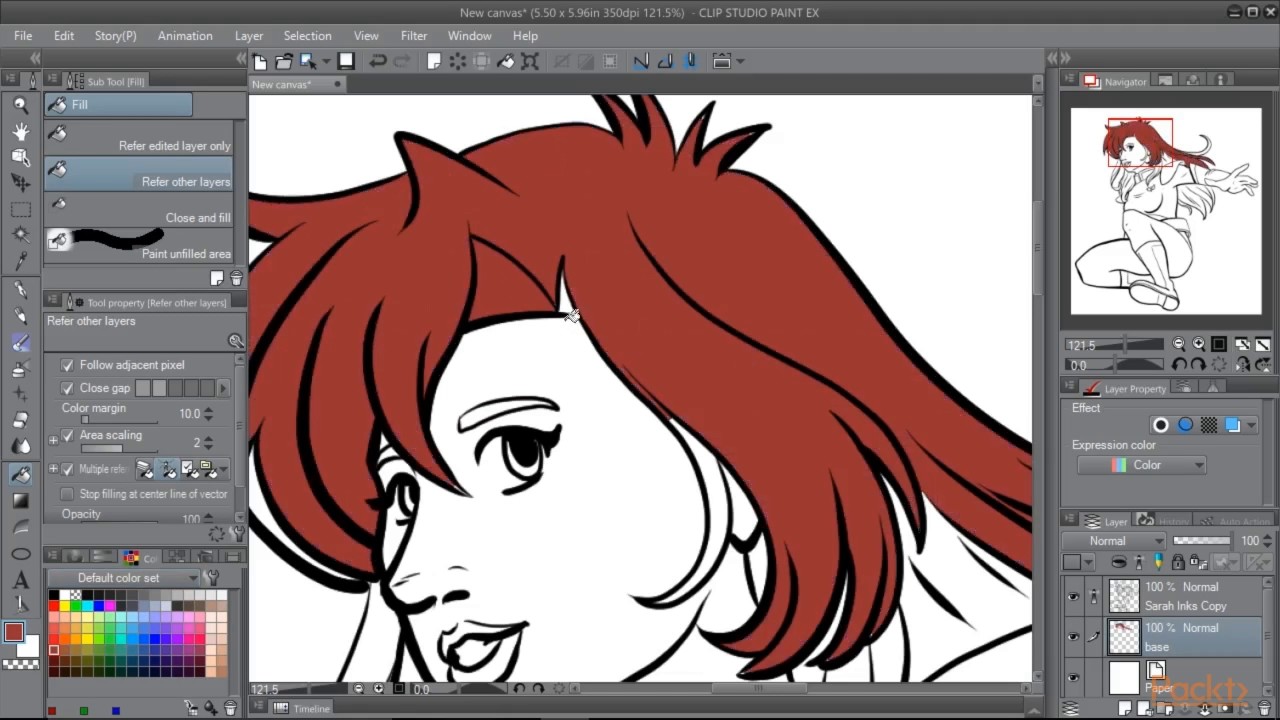
In this video I show you how to use some of the special options in manga studio 5/clip studio paint to make your flats layer for coloring more quickly. A flat is a layer of different colors under your art that is used primarily for selection of large blocks of a piece (like a face or a hand). So that when you have a bunch of other layers but want to get back to just that hand, you can do it using the flats layer. I use a couple of tools in this video including area scaling, reference layers, and a brush feature called "anti-overflow" to make this a more painless process.
Special thanks to Dan Hale for the lineart that I used in this video. Here's his website and the comic this page was from:
http://www.thedanhale.com
http://www.emptygravecomic.com/
My website: http://www.edwardwitt.com
Twitter: / edwardwittart
Instagram: / edwardwittart
My Suggestions for Gear (Note if you purchase from this list I get a small commission): https://www.amazon.com/shop/edwardwit...
Повторяем попытку...

Доступные форматы для скачивания:
Скачать видео
-
Информация по загрузке: