Archicad Tutorial
Автор: Shoegnome Architects
Загружено: 2026-03-09
Просмотров: 88
Описание:
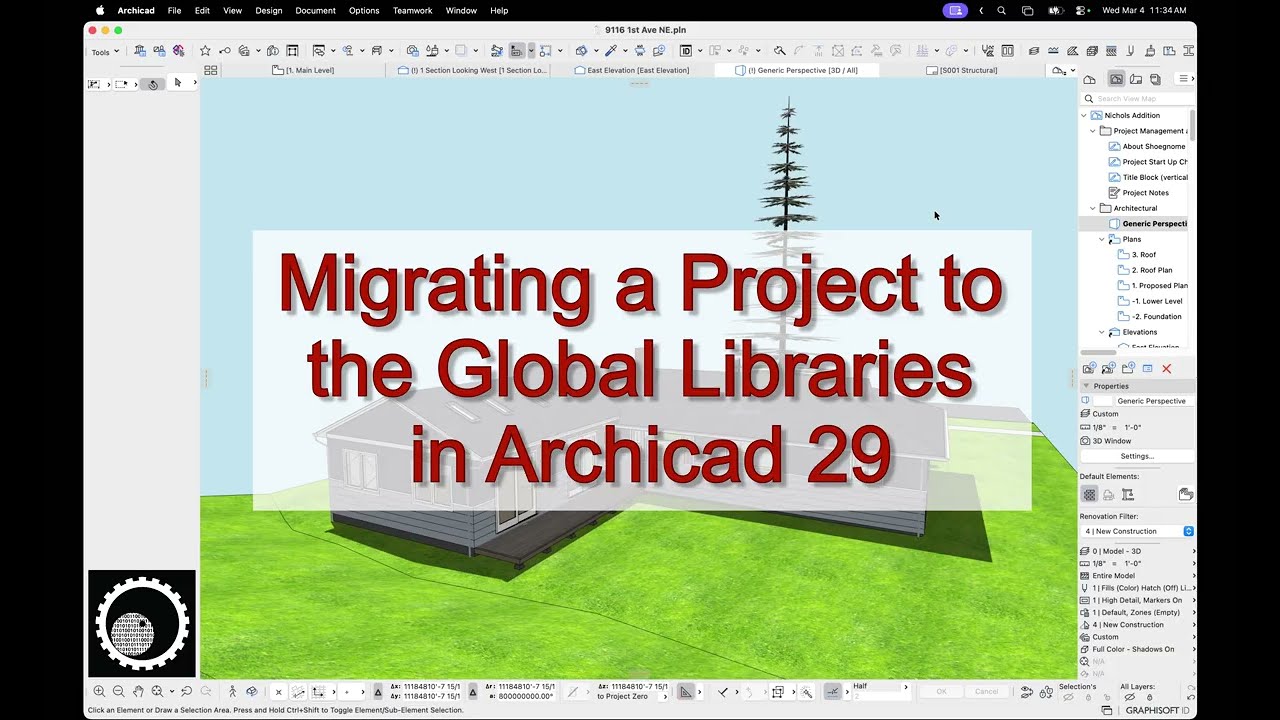
I measured a house in 2020 and designed an addition to it that was built in 2021. The work was done in Archicad 24. In 2026 the client hired me to do a larger remodel/addition to the rest of the house. It seemed like a perfect opportunity to migrate the project to my Archicad 29 template and replace the old USA Library with the Global Libraries. The video below covers much, but not all of my process. There were too many little steps to remember everything.
I share some additional advice in the accompanying blog post, so make sure to check that out too:
https://shoegnome.com/2026/03/09/migr...
00:00 intro
01:50 looking at the Library Manager in the original file
02:40 looking at the migrated model
03:08 starting with a clean file
03:36 moving everything on the basement story
05:33 using Design Options to manage the migration
06:06 moving elements layer by layer
07:24 dots from missing labels
08:02 example of Object migration: trees
09:35 migrating Walls: doors and windows are a pain
11:48 duplicate Objects in the Embedded Library
12:33 Attribute Palette to clean up Attributes
13:51 recreating placed Objects when necessary
15:40 other things
16:10 moved, not moved, and turned into 2D Design Options
18:04 elements in Sections and Elevations
19:40 save all the models!
19:58 outro
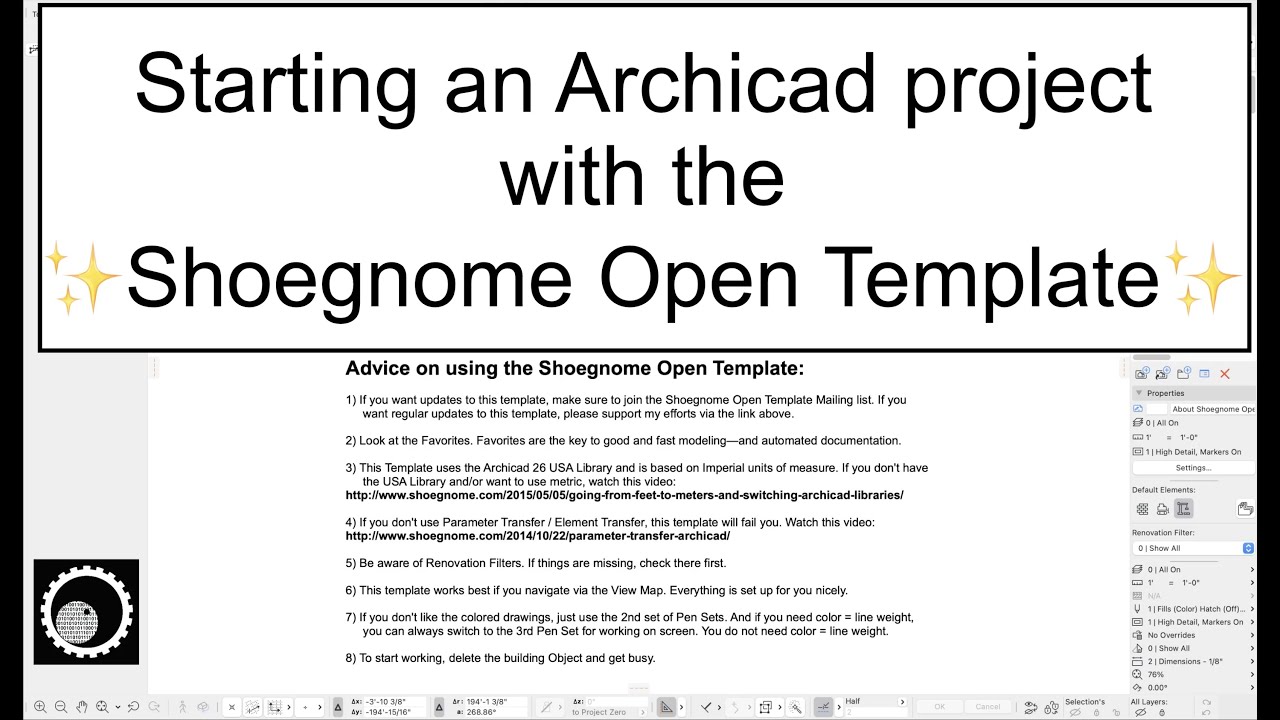
This video was created using the Shoegnome Open Template v29 for Archicad 29 and the Shoegnome Work Environment for Archicad 29. Links below:
http://www.shoegnome.com/template/
http://www.shoegnome.com/work-environ...
As always the template and work environment are free; a good Archicad template (and work environment) is too important to horde. If you want to click the PayPal button on the template or work environment pages to support my endeavors and encourage future development, that's wonderful. Whenever people do that, it makes my day.
Повторяем попытку...
Доступные форматы для скачивания:
Скачать видео
-
Информация по загрузке: