ycliper

Популярное

Музыка Кино и Анимация Автомобили Животные Спорт Путешествия Игры Юмор

Интересные видео

2025 Сериалы Трейлеры Новости Как сделать Видеоуроки Diy своими руками

Топ запросов

смотреть а4 schoolboy runaway турецкий сериал смотреть мультфильмы эдисон
Скачать

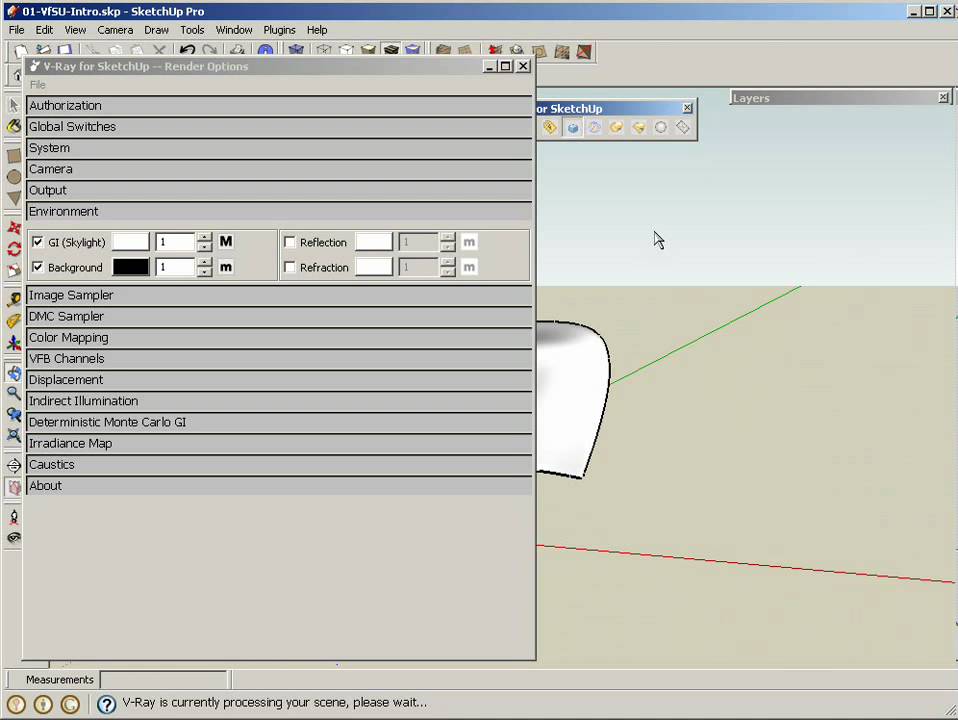
Illumination Part 3 - The Complete V-Ray Rendering Process

V-Ray

VRay

SketchUp

Illumination

HDRI

Render

Basics

Автор: asgvis

Загружено: 2010-12-06

Просмотров: 79970

Описание: Video 4 of the series.

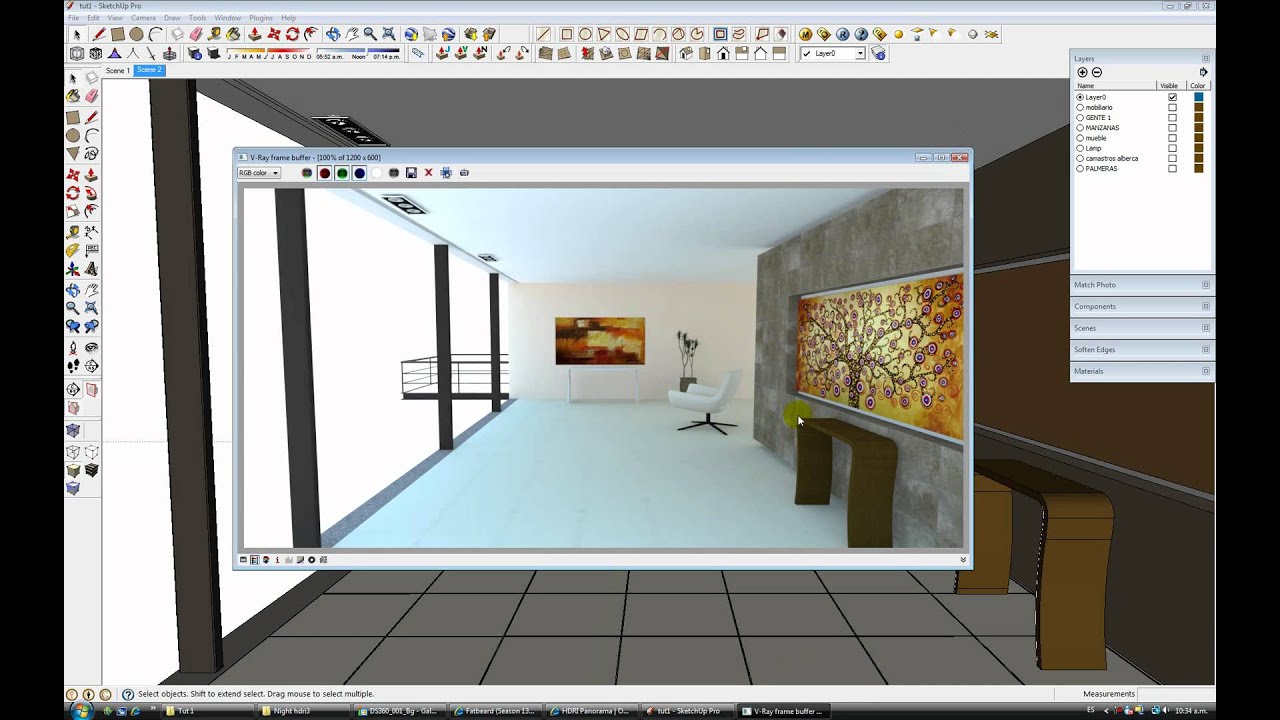
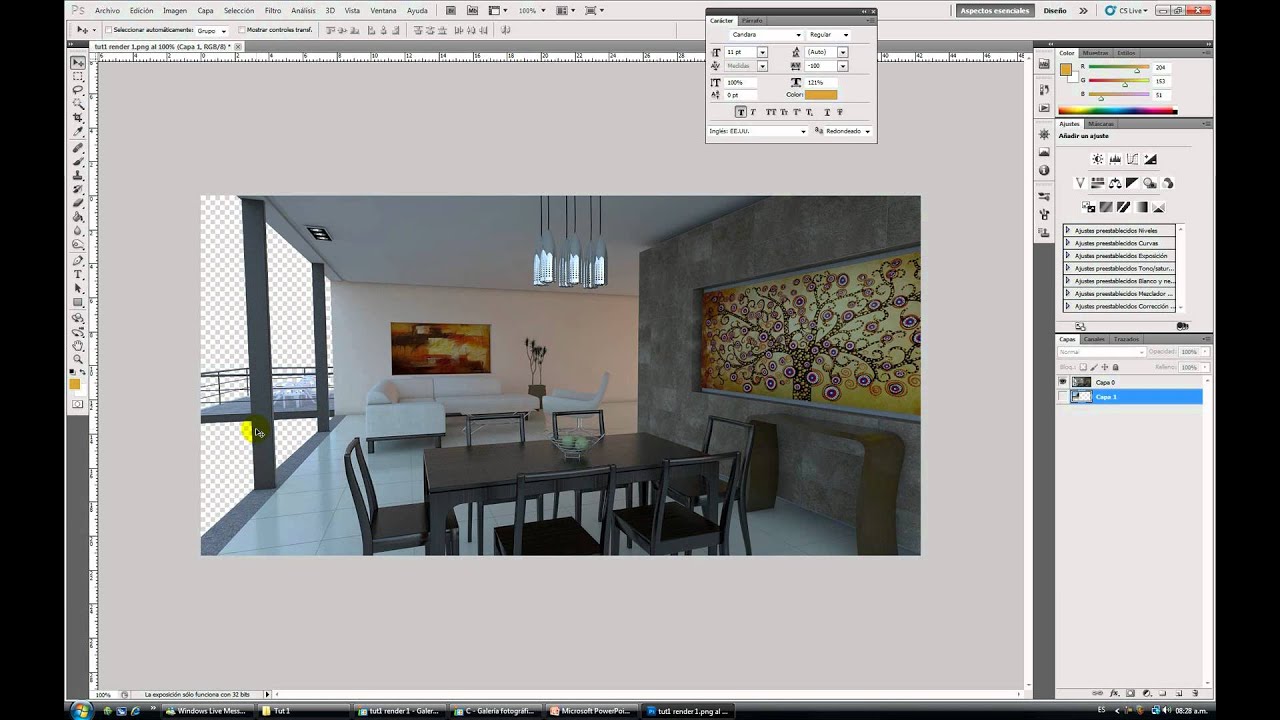
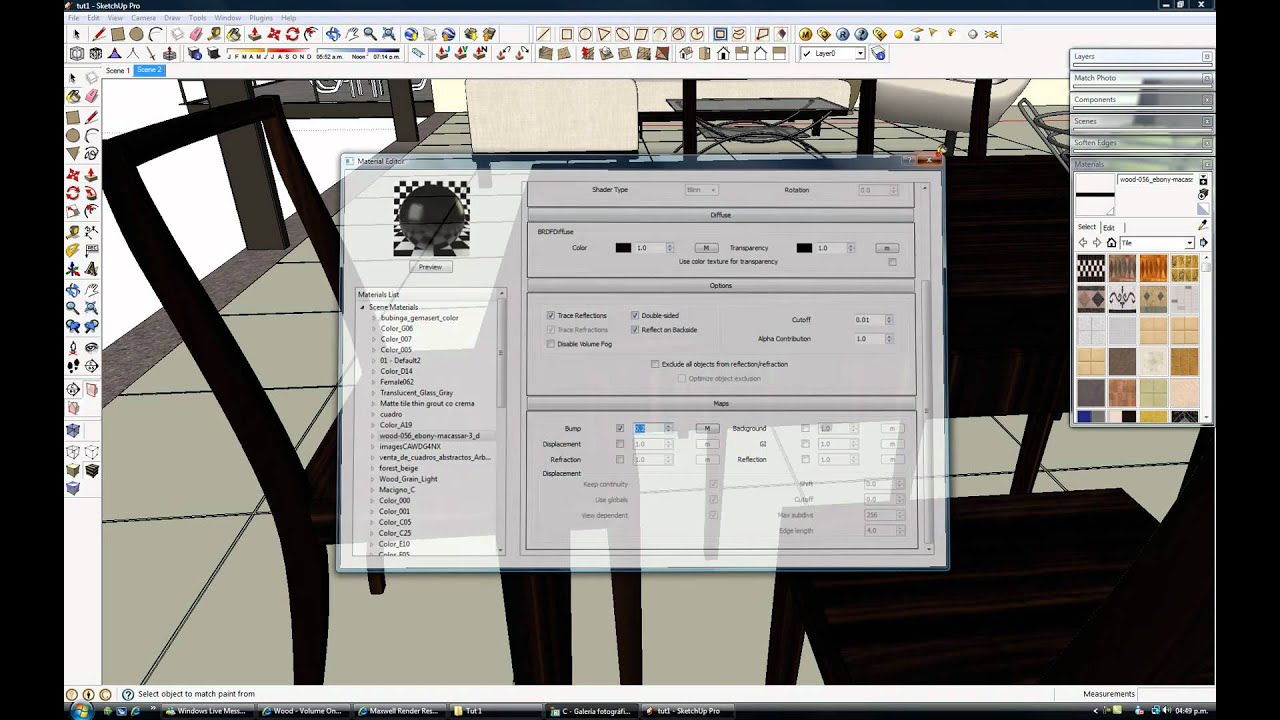
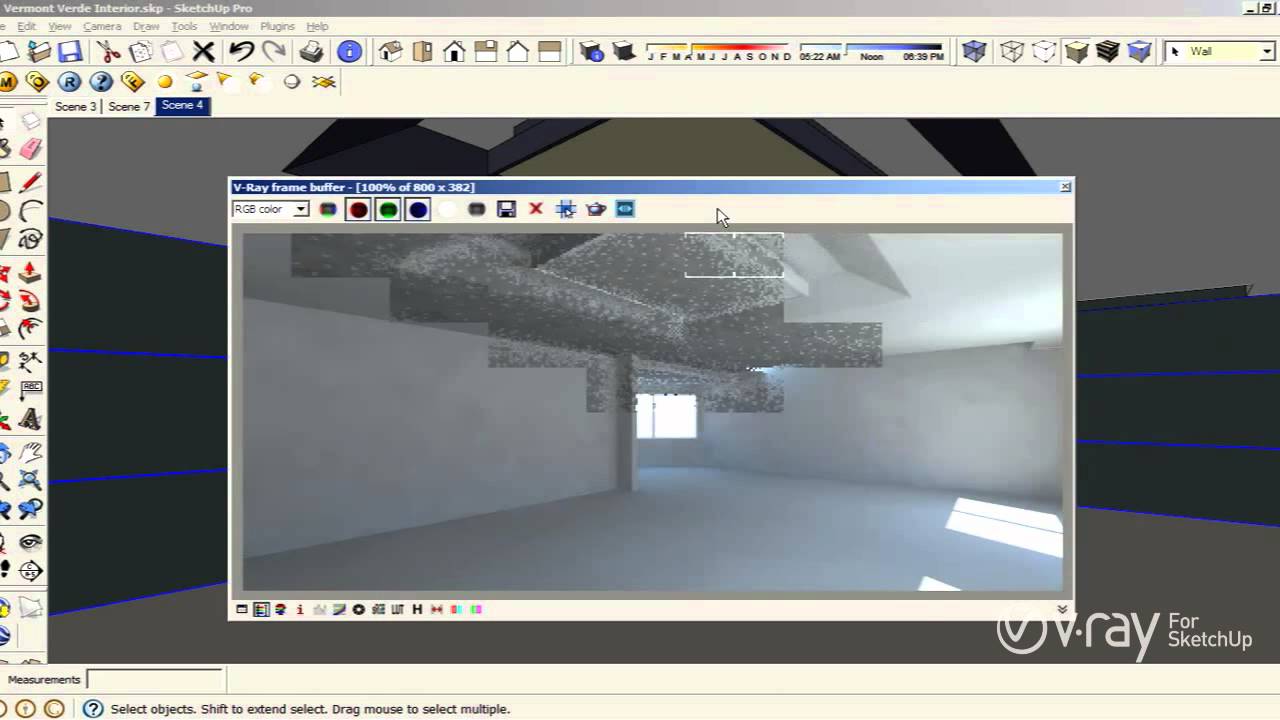
Omar Estevez wanted to help new V-Ray for SketchUp users learn basic V-Ray skills, so he created a series of tutorials that explain the complete rendering process from start to finish.

The videos are divided into three major categories, Illumination, Materials, and Post Production, with ten videos total.

In Illumination parts one, two, and three, Omar explains how to illuminate the interior scene with an HDRI, how manipulate the HDRI to get the desired light orientation, and the V-Ray setting for testing purposes.

Omar also shared his V-Ray materials and V-Ray for SketchUp practice scene file with us for you to download for free. They're all available in the DOWNLOADS section of our site.

Download these materials and scene file now!
http://bit.ly/ga3MoD

Не удается загрузить Youtube-плеер. Проверьте блокировку Youtube в вашей сети.
Повторяем попытку...
Illumination Part 3 - The Complete V-Ray Rendering Process

Поделиться в:

Доступные форматы для скачивания:

Скачать видео

  • Информация по загрузке:

Скачать аудио

Похожие видео

Illumination Part 1 - The Complete V-Ray Rendering Process

Illumination Part 1 - The Complete V-Ray Rendering Process

Illumination Part 2 - The Complete V-Ray Rendering Process

Illumination Part 2 - The Complete V-Ray Rendering Process

Post Production Part 1 - The Complete V-Ray Rendering Process

Post Production Part 1 - The Complete V-Ray Rendering Process

Interior Illumination - V-Ray for SketchUp & V-Ray for Rhino

Interior Illumination - V-Ray for SketchUp & V-Ray for Rhino

Post Production Part 2 - The Complete V-Ray Rendering Process

Post Production Part 2 - The Complete V-Ray Rendering Process

ОБХОД ВСЕХ БЛОКОВ👍 БЕСПЛАТНОЕ ПРИЛОЖЕНИЕ БЕЗ РЕКЛАМЫ! ОБХОД БЛОКИРОВОК Ютуб, Телеграм, Ватсап!

ОБХОД ВСЕХ БЛОКОВ👍 БЕСПЛАТНОЕ ПРИЛОЖЕНИЕ БЕЗ РЕКЛАМЫ! ОБХОД БЛОКИРОВОК Ютуб, Телеграм, Ватсап!

How to use HDRI and sun settings

How to use HDRI and sun settings

Materials Part 2 - The Complete V-Ray Rendering Process

Materials Part 2 - The Complete V-Ray Rendering Process

Rendering a Saxophone

Rendering a Saxophone

SketchUp: Mapping photo textures to curved surfaces

SketchUp: Mapping photo textures to curved surfaces

V-Ray for SketchUp - Interior Illumination - tutorial

V-Ray for SketchUp - Interior Illumination - tutorial

[ Vray for Sketchup ] Making of night view Exterior Part 1 Lighting

[ Vray for Sketchup ] Making of night view Exterior Part 1 Lighting

V-Ray Caustics

V-Ray Caustics

V-Ray Materials Part 2, The Refraction Layer

V-Ray Materials Part 2, The Refraction Layer

Google Sketchup Tutorial 11- Vray Exterior animation-English

Google Sketchup Tutorial 11- Vray Exterior animation-English

V-Ray for SketchUp Tutorial - Sun & Sky - Beginner

V-Ray for SketchUp Tutorial - Sun & Sky - Beginner

Google Sketchup Tutorial 08-Creating VRay Material (English)

Google Sketchup Tutorial 08-Creating VRay Material (English)

10 Tips for a REALISTIC Interior Rendering in V-Ray

10 Tips for a REALISTIC Interior Rendering in V-Ray

V-Ray for SketchUp Materials Bump Displacement

V-Ray for SketchUp Materials Bump Displacement

Omni Lights

Omni Lights

© 2025 ycliper. Все права защищены.


  • Контакты
  • О нас
  • Политика конфиденциальности


Контакты для правообладателей: [email protected]