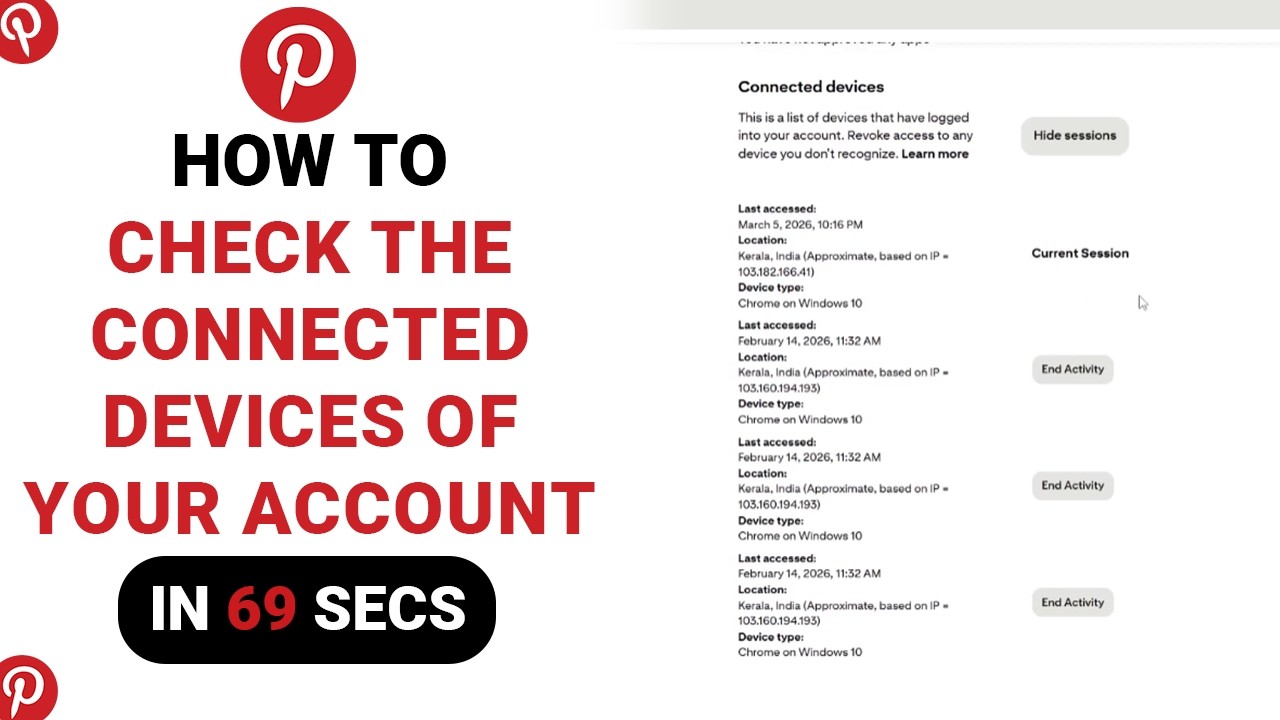
How to Check The Connected Devices Of Your Account on Pinterest [NEW]
Автор: Kunjumani KTU
Загружено: 2026-03-05
Просмотров: 192
Описание: To check the connected devices and active login sessions on your Pinterest account in 2026, you can access the platform's built-in security dashboard to monitor where and when your account is being used. Open the Pinterest app and tap your profile icon in the bottom right corner, then tap the gear icon (Android) or three dots (iOS) in the top right to open Settings. Select Security and logins from the menu and scroll down to the section labeled "Connected devices" or "Show sessions"; tapping this will reveal a detailed list of all devices currently logged into your account, including information such as the device type (e.g., iPhone, Windows Chrome), IP address, and the approximate location of the last activity. If you notice any suspicious hardware or a location you don't recognize, you can immediately revoke access by tapping End session next to that specific entry, which instantly logs your account out of that device to prevent unauthorized use.
Повторяем попытку...
Доступные форматы для скачивания:
Скачать видео
-
Информация по загрузке: