Quik Video Editing App | How To Use Quik Video Editing App Tutorial In 2020 | Free Video Editing App
Автор: Digi Bharat
Загружено: 2020-04-19
Просмотров: 27917
Описание:
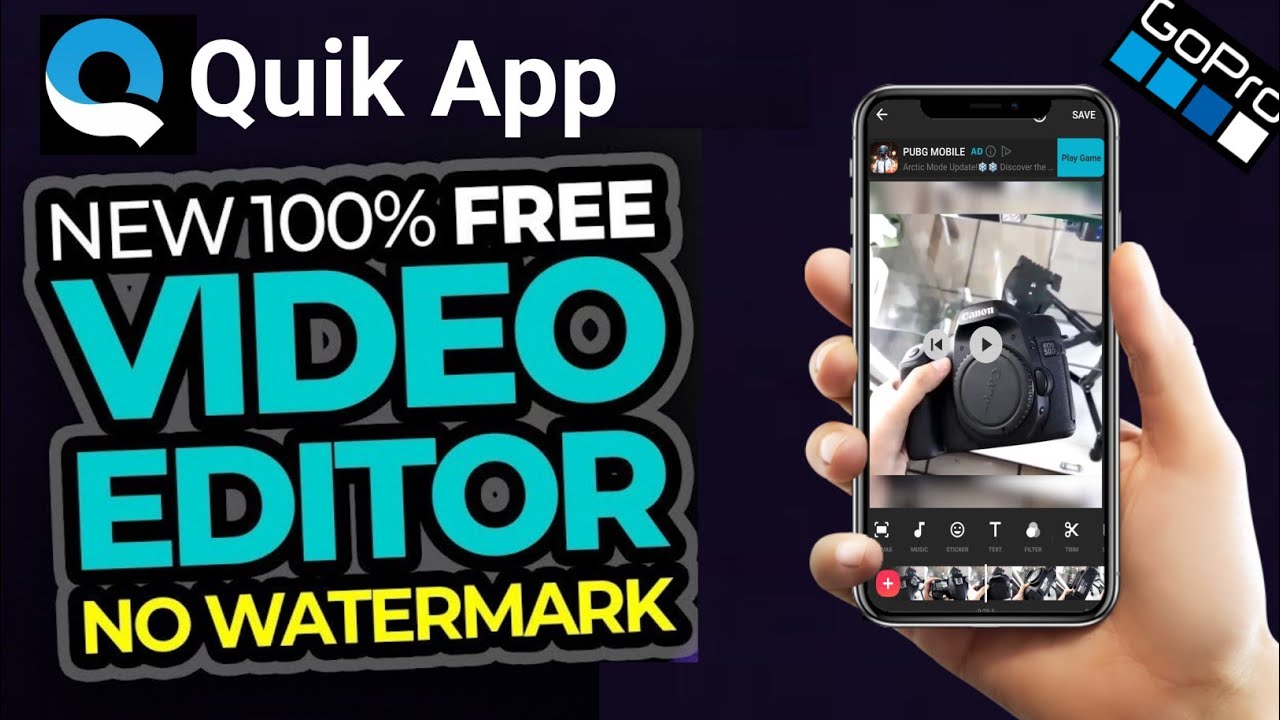
Quik – Free Video Editor for photos, clips, music. With the Quik app, you can create awesome videos with just a few taps. Choose your favorite photos and video clips then let Quik work its magic. In seconds, it finds great moments, adds beautiful transitions and effects, and syncs everything to the beat of the music. Customize your story with text, music and easily share it with friends. Editing has never been this fast—or this fun.
Key Features:-
ADD YOUR PHOTOS + VIDEOS
1. Add up to 75 photos and video clips from your Gallery, Albums, Google Photos, Dropbox, GoPro Plus or GoPro Quik Key. Quik even works with Motion Photos.
2. Quik gets data from your GoPro footage (smile, faces, voices, cheering, speed, jumps, water, panoramic and steady footage) and analyzes your videos to select great moments. It detects faces and colors to frame each photo perfectly. Adjust the layout or interest point manually.
3. Want to select your own moments? Use HiLights to tag the best footage.
CHOOSE YOUR THEME
1. Choose from 23 themes, each with transitions and graphics designed for any occasion.
2. Adjust the font, filters and graphics to fit your style.
CUSTOMIZE YOUR VIDEO
1. Easily reorder, trim and rotate photos and video clips.
2. Personalize your story with text overlays and title slides. You can even add emojis :)
3. Let Quik do its magic with Smart Cuts or use full video clips.
4. Speed up footage or play it in Slo-Mo.
5. Add GPS Stickers to show how fast you were going.
6. Quik automatically turns on the audio when it detects voices.
7. Choose cinema, square or portrait formatting for easy sharing on Instagram or Snapchat.
8. Set a duration for photos and titles - Quik adjusts the cuts and transitions automatically.
PICK THE PERFECT SOUNDTRACK
1. Choose from more than 100 free songs or use a song from your own collection. Quik supports MP3, M4A, MP4, MOV, AAC, FLAC, AIFF and WAV.
2. Start your soundtrack at any point in the song.
3. Quik automatically syncs transitions to the beat of the music.
SAVE + SHARE YOUR VIDEO
4. Save videos in gorgeous HD 1080p or 720p—even in buttery-smooth 60 fps.
5. Share to Instagram, Facebook and more, or send a private Quik link via text or email.
6. With GoPro Plus, your shared videos are saved as Shared Links in your Plus account.
7. Need more time to edit? Save projects as drafts and Quik will keep them for 7 days.
VIDEOS MADE FOR YOU
1. Relive the day with Flashbacks 24H—ready-to-watch videos of your adventures created from your last 24 hours of footage.
QUIK STORIES
1. Quik works with the GoPro App to bring you QuikStories—awesome videos made automatically with media shot within the last 72 hours.
Camera Compatibility
Fusion (Quik only supports Fusion clips exported in OverCapture mode. It doesn't support full 360° videos)
HERO8
HERO7
HERO6
HERO5
HERO (2018)
HERO4
HERO Session
HERO3+
HERO3
HERO+
Also supports photos + videos captured with your phone or other devices.
Footnotes
[1] Compatible with HERO7 Black.
[2] Compatible with HERO6 Black.
[3] Compatible with HERO5 Black.
[7] Compatible with HERO8 Black.
Topics Cover In This Video Are:-
1. How do I edit a video on mobile?
2. How do I use Quik video editor on android?
3. Which app is best for video editing?
4. Is Quik free?
5. How do I use Quik video editor?
6. Can I edit GoPro videos on my phone?
7. Is GoPro studio the same as Quik?
8. How long can Quik videos be?
9. Is Quik only for GoPro?
10. Can you edit GoPro videos on Android?
11. What is the easiest video editing software for beginners?
12. What is the best app for GoPro editing?
13. What is the best free video editing software for GoPro?
14. Can GoPro Quik make longer videos?
15. Can you make videos longer than 60 seconds in GoPro Quik?
#Quik #QuikApp #QuikAppReview #QuikAppReviewIn2020 #QuikVideoEditingApp #QuikVideoEditingAppReview #QuikVideoEditingApp2020 #QuikVideoEditingAppReviewIn2020 #DigiBharat
Affiliate Link:
Best Collor Mic:
BOYA Lavalier Microphone: https://amzn.to/38ygg3o
Camera For New Youtuber:
NIKON COOLPIX P1000: https://amzn.to/2SxD8KK
Nikon D3500 DX-Format DSLR : https://amzn.to/3bGNuj1
Tripod For Camera:
Digitek DTR 550LW Professional Tripods for Cameras: https://amzn.to/2Su2ysF
Laptop For New Youtuber:
Lenovo Ideapad S145 Laptop 8th Gen: https://amzn.to/38A3Jwj
Green Cloth For Background:
Camrox 8x12 Feet Background: https://amzn.to/2HtvPNU
Soft Light For Youtuber:
HARISON Quadlux Mark II Double Kit: https://amzn.to/39zNDmk
Headphone For Editing Or Gaming:
Cosmic Byte GS410 Headphones: https://amzn.to/37w9Ccv
Speaker For Audio:
Zebronics BT6860RUCF 5.1 Bluetooth Speakers: https://amzn.to/38xEpqP
FOLLOW ON INSTAGRAM:- / thedigibharat
LIKE MY FACEBOOK PAGE:- / thedgbharat
FOLLOW ON TWITTER:- / digibharat1
Join Telegram Channel :- t.me/digibharat
Повторяем попытку...
Доступные форматы для скачивания:
Скачать видео
-
Информация по загрузке: