MoxiWebsite Custom homepage setup
Автор: Century 21 Jordan-Link & Co.
Загружено: 2026-01-19
Просмотров: 103
Описание:
This training walks agents through quickly setting up a polished Moxi website using a prebuilt homepage template. First, log into Moxi by going to myMoxi.21.com (it will route you through 21online if needed). If your photo, bio, phone, or socials are incorrect, they must be updated in DASH—email Bob and it will sync within 24 hours.
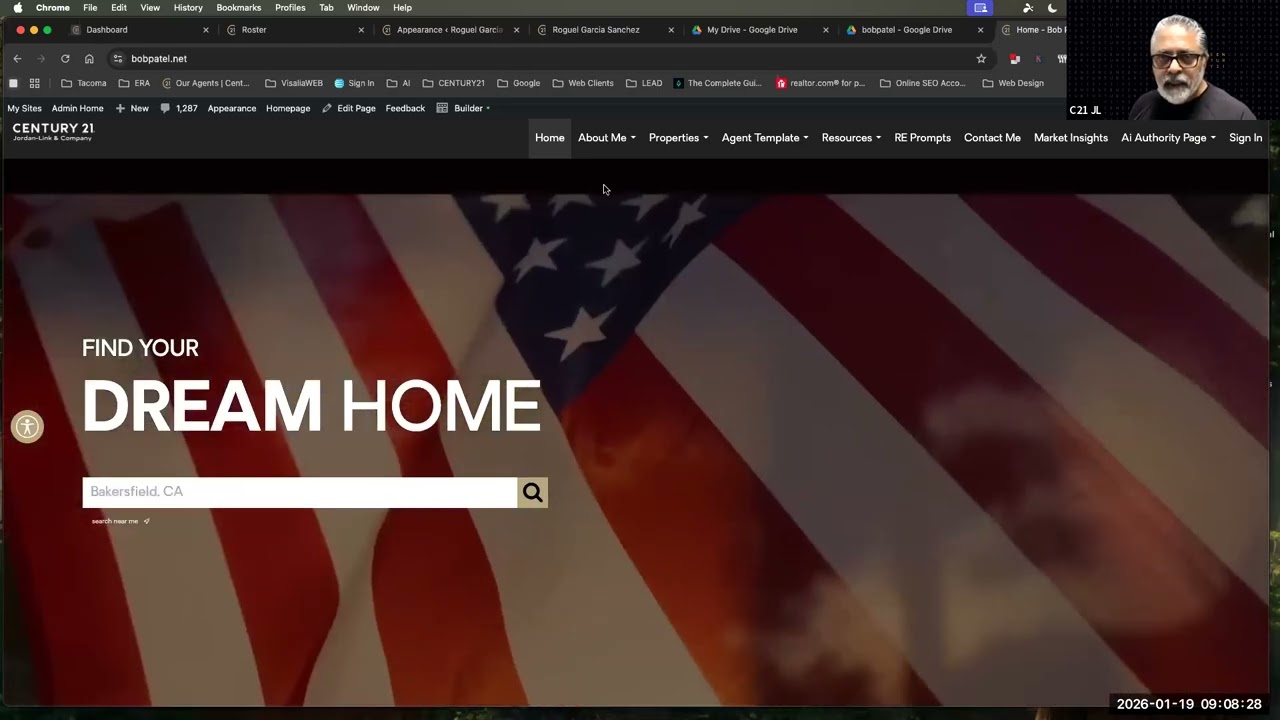
To build the custom homepage, download the provided template file (don’t open it). In Moxi Admin, go to Tools → Import → WordPress Importer, upload the file, assign it to yourself, and check “download attachments.” Next, create a new Custom Page called Home, open it in Builder, and load the saved template.
Update the footer contact info (name, license, phone, email, office address). Replace the profile image using remove.bg or Canva, then adjust padding to position it cleanly. Create “Featured Properties” by searching listings using your ideal price range, sort by Days on Market, copy the URL, then add it under Custom Search and assign it to the homepage widget.
Finally, set Appearance → Homepage Layout to your custom Home page, customize the footer, move Home to the front of the menu, and unblock search engines by unchecking “discourage indexing.” Share listings often to drive traffic back to your site.
Template File Link: https://drive.google.com/file/d/1L09a...
Повторяем попытку...
Доступные форматы для скачивания:
Скачать видео
-
Информация по загрузке: